Using a mouse exclusively can become too clinical, especially when trying to give your music a more organic feel. To overcome this obstacle, we’re checking out some of the best DAW controllers for your home studio setup.
Key Facts about DAW Controllers:
- DAW controllers offer tactile, hands-on control using faders, knobs, and buttons, speeding up your workflow and giving you access to key functions like plugin parameters and automation.
- Using physical controls is more intuitive, so creating smooth, organic automation curves across multiple channels is often easier than it would be with a keyboard and mouse.
- There is a wide scope of controllers available, ranging from basic to advanced. Some may have only a single fader, a few knobs, and transport controls, while others offer far more extensive DAW integration.
- Not every DAW workflow is identical, so compatibility is essential. Controllers use protocols such as MCU, HUO, and MIDI, as well as proprietary integration, so ensure you know a device is supported and suitable for your workflow before purchasing.
In this Article:
We’ve discussed various DAW systems previously, but external controllers become a considerable investment. So the first thing to think about when deciding which one to go with is looking at what exactly you are planning to control. Is it your DAW’s transport controls? Faders? Or plug-ins?
To be even more certain, it helps to know what kind of DAW user you are. As a mix engineer, for example, you’re probably going to be looking at something with 8 motorized faders and perhaps plug-in controls at a later stage.
- How to use DAW Automation
Choosing the Best DAW Controllers
Alternatively, a live musician will benefit from adding clip launch functionality with a button grid while post-production editors love jog wheels with high sensitivity for scrubbing back and forth when working with video footage.
Touchscreen controllers aren’t for everyone. However, iPads can be extremely versatile, allowing you to flip between multiple apps and offering almost seamless integration in some cases. So solutions like Logic Remote and Hexler TouchOSC are worth checking out.
Control Protocols
It’s important to note that controllers use 3rd-party protocols and some DAW developers manufacture their own DAW-specific controllers.
Let’s take a quick look at the most common controller protocols and their basic compatibility options:
- HUI (Human User Interface) supports Pro Tools, Cubase, Studio One, Reaper, and Digital Performer
- MCU (Mackie Control Universal) supports Pro Tools, Cubase, Studio One, Live, Digital Performer, Reason, FL Studio, Reaper, and Bitwig Studio
- EUCON (Extended User Control) supports Pro Tools, Cubase, Logic Pro X, Digital Performer, and Nuendo
- Other protocols like OSC (Open Sound Control) offer different advantages to MIDI CC, while native controllers might have their own specific protocols with excellent integration.
Find out which protocols are supported by your DAW, and remember not every controller offers plug-and-play functionality. Any controller could potentially work with any DAW, it just depends on how much time you have for creating your own custom mappings and trawling for controller templates online.
Now, we’ll dive into various available options and discuss some of the pros and cons in each case.
The Best DAW Controllers: PreSonus Faderport V2
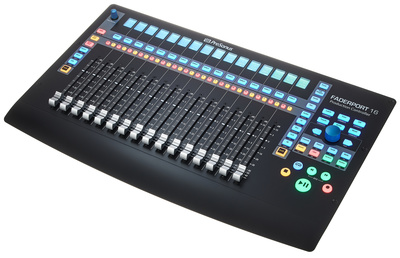
Even the most advanced DAW users sometimes only automate one fader at a time for accuracy. So the PreSonus Faderport V2 is a great compact option with a single motorized fader, transport controls, and a rotary encoder.
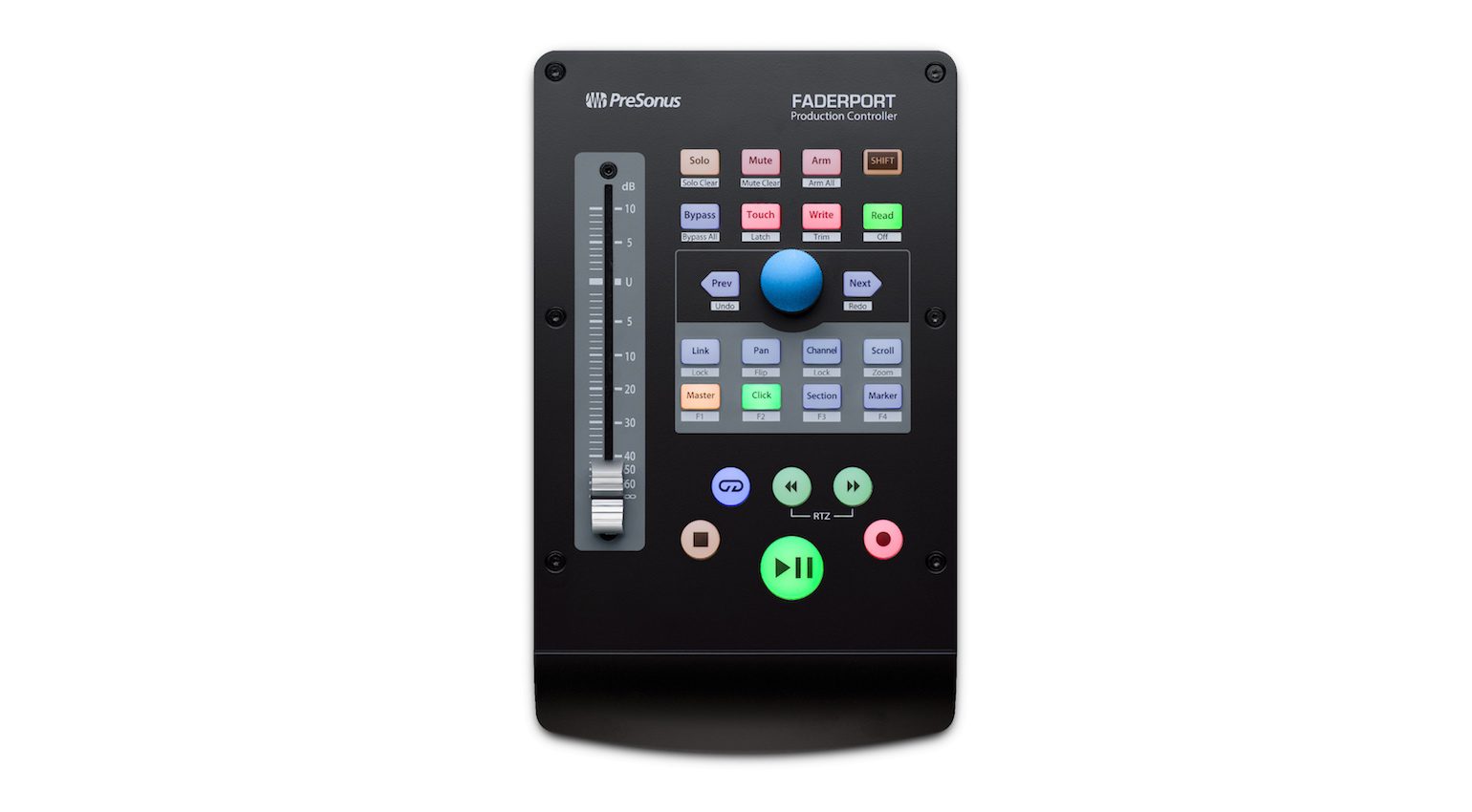
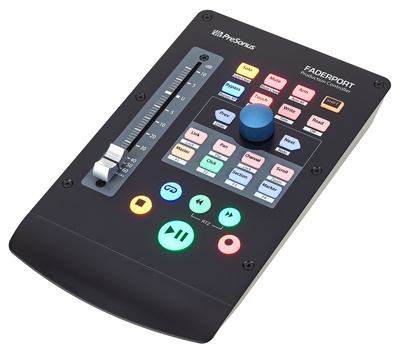
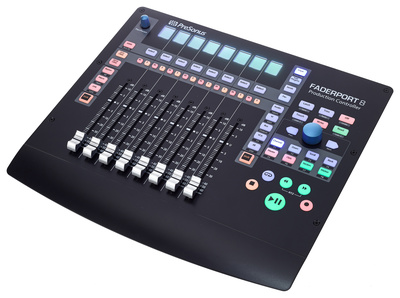
The Faderport is also available in 8-fader and 16-fader versions and offers seamless Studio One integration, as well as support for HUI and MCU protocols.
In addition, the Faderport connects via USB 2.0 and includes a footswitch port. Meanwhile, it’s powered with the included adapter.
- More from PreSonus


The Best DAW Controllers: Novation Launch Control XL 3
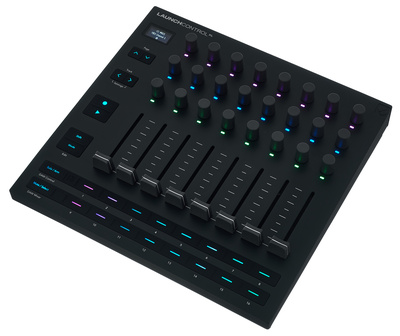
The Launch Control XL 3 is the latest version that makes this popular fader controller more robust and refined than ever. With eight smooth-action faders, 16 assignable buttons, and 24 rotary encoders, you have tactile control of all the major DAW software systems on the market.
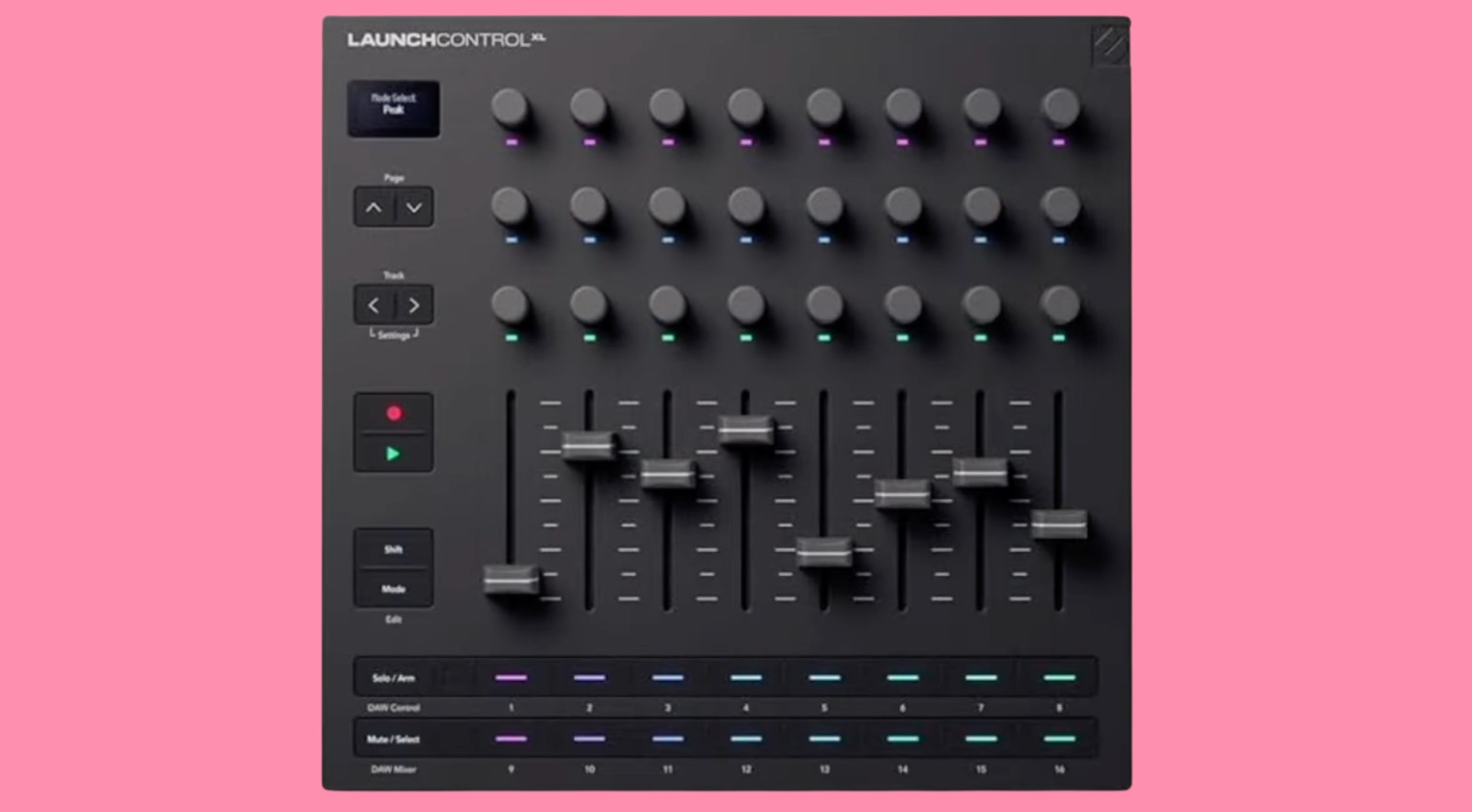
The controller connects to your computer via USB-C and has three 5-pin MIDI ports, a MIDI in, a MIDI out, and a combination MIDI out/thru port. This encourages you to not only connect the Launch Control XL to use with your favourite DAW, but also to use it with your hardware synthesizers, drum machines, and grooveboxes.
There is also a set of dedicated transport controls, and the useful OLED display will help you set up the controller with any DAW or device. Overall, the Launch Control offers a great deal of value for the price and now has a more solid construction, which makes it more roadworthy than ever. Get it at Thomann.*

The Best DAW Controllers: AKAI APC40 Mk2
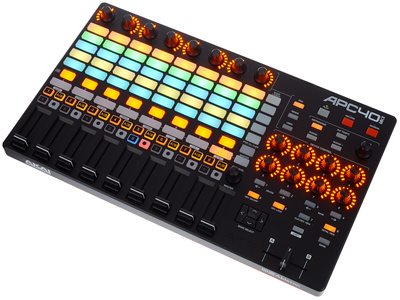
A trusted alternative to the Ableton Push controller, the APC40 Mk2 provides a portable, comprehensive solution for Ableton Live integration. The interface allows you to quickly bank across Live’s session view with the eight assignable faders and clip launch grid, giving you a complete overview.
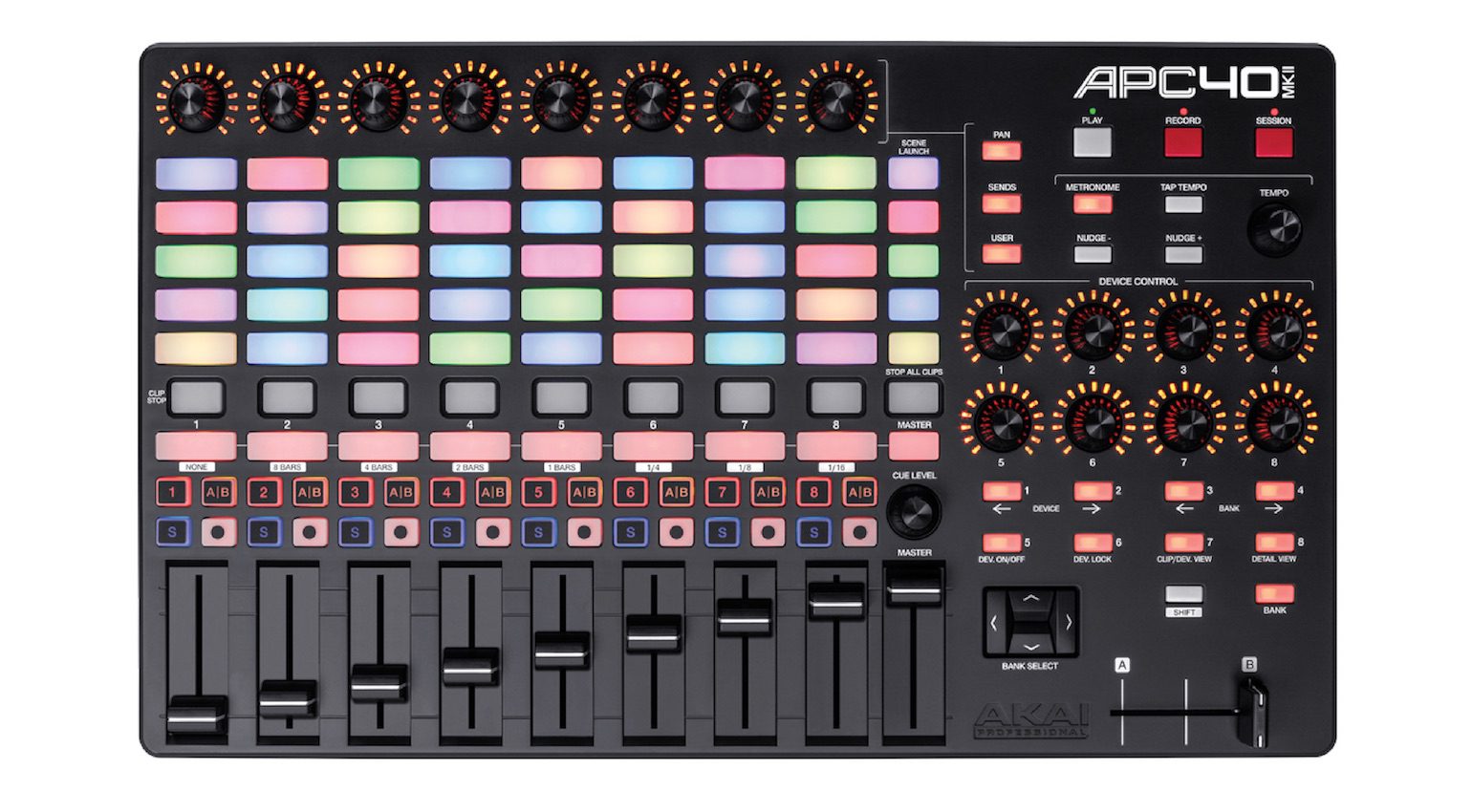
At the top of each channel, the encoders can select pan, sends, or a custom user assignment while the other eight encoders on the right of the console provide more extensive control of your instruments, racks, and effects.
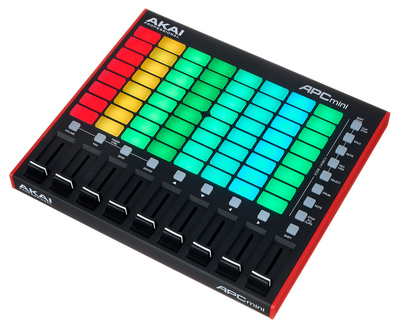
If you’re looking to use Live on stage or create your arrangements on the fly, the APC is a great option that really doesn’t require much expertise to reap the benefits. As an even more compact alternative, be sure to check out the APC mini!
- More from AKAI Professional

The Best DAW Controllers: Yamaha CC1
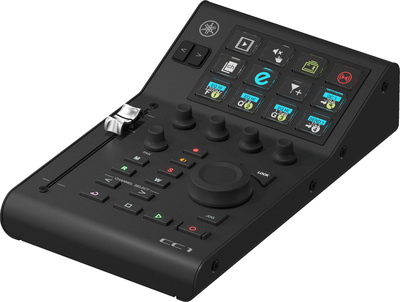
Introduced with an entire range of digital mixers and audio interfaces, the Yamaha CC1 is a compact desktop controller that is flexible enough for music production and content creation workflows. Its core integration functions allow you to pair it up with Cubase, Nuendo, Pro Tools, and OBS Studio, while the motorized 100 mm fader, four rotary encoders, and transport controls can be linked with most DAWs via the MCU and HUI protocols.
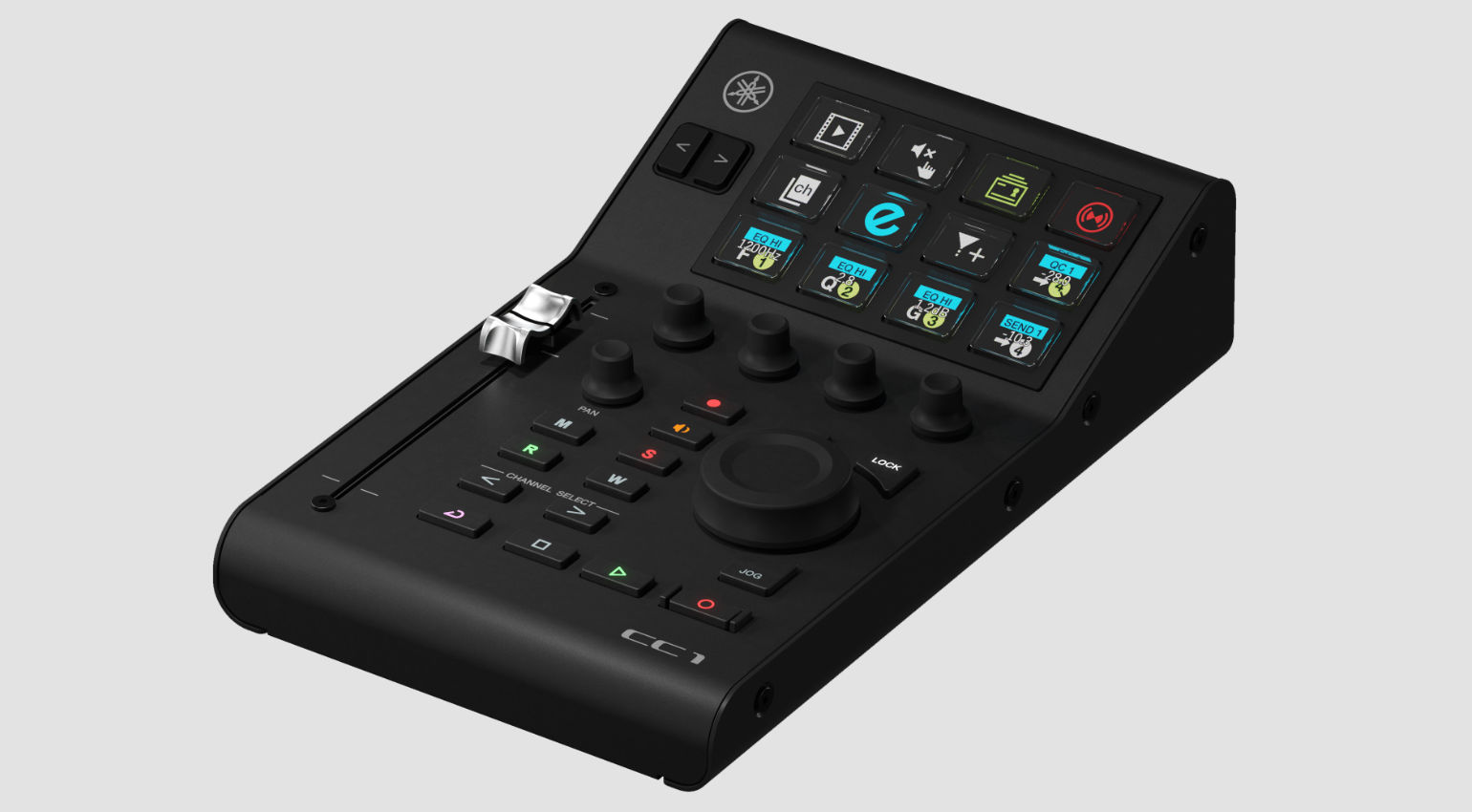
One of the most interesting features of the CC1 is the 12 assignable LCD buttons, which can be used to access key functions in your DAW. These controls use Elgato Stream Deck, so the software needs to be running in the background to enable this functionality, allowing you to customize them to suit your workflow and include non-DAW functions too.
The CC1 is ideal for basic DAW control, but it also opens up possibilities for content creation and live streaming, where you can truly benefit from having immediate access to some of the most frequently used functions in your workflow. With Stream Deck support, you can scale your setup with other Elgato controllers, and the features will also improve with each firmware update. Get it at Thomann.*

The Best DAW Controllers: Ableton Push 3
For more than a decade now, the Push has been the ultimate platform for interacting with Ableton Live. Now in its 3rd generation, the design of the Push is centered around its MPE-enabled 64-pad matrix, with pressure sensitivity and XY detection for expressive performance control. Also, the distinctive colour display with eight rotary controllers and a multifunction jog wheel makes navigation easy.
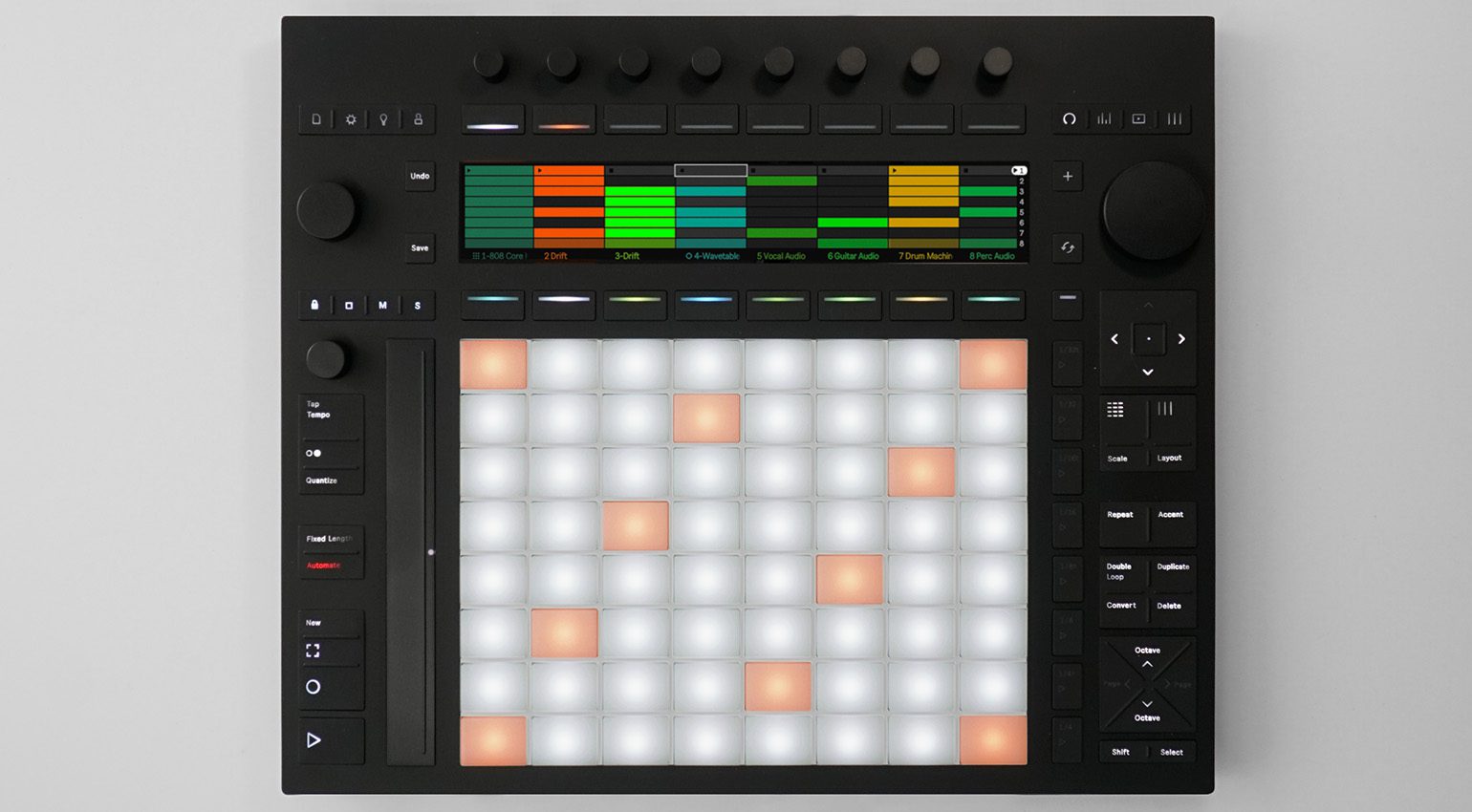
The Push controller is also equipped with an audio interface, so you can connect headphones, audio, and MIDI devices. There are no mic preamps or XLR inputs, but you can connect a preamp expander via ADAT, or simply use an external preamp or mixer to connect to the Push via its TRS inputs. Meanwhile, the sustain pedal inputs can also be configured as four CV outputs, which is useful for Eurorack users.
The Push is also available as a standalone music production station, and you can upgrade your Push 3 controller to add this functionality at any stage. The only drawback is that you won’t have access to any 3rd-party plugins in standalone mode, and there is no arrangement view feature. Get it at Thomann.*

The Best DAW Controllers: Behringer X-Touch
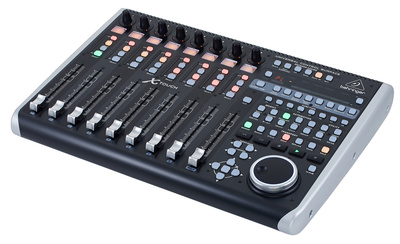
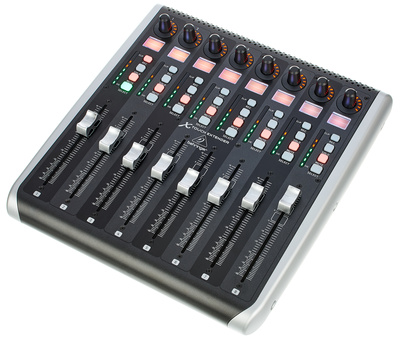
Behringer has a great reputation for building DAW controllers with a wide range of compatibility options, and the X-Touch is a perfect example of this. The 8-fader interface, with transport controls and a large jog wheel, provides access to all the core DAW operations.
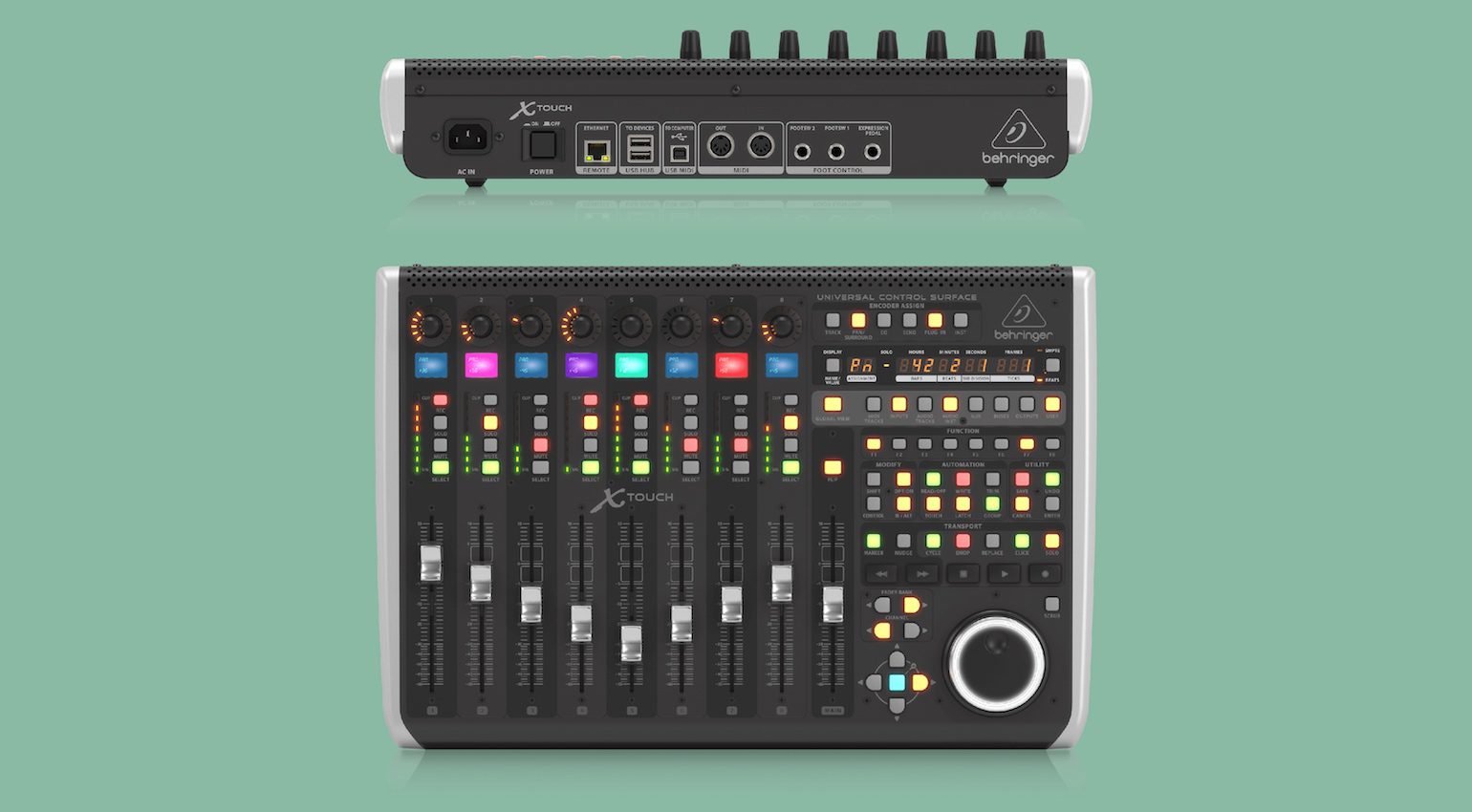
Meanwhile, the connectivity options are extensive, with ethernet, MIDI I/O, and a USB hub. In addition, both HUI and MCU protocols are supported, as well as RTP (Real-time Protocol) MIDI and X32 remote control via ethernet.
Overall, the X-Touch is a versatile tool for the price that offers expandability, with applications in both studios and live music environments.
- More from Behringer

The Best DAW Controllers: Faderfox
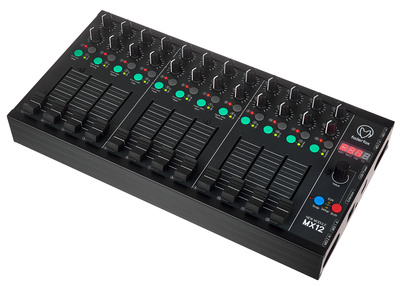
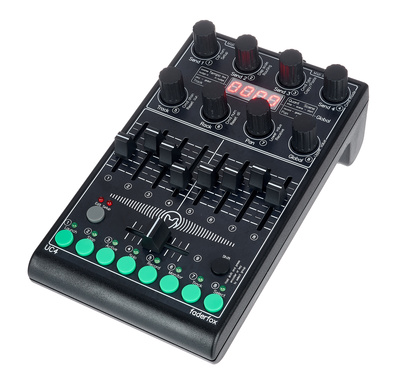
If you go to an electronic music festival, chances are there will be at least one musician with a Faderfox controller using it to control Ableton Live, NI Traktor, Serato DJ, or a piece of hardware in their live rig. While many controllers you’ll find on the market get their strength from being designed for a single purpose or piece of software, Faderfox takes the more versatile route.
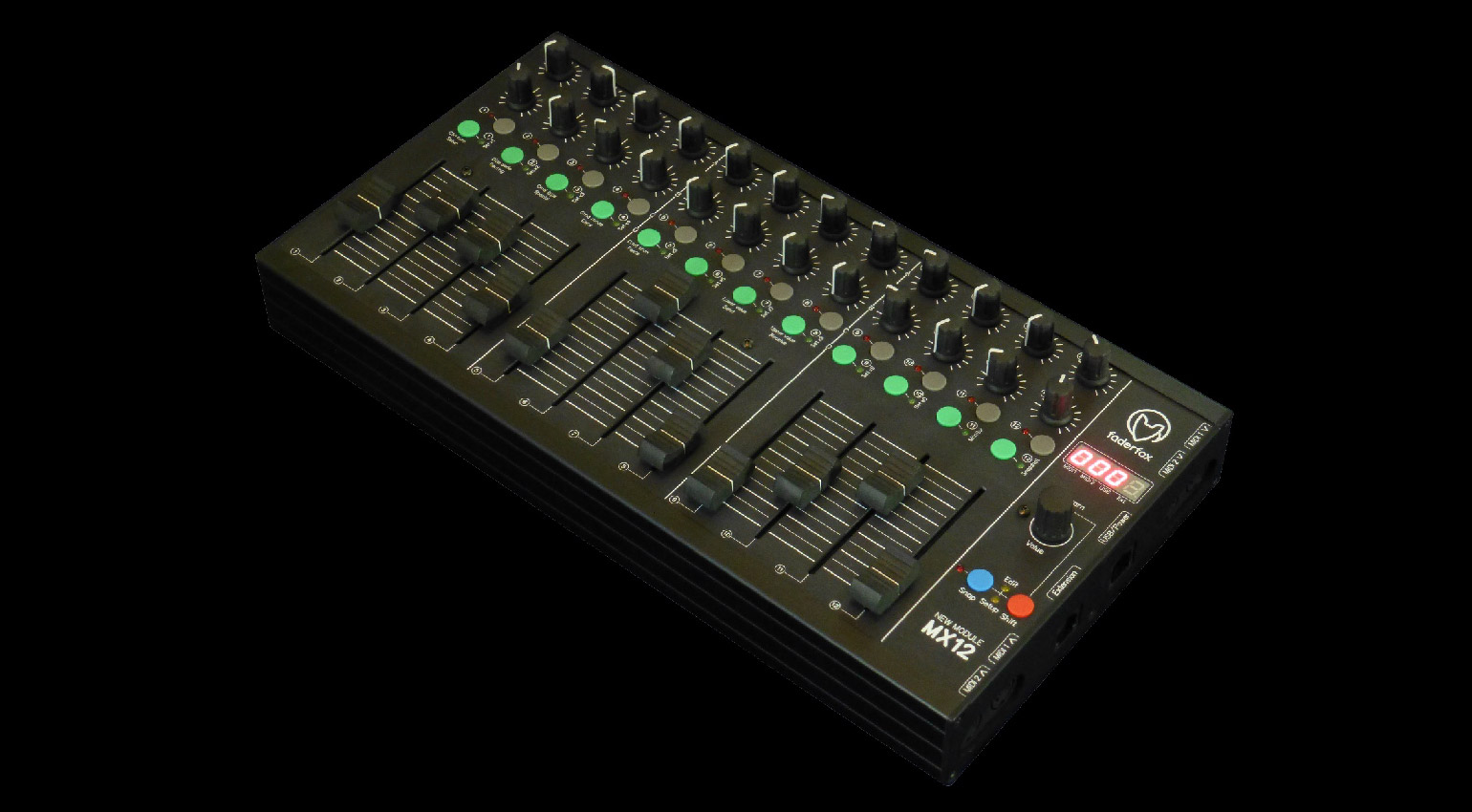
While they are quite pricey for controllers that don’t have motorized faders, they surely make up for it with the level of build quality through the rugged and distinctive black aluminium housings, and the level of customization, with an impressive amount of recallable mappings that you can use for different gear in your studio.
For the most part, the Faderfox controllers are built for portability and longevity. However, for those of us who don’t have endless desktop space in our home studios, they are an attractive prospect, and the manufacturer also offers custom controller builds if you have something particular in mind. Get it at Thomann.*

The Best DAW Controllers: Melbourne Instruments ROTO-CONTROL
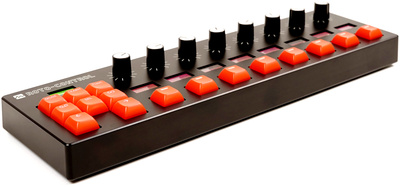
The ROTO-CONTROL brings a concept from Melbourne Instruments’ Delia and Nina synthesizers, and while paying over $400 for eight motorized knobs sounds excessive, there is a little more to the device than first meets the eye. For one thing, the encoders don’t just track and recall MIDI values for automation; they can also provide stepped parameter feedback.
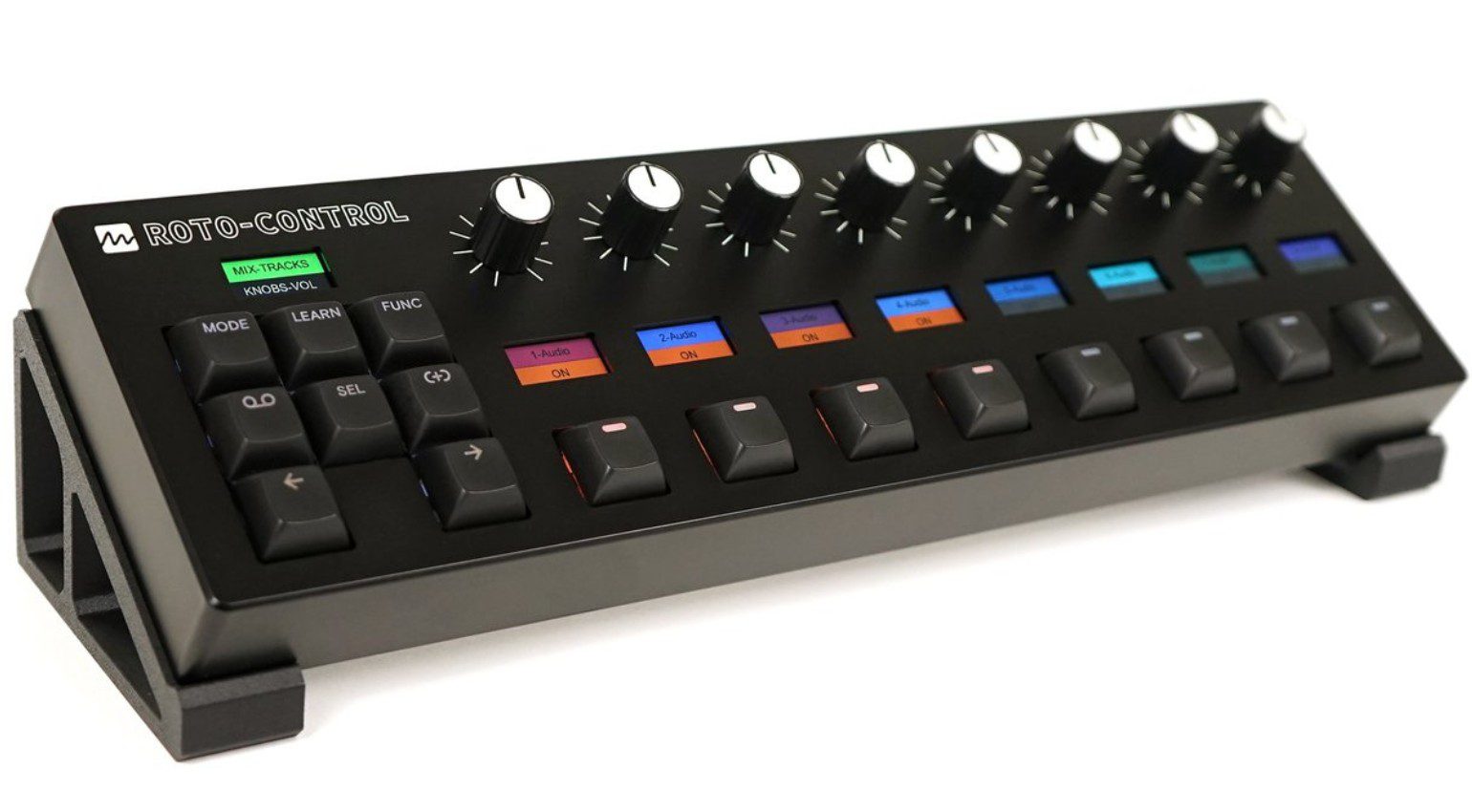
This means you can simulate the precise experience of adjusting the ratios on a compressor or switching effects on your favourite software instrument plugin. From the mechanical computer keyboard buttons to the nine tiny LC displays for labeling each parameter, Melbourne Instruments has taken care over each little detail to make the ROTO-CONTROL a true pleasure to use.
There is also Ableton Live integration, MIDI mode, a motion recorder, and 64 memory locations for different mappings. Overall, the ROTO-CONTROL is a precise, creative tool for musicians, producers, and engineers who favour an organic experience when it comes to control surfaces. Get it at Thomann.*

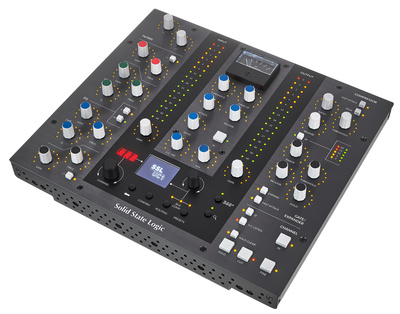
The Best DAW Controllers: SSL U-Series
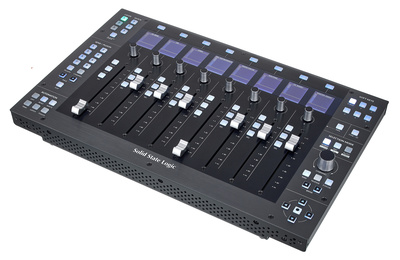
As one of the most celebrated manufacturers of mixing consoles in the history of recorded music, it’s fair to say that SSL knows a thing or two about the ergonomics and workflow of control surfaces. Within the U-Series, there are three different controllers, each designed to cover specific areas of your DAW workflow. This allows you to select and arrange the ultimate system for your needs.
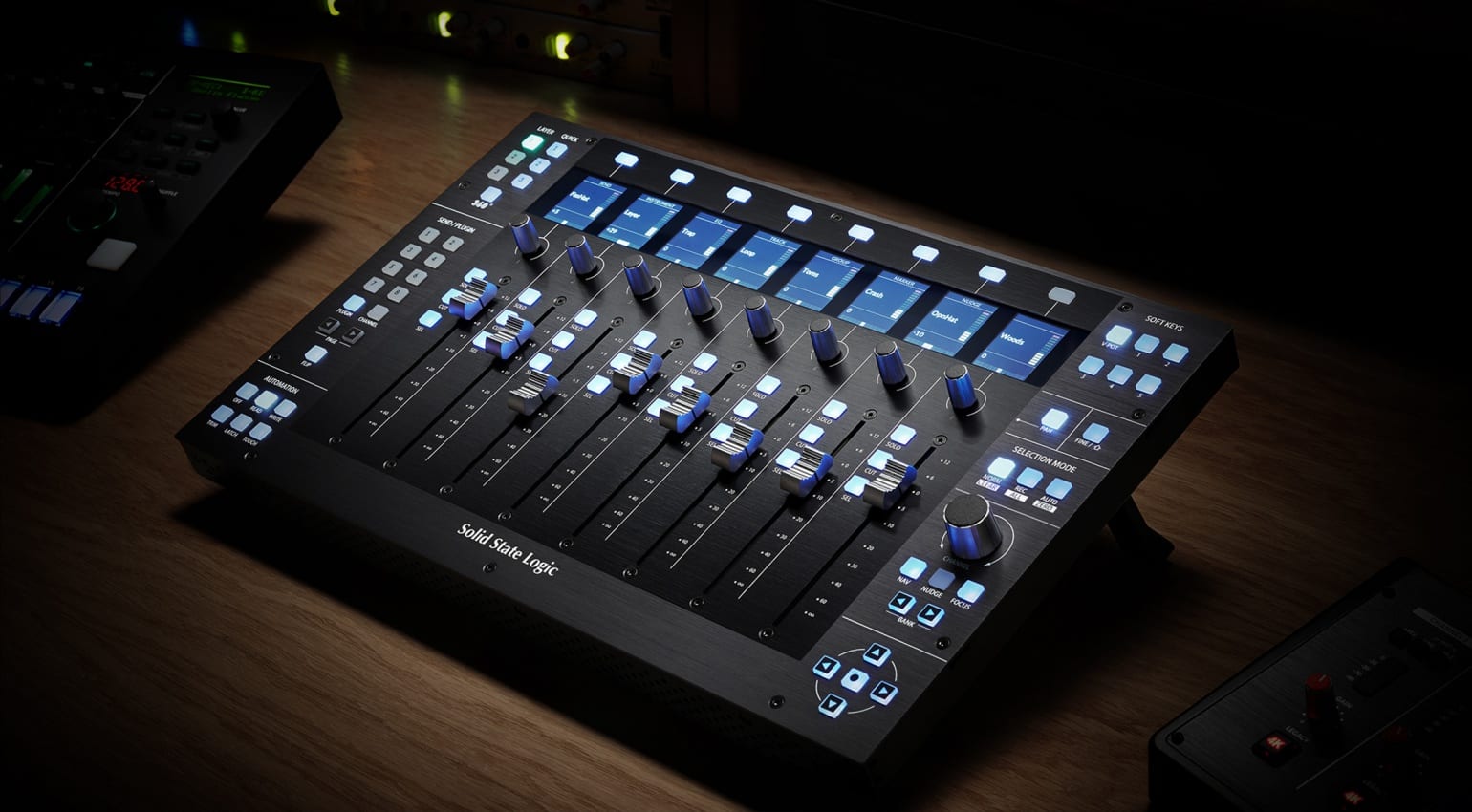
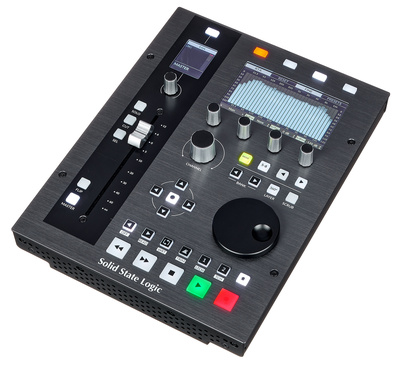
With the compact UC1, you get all the basics, including a single touch-sensitive 100 mm motorized fader, four rotary knobs, a scrub wheel, transport controls, and a multifunction knob. Then, to take control of your DAW’s mixer, the UF8 gives you eight faders, navigational controls, and eight knobs, with dedicated automation mode buttons.
For those who love the SSL way of doing things, the UC1 is specifically created for the classic mixing workflow, with the legendary console-style layout of the EQ and dynamics sections, as well as the bus compressor in the center. This lets you interact with the plugins in exactly the same way as the consoles that delivered so many famous mixes. Get it at Thomann.*

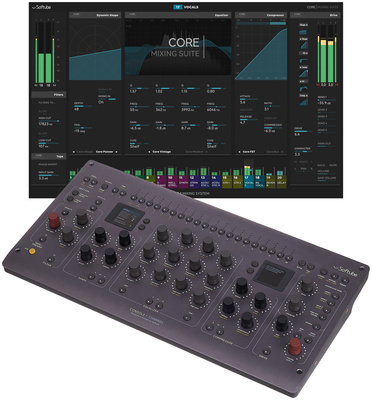
The Best DAW Controllers: Softube
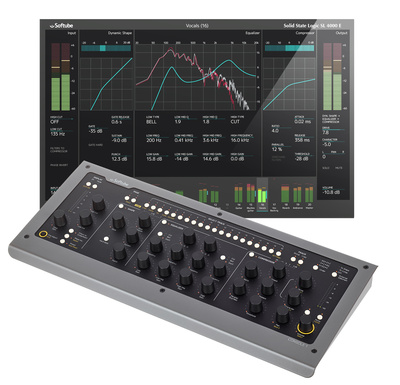
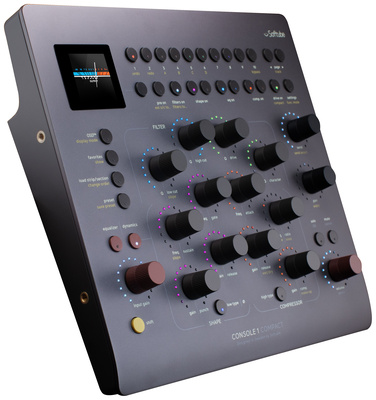
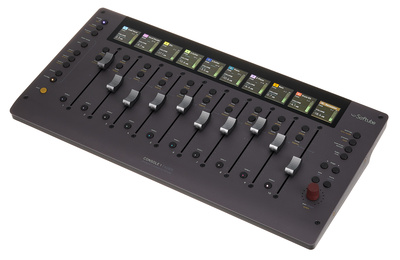
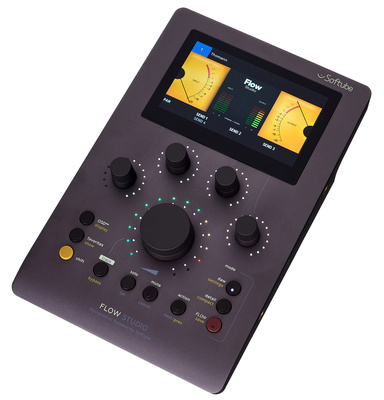
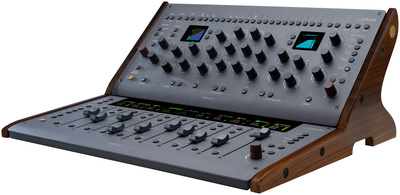
Swedish software developer Softube has become one of the most respected names in the industry with its incredible range of analogue modeling plugins. To expand on this ecosystem, Softube also offers Console 1 with its detailed channel strip workflow and Flow with its streamlined processing workflow, as well as a range of premium controllers to go with each platform.
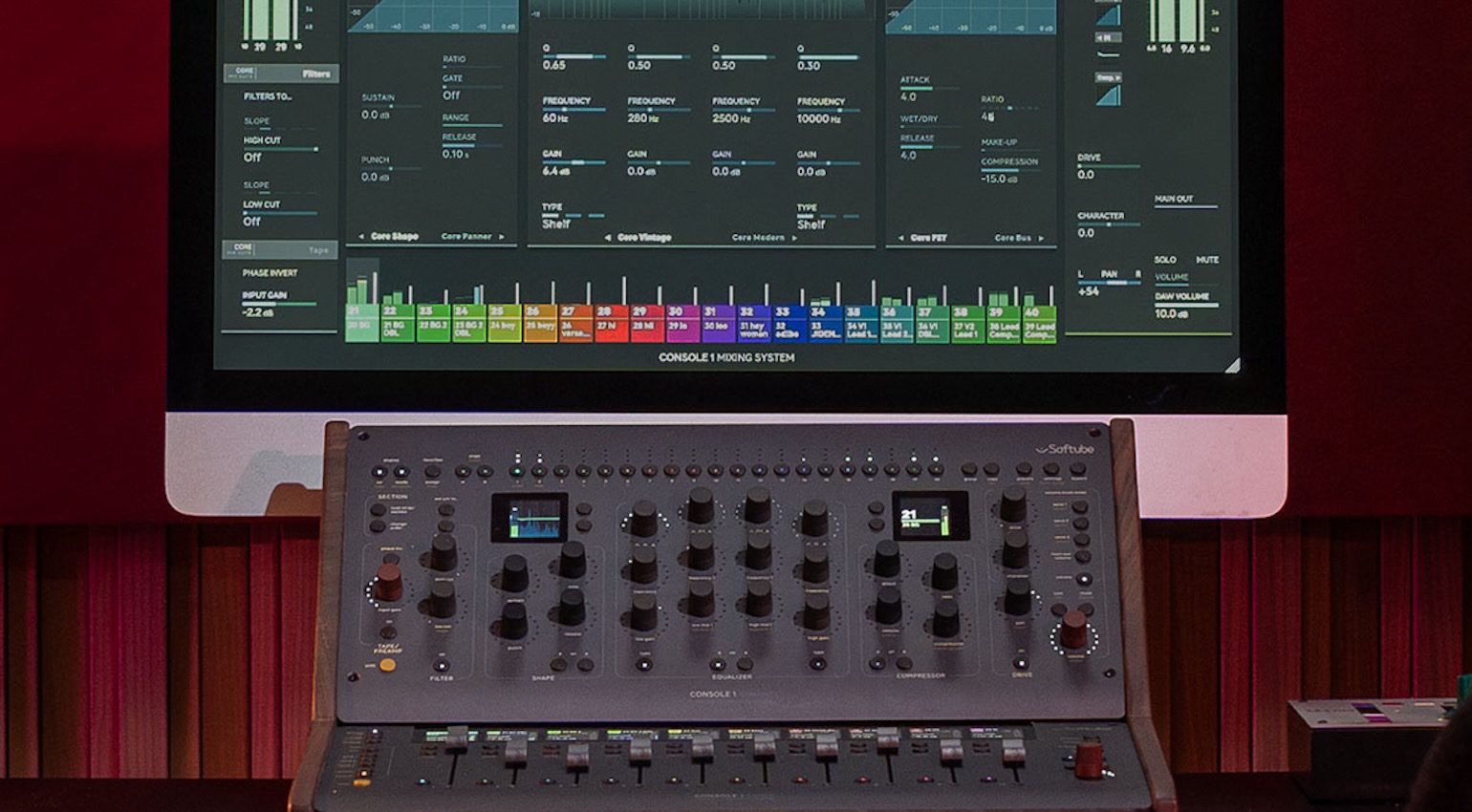
The beauty of these controllers is how they work together, with strengths in different areas and even compatibility with Universal Audio’s plugins and the Apollo Central platform. For plugin control, the Console 1 controllers allow precise parameter adjustment, and you can select and create a system that suits the way you work.
In addition, the Console 1 Fader system provides 10 motorized faders with high-resolution displays to give you precision control and a complete parameter overview. Meanwhile, the Flow Studio system works comfortably alongside Console 1, providing ways to recall and tweak your favourite channel and bus processing chains with the amazing analogue feel. Get it at Thomann.*

The Best DAW Controllers: Slate Audio Raven MTi MAX
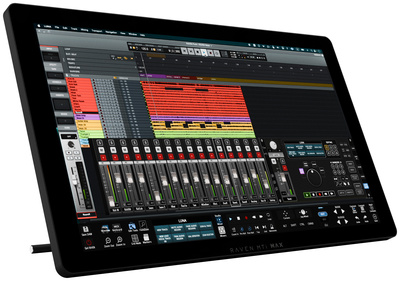
If you prefer touchscreen interfaces, the Raven MTi MAX comes from a tried and tested series of controllers with a great reputation in the industry, especially among Pro Tools users.
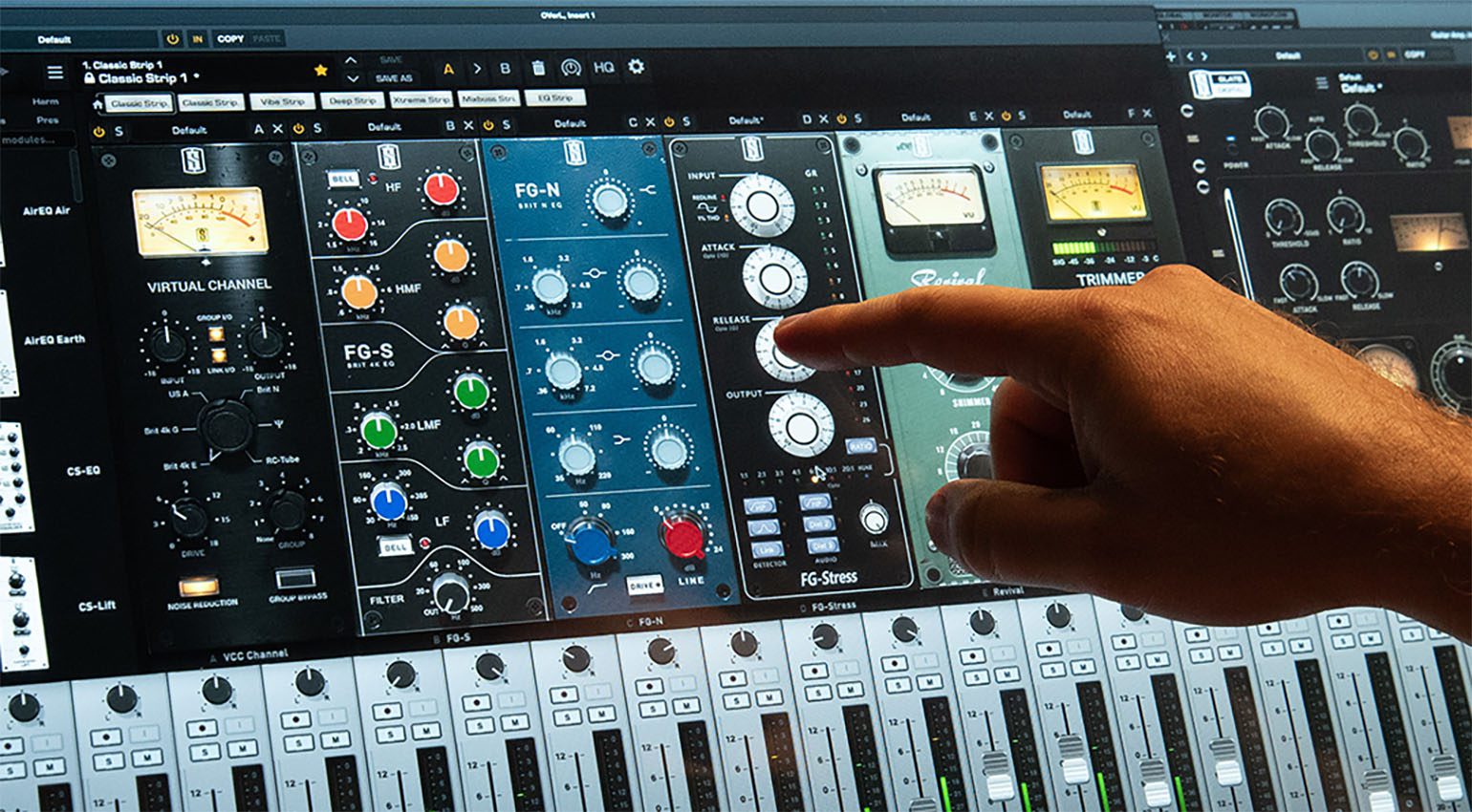
The fundamental difference with touchscreen interfaces is all interaction is directly visible, so plug-in control is a breeze. This means you won’t have to look back and forth between your screen and controller while working.
Furthermore, the Raven’s multitouch interface allows gestures, with 2 and 3-finger tap assignments which can really speed up your DAW workflow. Your friends in audio certainly won’t be making “Slow Tools” jokes anymore.
- More from Slate Audio

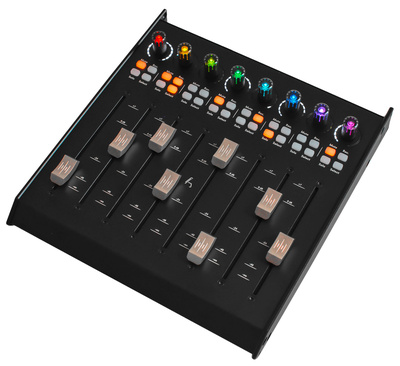
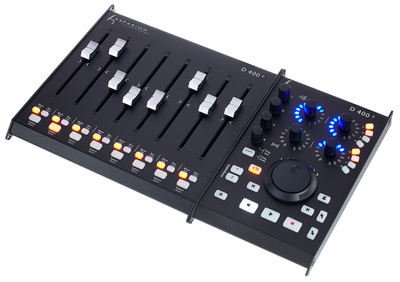
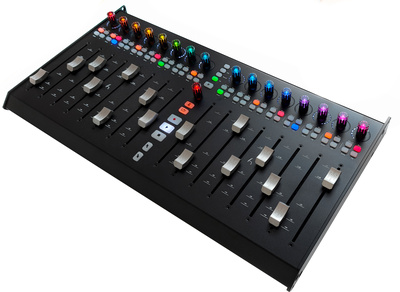
The Best DAW Controllers: Asparion D700
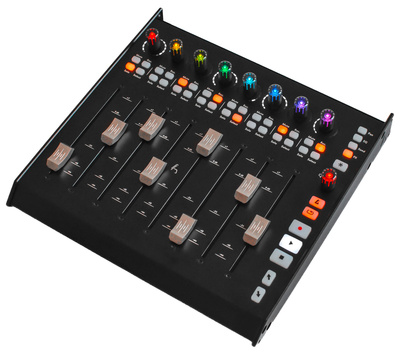
The Asparion D700 is a premium DAW controller system that offers expandability all the way up to 64 faders with the D700F expansion units. Each module is equipped with eight professional-grade 100 mm touch-sensitive motorized faders, each running on a high-res 4000-step 12-bit grid for precise control.
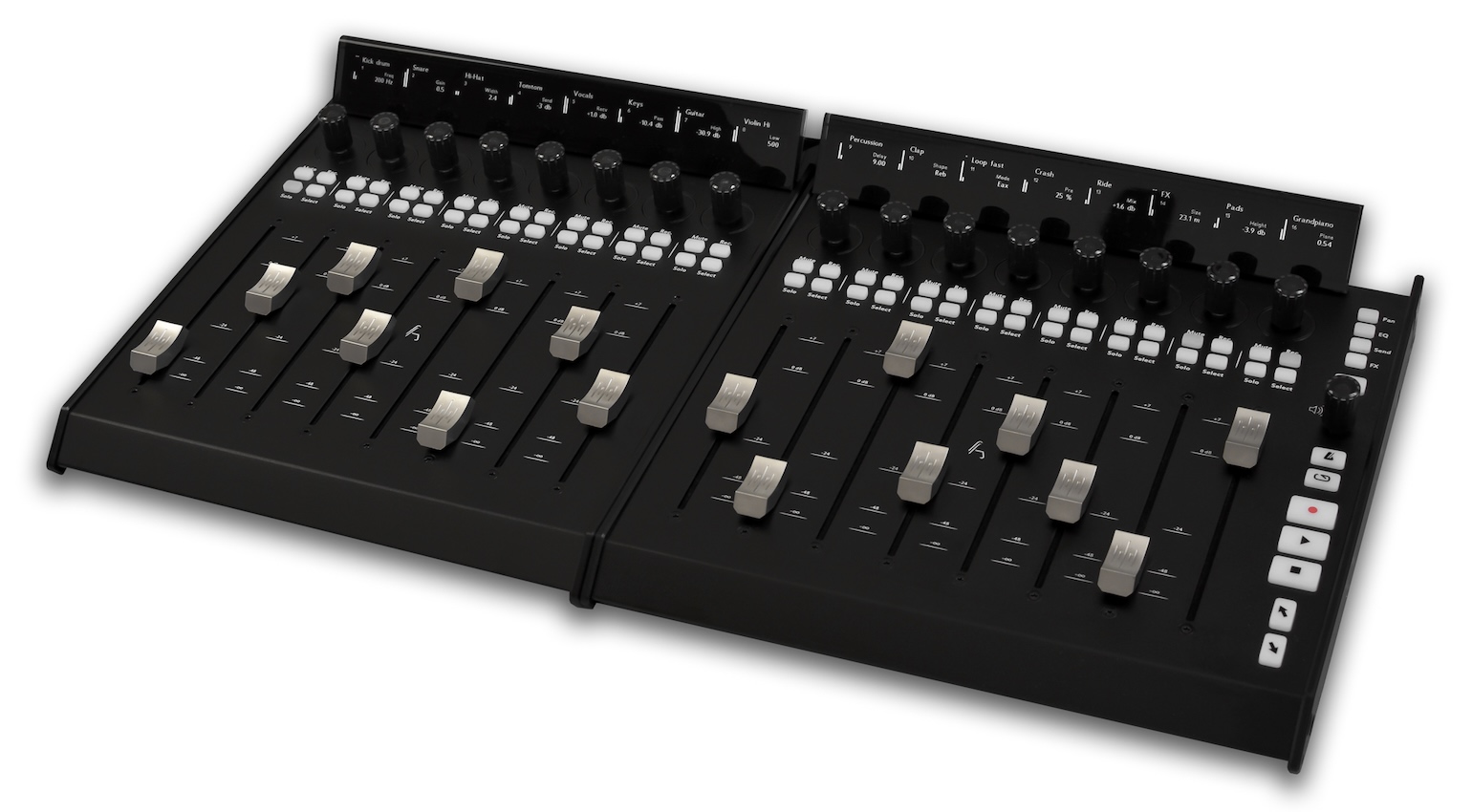
On each channel, there is an RGB-lit rotary encoder and dedicated buttons for solo, mute, and record enable. What’s more, the encoders have different modes that are easily accessible with the pan, EQ, send, and FX buttons, and there are transport controls for your basic DAW operations.
The D700 supports Mackie Control, HUI, and MIDI protocols, and you can create custom mappings with the accompanying Asparion Configurator Software. Meanwhile, for a more compact option, you can check out the D400, and all Asparion controllers can be upgraded with the LED display modules. Get it at Thomann.*

FAQ
- What is a DAW controller?
A DAW controller is a piece of hardware with faders, knobs, and buttons that control a range of functions within music production software, including channel volume, panning, transport, automation, and more.
- What is the main benefit of using DAW controllers?
DAW controllers introduce intuitive hands-on control into your workflow for recording, mixing, and editing functions, relying on feel and muscle memory rather than a visual interface alone.
- Do DAW controllers work with all DAWs?
No. Most controllers are designed for specific software, so they may offer limited functionality with some DAWs and comprehensive integration with others.
- Do DAW controllers improve sound quality?
No. A controller doesn’t affect the sound quality, but it can help you to achieve a more organic feel when creating automation curves and speed up your overall workflow.
- What should I look for in a DAW controller?
Start by choosing one that is designed for the DAW you use. Then, look at the size, build quality, and features like motorized faders, plugin controls, and connectivity.
More about the Best DAW Controllers:
Videos:
*Note: This article about the best DAW controllers contains promotional links that help us fund our site. Don’t worry: the price for you always stays the same! We will receive a small commission if you buy something through these links. We appreciate your support!
The post The Best DAW Controllers to Improve your Production Workflow appeared first on gearnews.com.