
Since 2019, you can virtually try and use over 200 guitar and bass pedals through Thomann’s Stompenberg FX*. This way, you can see how your own instrument and playing sound through a ProCo Rat, a Boss DS-1, or a Strymon Bluesky, before you buy one of them.
Key Takeaways
- Stompenberg FX is Thomann’s free browser-based tool for over 200 effects pedals
- Real hardware: The actual pedals are controlled remotely; whoever uses one at any given time locks it out for others.
- Three modes: Play (looped licks or your own audio file), Rec (record in the browser), and Live (your signal directly).
- IR Loader with five cabinet simulations also load your own impulse responses.
This is Stompenberg FX
Stompenberg FX – How Does the Virtual Pedal Gallery Work?
These days, it’s easy to find out how a pedal sounds. Thanks to GuitarTube, there are countless YouTubers who review virtually every new pedal. That might certainly be enough to get a first impression. But what you don’t learn from these channels and videos is how the pedal will actually sound with your instrument and your style.
Thomann isn’t the only online music instrument shop that provides audio samples for a wide variety of instruments and effects. But Stompenberg FX goes far beyond that. To start with, with its more than 200 pedals, Stompenberg offers 9 guitar licks from different genres, any one of which you can play on a loop.
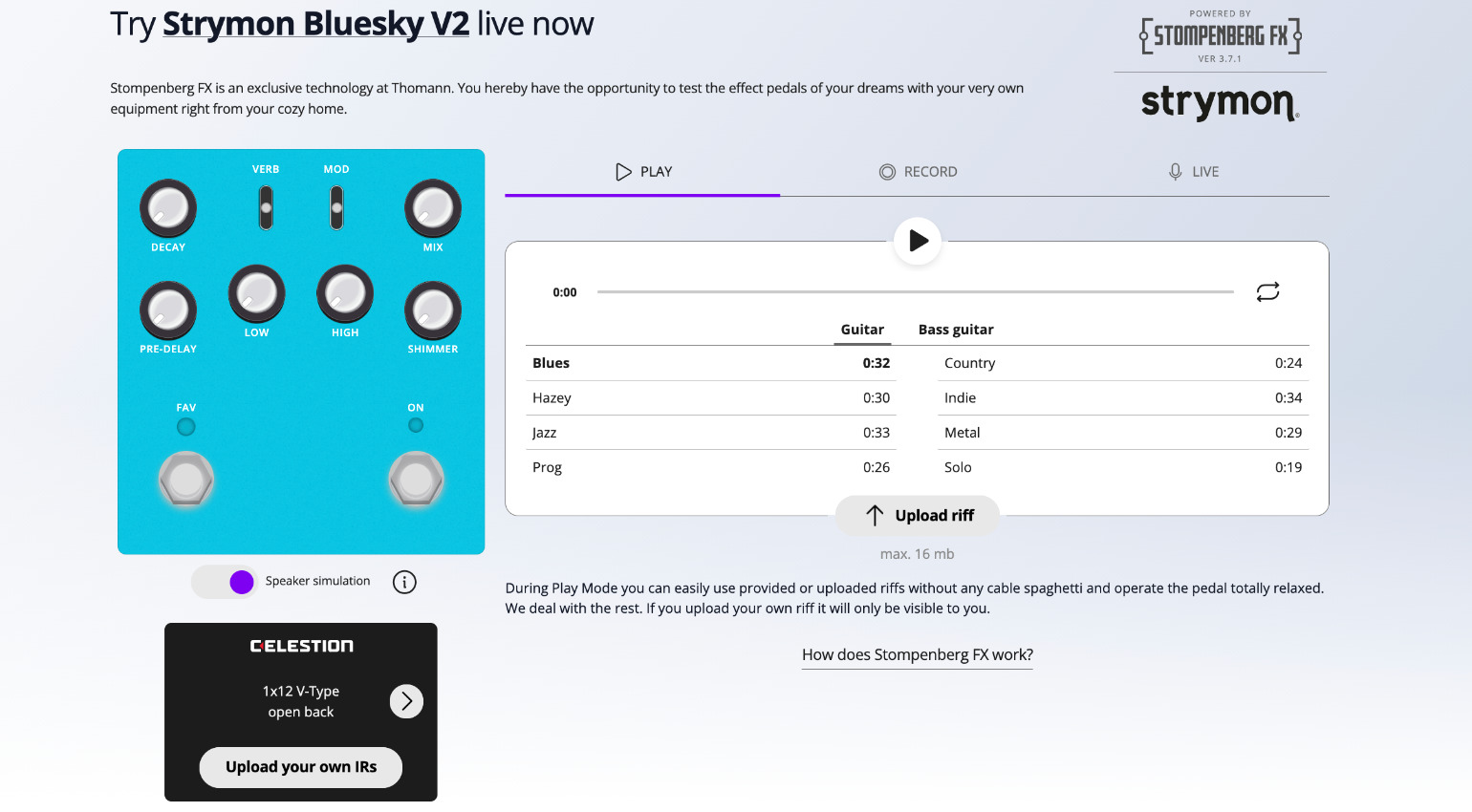
Then you can start playing around with the virtual controls of the loaded pedal to get a feel for how it responds to these different playing styles. The best part is that, on Stompenberg FX, all of this happens on the actual pedal, remotely controlled by a computer. In other words, if you’re currently testing one effect, it’s locked for other users.
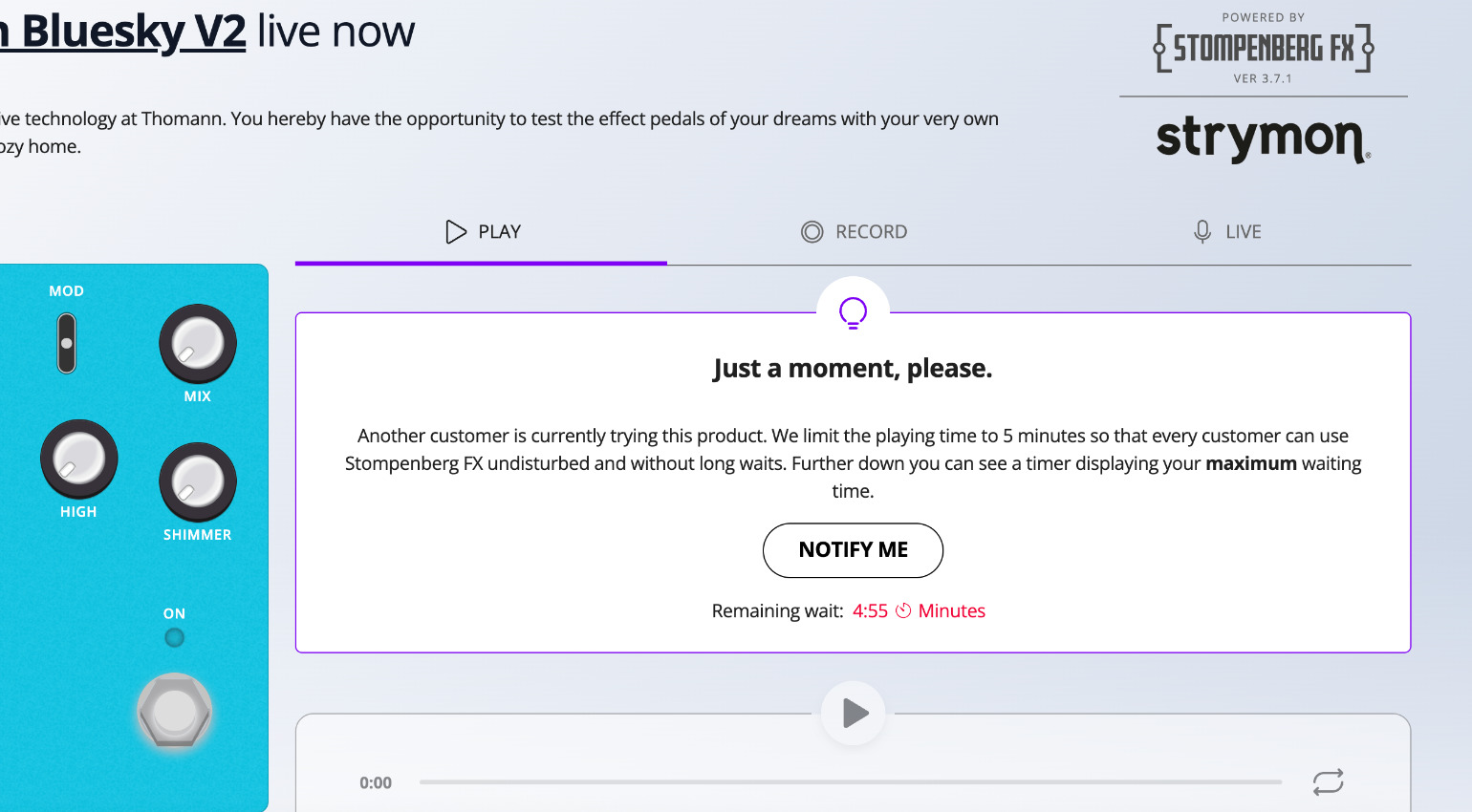
However, to keep this fair—and, for example, so a Strymon fan doesn’t block the Bluesky indefinitely—you can keep testing a pedal for another five minutes once another user wants to try it. A message will pop up and tell you, that you’re going to have to leave soon.
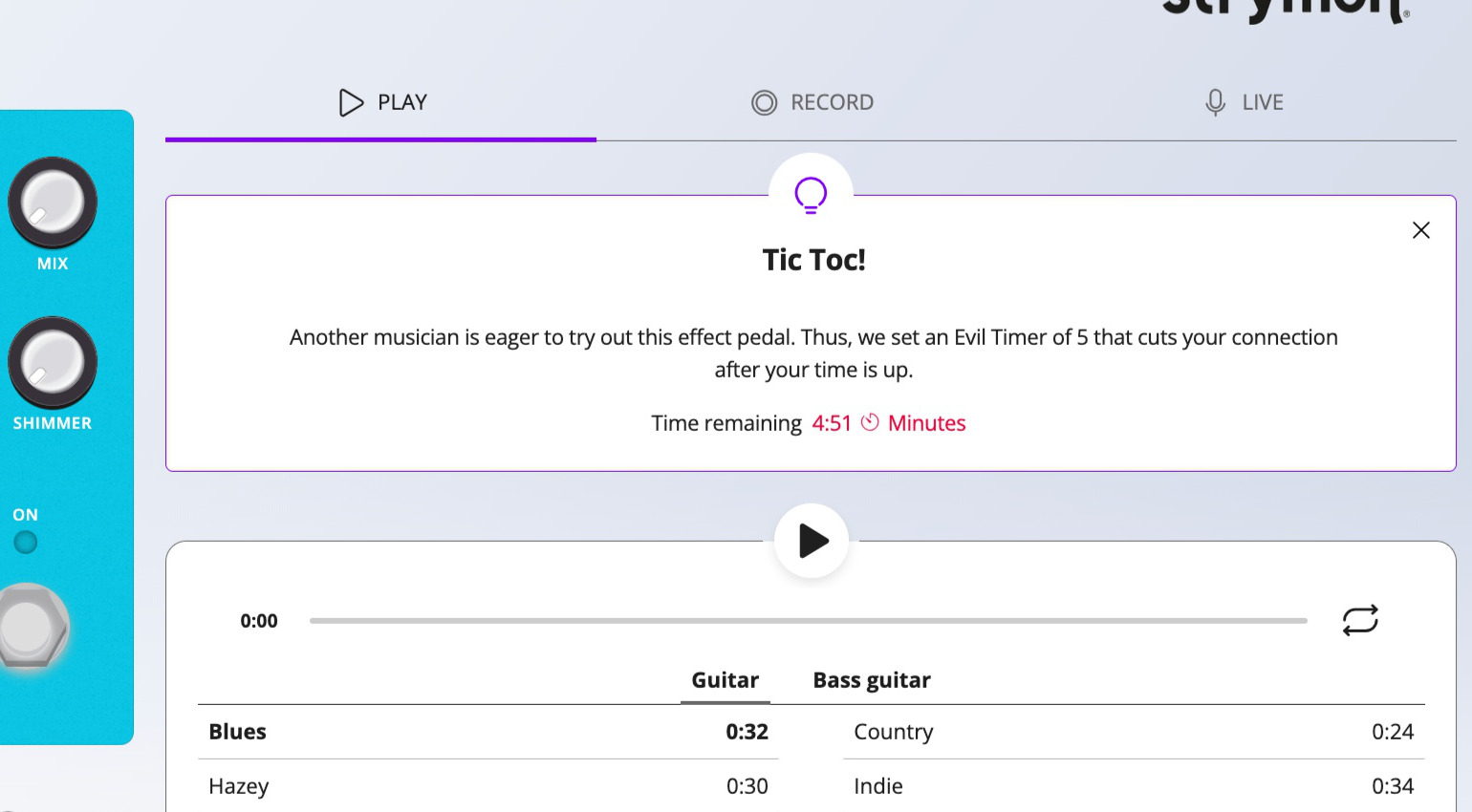
You’ll also see a timer displayed, just like the person waiting. If said person remains in the queue, you’ll be automatically redirected back to the main page once the timer expires. Sounds fair, right?
PLAY, REC, and LIVE
In addition to “Play” mode, Stompenberg FX offers two additional modes that make virtual pedal testing feel even more realistic: “Rec” and “Live.” Before that, it’s worth mentioning that you can also (as indicated by the “Upload Riff” button in “Play” mode) upload an audio file (maximum 16 MB) containing a recording and use that as a basis for the test.
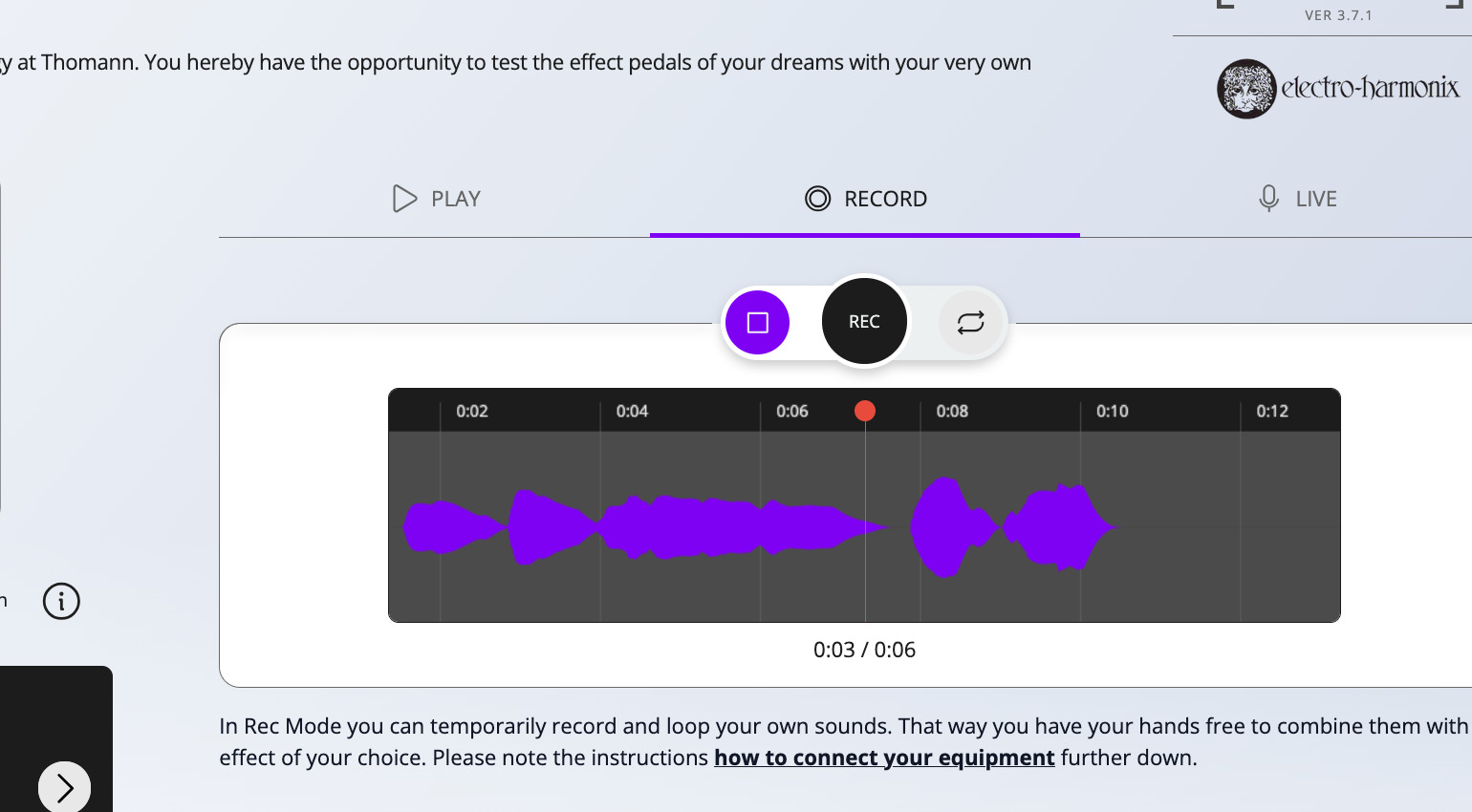
In “Rec” mode, you can record a phrase right in your browser without a DAW, provided you own an audio interface with a guitar connected to it. This recording then loops, so you can spend time tweaking the virtual pedal and test different settings.
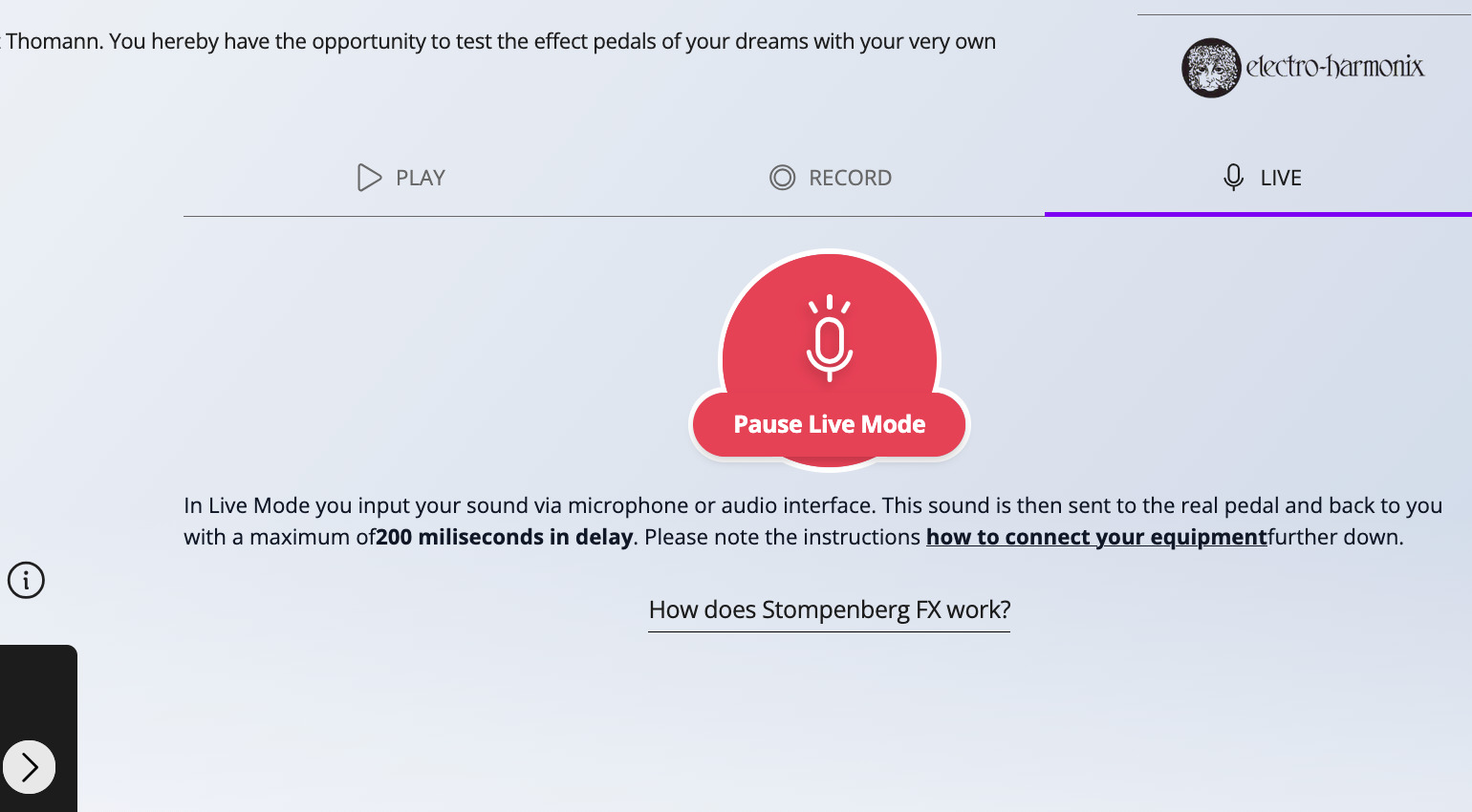
The “Live” mode takes it one step further, because nothing is looped or recorded here. Your signal is sent directly to Stompenberg FX and then to the pedal and back again. Of course, the data center where the tool is located isn’t right next door, so latency can be up to 200 ms. In other words, it’s not entirely “live” or latency-free.
But if you just want to quickly jam out a few licks for a couple of minutes and hear them through the new pedal you’re lusting after, just with a short delay, you’ll love “Live” mode.

Cabinet Simulation and Custom IRs
Stompenberg FX itself has been around since 2019. But since then, Thomann has not only continously been adding new pedals but also introduced a cab sim. In other words, an IR loader is inserted into the signal chain after the pedal and before the audio output. This one includes five impulse responses: 1×12 V-Type open back, 2×12 G12M Greenback closed back, 4×12 G12T-75 closed back, 4×12 Orange PPC V30 closed back, and 4×12 Vintage 30 closed back.
This a very welcome addition, because especially with distortion pedals, an IR can make a huge difference to the final sound! Without it, rats and muffs would scratch and bite your ears out in the highest frequency range, making it almost impossible to tell if the sound is heading in the right direction. Try using a Muff without one. Never again.
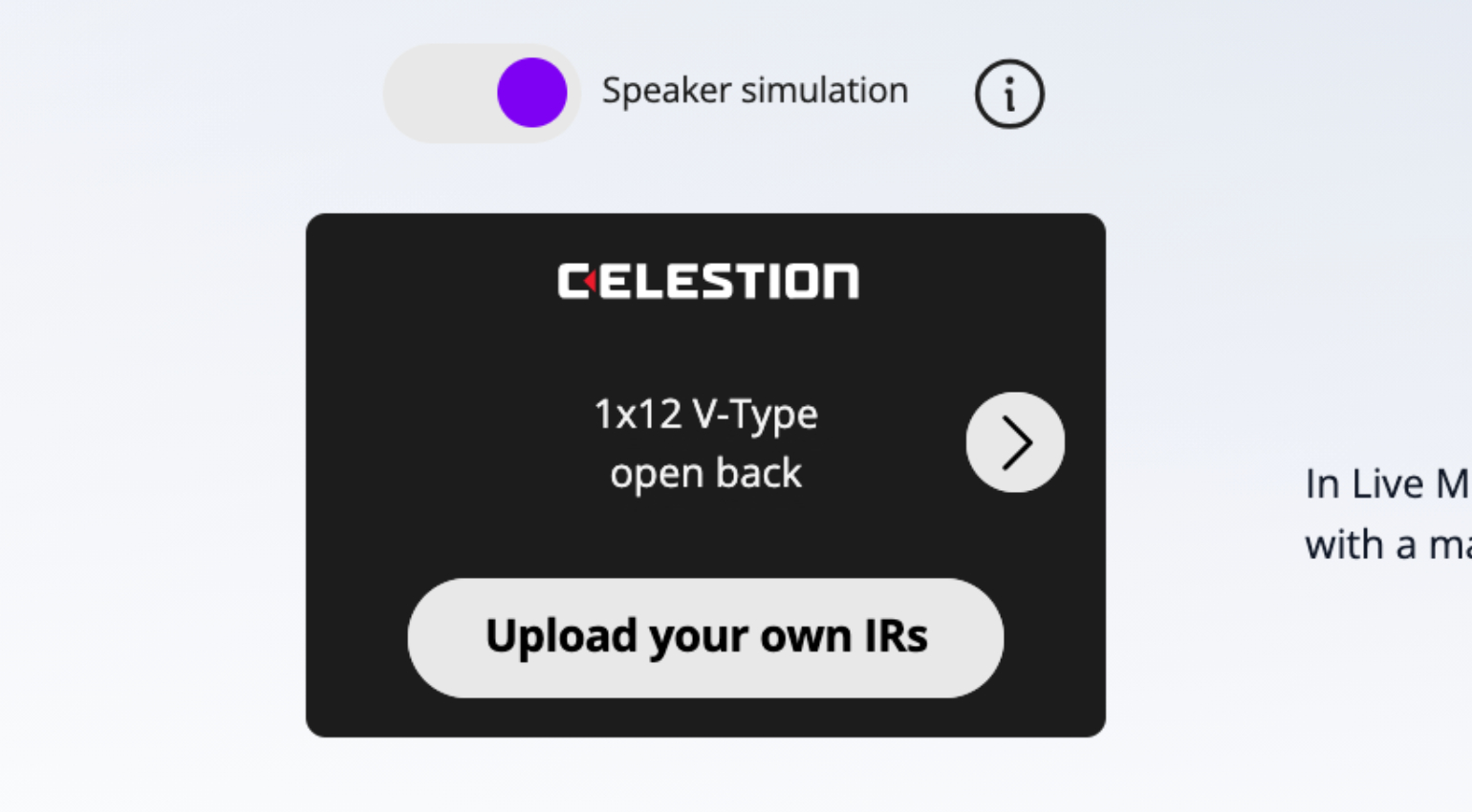
You might have guessed it already, but you’re not limited to the five IRs. For those of us (and there are likely quite a few) who own a well-maintained collection of impulse responses from various cabs, Stompenberg FX offers the option to upload your own!
Tips and Hacks
Depending on whether you’re using Windows or Mac—and then Chrome, Firefox, or Safari—you may need different settings required to use your audio interface in the browser. For each pedal in Stompenberg FX, there’s a short tutorial at the bottom that shows you the most important settings.
It’s worth noting, that this goes for desktop systems. When I tested Stompenberg with mobile browsers on a smartphone (iPhone 15 Pro), only Safari worked for me. Chrome and Firefox were blocked in mobile view.
As for the guitar sound itself, it can a good idea to export those recordings with preamp saturation or a guitar plugin. Because the naked sound of a guitar plugged directly into the interface… we know how far that can fall short of a great guitar sound!
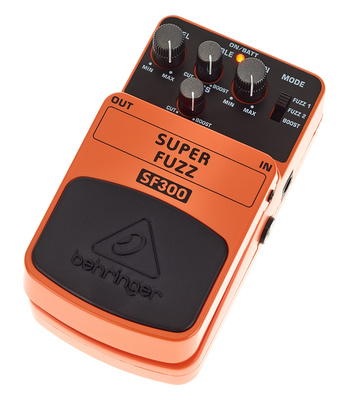
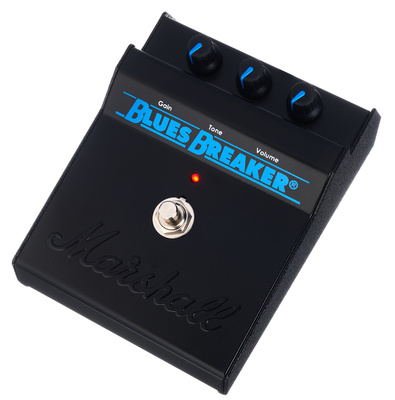
And besides, nobody said that Stompenberg FX only works with guitar or bass sounds. Why not upload a beat or a vocal recording and run it through a Behringer Fuzz* or a Bluesbreaker*?



Feedback
Thomann is continuously tweaking and improving Stompenberg, in collaboration with IT company “feinarbyte,” and welcomes your feedback.

Have you tried it out yet? How do you like the app, and what would you suggest improving? Let us know in the comments!
More Information
- Stompenberg FX* Website
*Note: This article contains widgets and affiliate links that help us fund our site. Don’t worry—the price for you always stays the same! If you buy something through these links, we receive a small commission. Thank you for your support!
The post Stompenberg FX: Try Out Over 200 Guitar Pedals Remotely at Thomann! appeared first on gearnews.com.