Introducing Steinberg SpectraLayers 13, the latest version of the editing package with a range of new tools for your post-production workflow.
Steinberg SpectraLayers:
With the SpectraLayers visually-orientated spectral platform, you can interpret audio as a detailed spectrogram. This allows you to approach sound design and post-production enhancement in layers, separating elements with the help of AI-powered algorithms.
Steinberg SpectraLayers 13
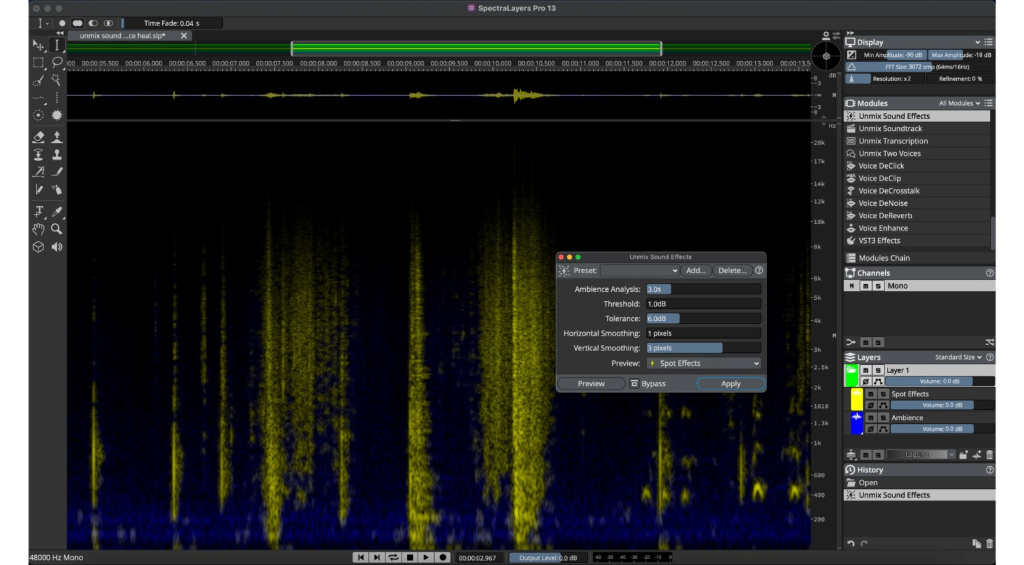
The first new processing tool is a useful addition for post-production, called Unmix Sound Effects. This allows you to separate the incidental sound effects from the surrounding environmental ambience, which is particularly useful when a sound is unintentionally obscuring your dialogue track.
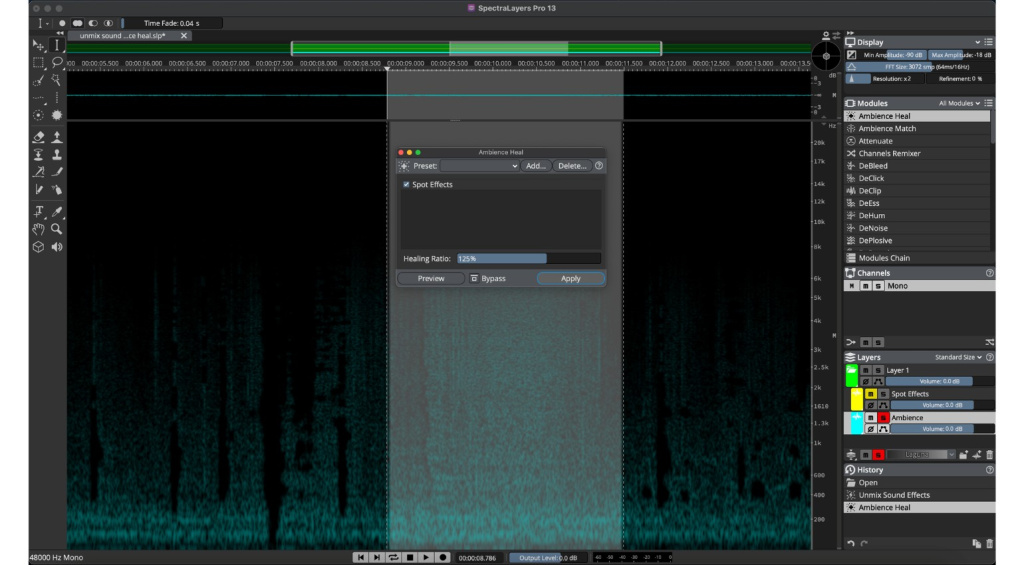
After unmixing sounds or unwanted dialogue from the background effects, it can leave an unnatural-sounding void. To fix this problem, SpectraLayers 13 has the Ambience Heal tool, a generative process that fills in the outdoor environment or room tone for more seamless edits.
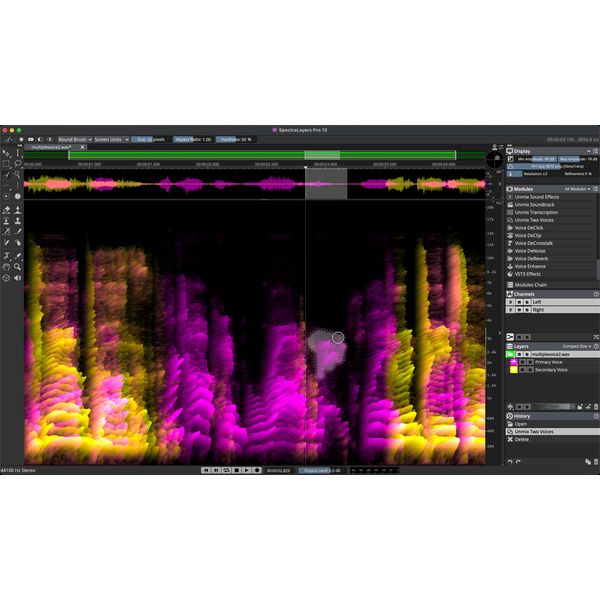
In addition, there are three new voice processing tools for isolation and enhancement. With Unmix Two Voices, you can separate two voices from a dialogue track without creating individual voice profiles. Meanwhile, Voice DeCrosstalk can be used to separate voices in the background or foreground that are overshadowing the primary dialogue voice, and Voice DeClick can remove artifacts from close-mic’d speech recordings.
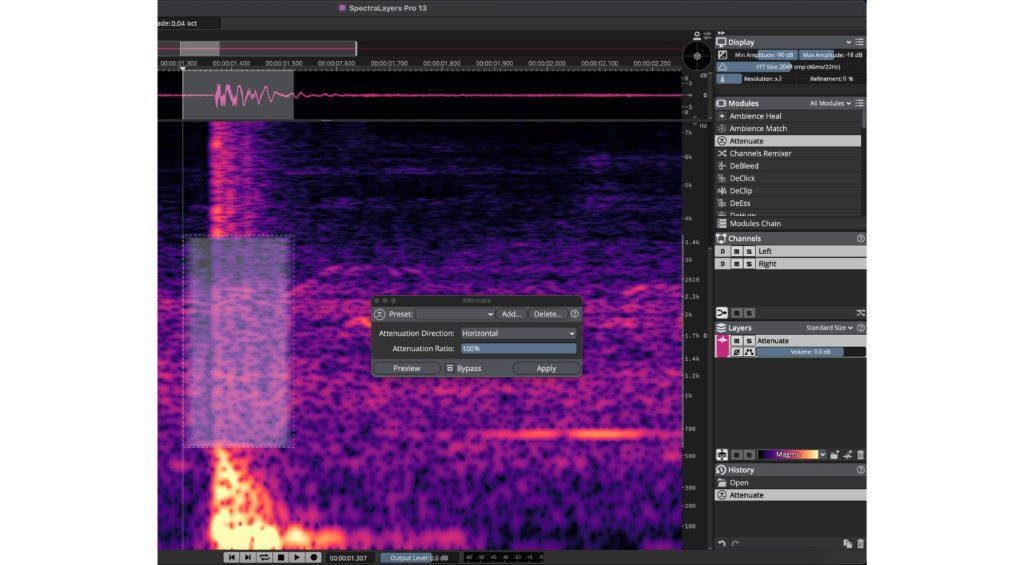
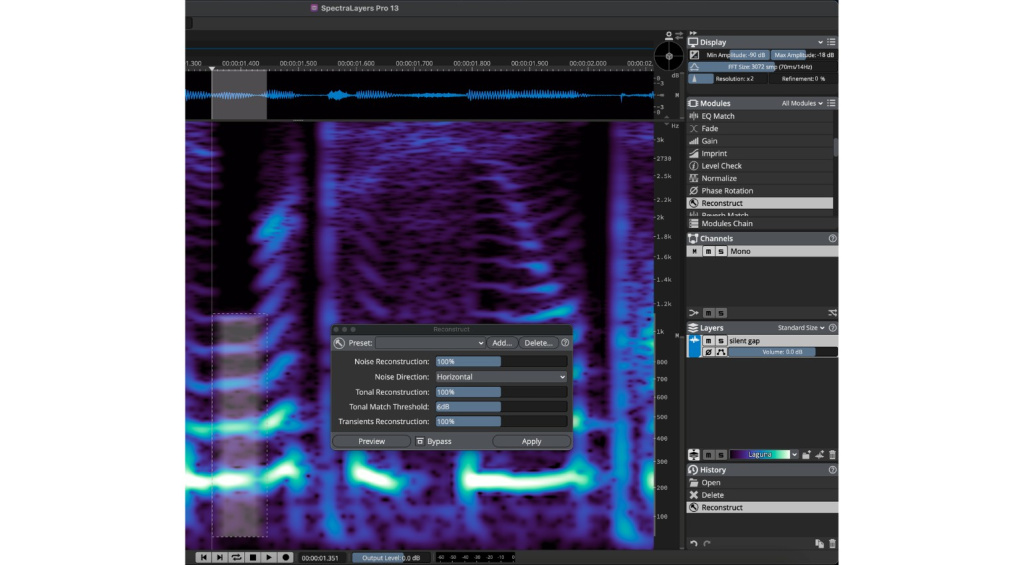
There is also a new resynthesis module called Reconstruct, which uses spectral info to precisely repair inconsistencies in tone, transients, and noise. What’s more, users can enjoy enhanced Pro Tools compatibility, as the AudioSuite Bridge plugin now supports round-trip editing and simultaneous processing of multiple clips with Dolby Atmos (up to 9.1.6) and Ambisonics support.

Steinberg SpectraLayers 12
[July 2, 2025] For SpectraLayers Elements and Pro users, the Unmix Song feature has a range of improvements, including a major upgrade to the quality of vocal separation processing. What’s more, separating instruments such as bass, drums, and brass instruments is significantly improved, as well as minor improvements with guitar and piano unmixing.
This results in better-quality stems and faster processing, which saves time that would be spent on revisions. There is also an option for prioritizing the separation of brass instruments, which is useful for targeting saxophones, horns, and other brass instruments. Meanwhile, SpectraLayers Pro users can enjoy the Unmix Drums feature with more precision and improved algorithms.
The workflow allows you to use Unmix Song and then Unmix Drums to separate up to six parts of the drum kit, including kicks, snares, toms, ride cymbals, hi-hats, and crash cymbals. This process provides greater control over the individual elements, so you can balance or replace the sounds where required. In addition, Pro users will also benefit from improvements to the Unmix Instruments, Unmix Soundtrack, and Unmix Noisy Speech modules.
There are also improvements for Pro users in the area of speech processing. With the new Voice Enhance Module, you can harness the power of generative AI to transparently rebuild poorly recorded speech. This allows you to reduce and remove artifacts and noise, as well as reverberation, to give voice recordings a more natural overall sound.
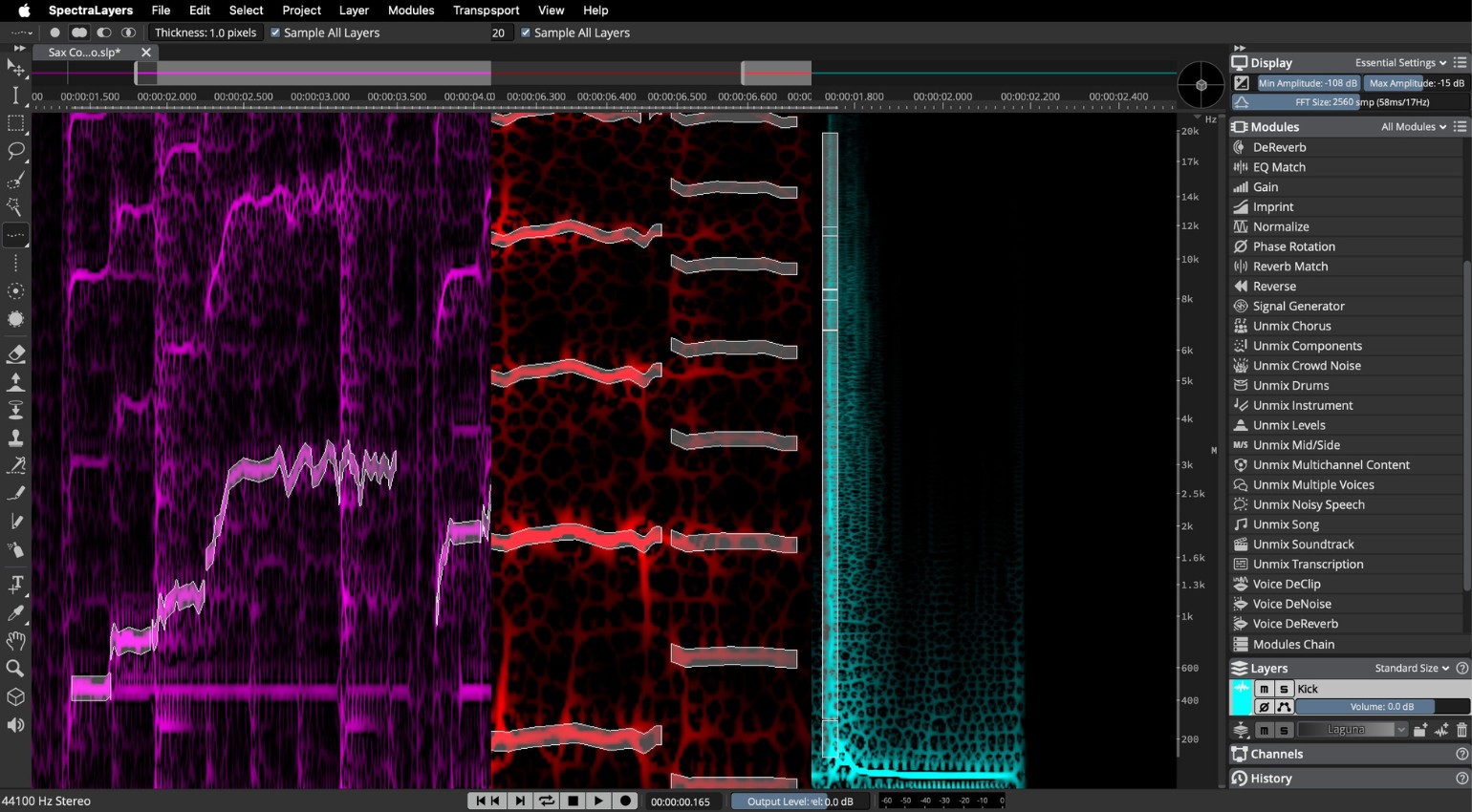
Another new addition comes in the form of the DePlosive Module, which automatically targets annoying plosives, and you can fine-tune the process with the Threshold, Frequency, and Reduction Ratio controls and use it in conjunction with the Eraser tool. Furthermore, new improvements have been added to the Voice DeNoise and Unmix Transcription modules.
Overall, with the improvements and new features, as well as workflow upgrades for Pro and Elements users that include multilayer processing, SpectraLayers 12 is a worthwhile update. Also, the improved editing and selection capabilities for Pro users are considerable, with upgrades to Frequency, Harmonics, and Transient selection tools.
Pricing and Availability:
Both the Steinberg SpectraLayers Elements and Pro versions are now available. Get it at Thomann.*
If you already own SpectraLayers or another Steinberg product, check the website for your upgrade options.
More about Steinberg SpectraLayers:
*This post contains affiliate links and/or widgets. When you buy a product via our affiliate partner, we receive a small commission that helps support what we do. Don’t worry, you pay the same price. Thanks for your support!
The post Steinberg SpectraLayers 13: Improved Separation and Spectral Editing appeared first on gearnews.com.