This week, I’m going to talk about recording pedals and getting the best results possible while maintaining that great analog tone we all chase. As guitarists, we love tone; here are some of my gear suggestions to help you capture great guitar tone in your studio recordings.
Contents – How to Record Pedals Without Killing Your Tone
How to Connect Your Pedalboard to a DAW (What Gear Should You Invest in?)
This simple, easy-to-follow guide is aimed at beginners looking to record their guitar pedalboard, and I’ve included suggestions for useful gear throughout to help you decide where to invest your budget.
And, yes, you can use this guide even if you don’t rely on just guitar effect pedals for your core tones. The overall guide is just the beginning; you can always go much deeper into this subject, so use these suggestions as a starting point.
You’ve spent years meticulously curating the perfect pedalboard. You’ve argued on forums about the exact clipping diodes in your favourite overdrive, painstakingly routed your delay pedals to achieve a massive stereo spread, and spent a small fortune on isolated power supplies. In the room, running through a roaring valve amp, it sounds glorious.
Then, you plug a jack into your computer to record a quick demo, hit the spacebar in your DAW, and the playback sounds like a swarm of angry bees trapped in a tin can. Yuck!
Now, something isn’t quite right, so what can you use to kill that “bee swarm tone” and instead hear the lush tones you are creating in the room?
Bridging The Gap
Bridging the gap between a pedalboard and a digital audio workstation (DAW) is where countless great guitar tones go to die. Which, if you have spent time building a great pedal setup, can be very disheartening.
The sterile environment of a computer doesn’t naturally react to analog gain staging the way a physical speaker and output transformer do. However, with the right front-end hardware on your desk, you can capture every ounce of that three-dimensional, harmonic richness.
Stop Choking Your Signal: The Active DI Box
The most common mistake I see guitarists make when recording at home is plugging a heavily buffered, pedal-laden signal directly into the standard “Hi-Z” instrument input on a budget audio interface. While these inputs are fine for a bare guitar, they often lack the headroom to handle a hot, boosted signal from an overdrive or fuzz pedal, resulting in harsh digital clipping.
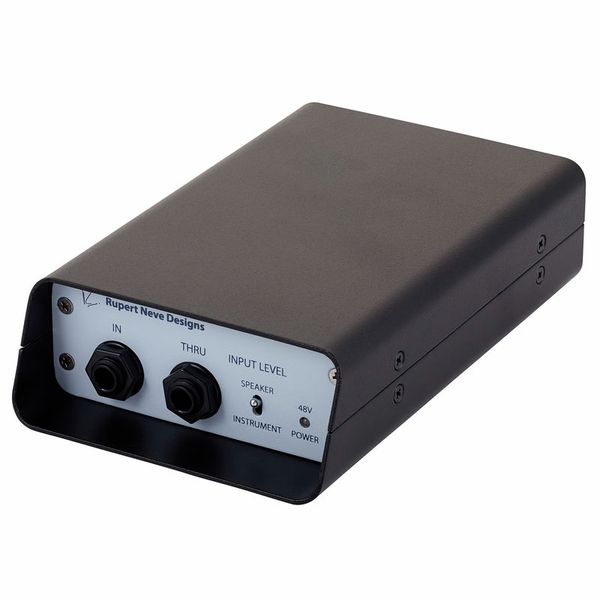
I worked for years setting up recording studio setups, and one thing I would always suggest to people was to invest in an active DI box. To preserve the punch and dynamic range of your board, you need a dedicated, high-quality Direct Injection (DI) box. A premium active DI takes your unbalanced guitar signal and converts it into a robust, balanced microphone-level signal that your interface’s preamps can actually digest properly.
The result? The low-end stays tight, the highs stop sounding brittle, and your fuzz pedals retain their wooly, organic texture instead of sounding like a broken radio. Don’t rely on the basic preamps built into a budget mixing desk or audio interface, as they just won’t yield the best results. Instead, invest in a quality active DI.
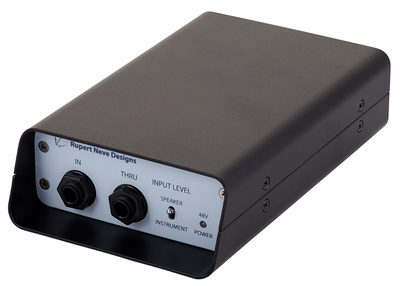
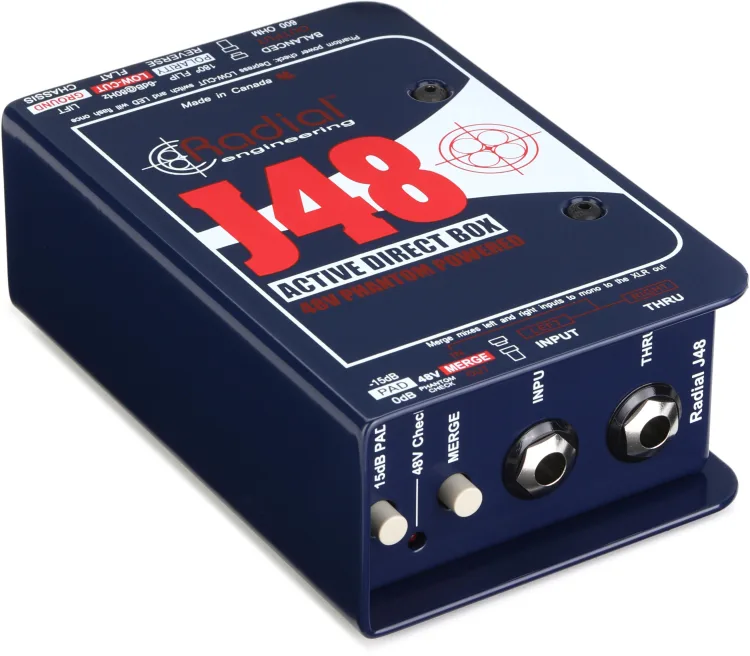
The Rupert Neve Designs RNDI is the gold standard for adding analog weight and massive headroom to a direct signal. For a more budget-friendly, bomb-proof alternative, the Radial J48 Active DI is an industry workhorse.
Rupert Neve Designs RNDI at Thomann
Rupert Neve Designs RNDI at Sweetwater
Radial J48 1-channel Active 48v Direct Box at Sweetwater



High-Headroom Interfaces
Once your signal is balanced, the next bottleneck is the Analog-to-Digital (AD) conversion. Your audio interface is the literal bridge into your Mac or PC, and if its converters are cheap, your tone will sound flat and two-dimensional, completely ruining the depth of those lush stereo reverbs you love.
For a modern desktop setup, you need an interface with pristine converters, rock-solid drivers, and enough I/O to handle a true stereo rig (because playing in mono in 2026 just feels like a missed opportunity). Look for interfaces that feature DSP (Digital Signal Processing) to handle zero-latency monitoring, allowing you to track complex parts without that dreaded millisecond delay throwing off your groove.
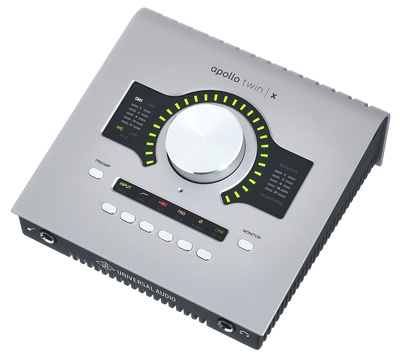
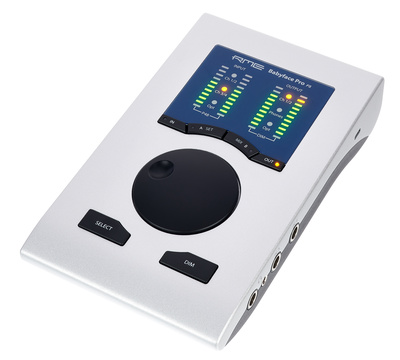
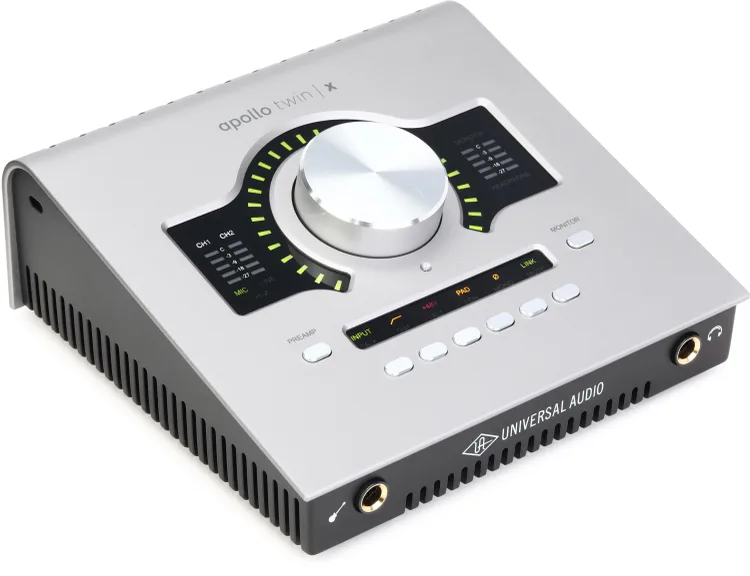
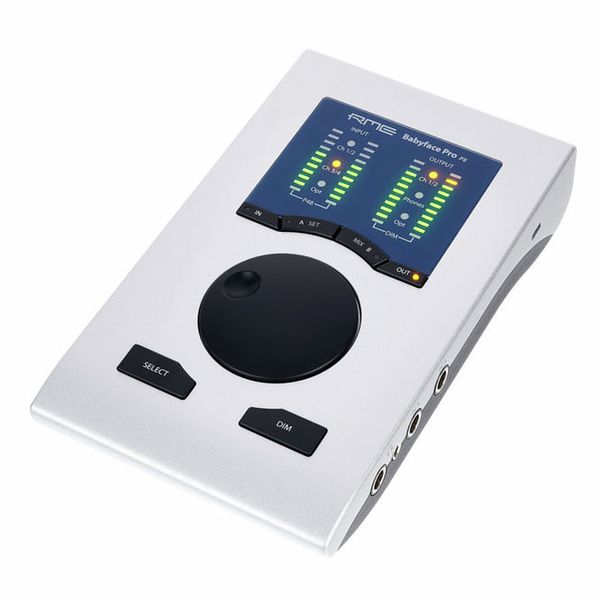
The Universal Audio Apollo Twin X remains a powerhouse for desktop recording, offering unmatched conversion and the ability to run premium preamp emulations in real-time. For a rock-solid alternative with world-class routing capabilities, the RME Babyface Pro FS is virtually unbeatable.
Universal Audio Apollo Twin X Duo Gen2 AC at Thomann
RME Babyface Pro FS at Thomann


Hardware Amp and Cab Simulators: The Missing Link
You cannot run distortion pedals into a pristine interface and expect it to sound good. Dirt pedals are designed to hit the front end of a guitar amplifier, which naturally rolls off the fizzy high frequencies and compresses the signal.
While DAW plugins have gotten incredibly good, nothing kills the creative vibe faster than clicking through menus with a mouse to find a decent amp tone. Placing a hardware amp simulator and Impulse Response (IR) loader at the very end of your physical pedalboard gives you the immediate, tactile response of an amp. It allows you to monitor exactly what you are recording with zero latency, passing a fully “mic’d up” studio tone directly into your interface.
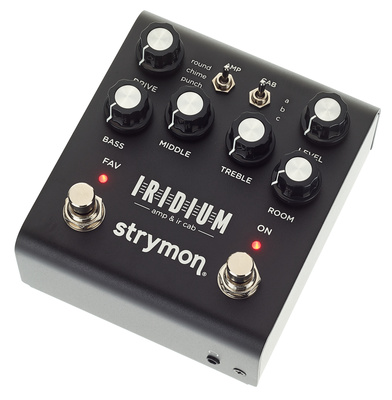
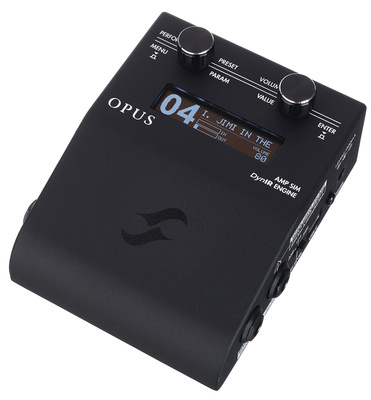
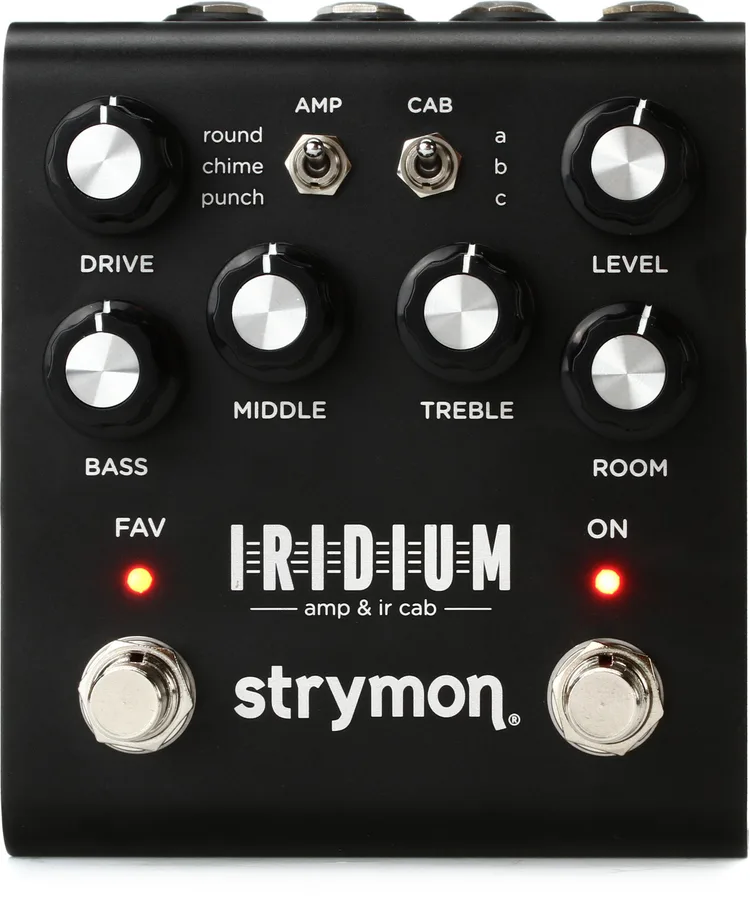
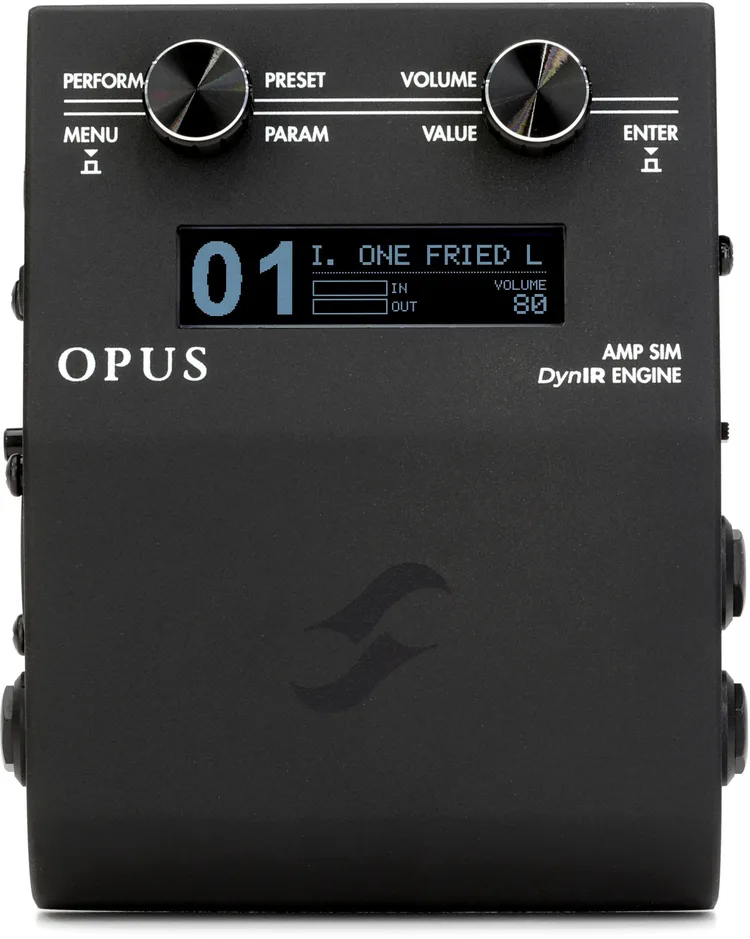
I love technology, as modern-day solutions have some brilliant fixes for this. The Strymon Iridium is a modern classic for pristine Fender, Vox, and Marshall tones in stereo. If you want deep tweakability and exceptional valve dynamics, the Two Notes Opus is a phenomenal piece of kit that easily bridges the physical and digital worlds.
Strymon Iridium at Thomann
Two Notes Opus at Thomann
Strymon Iridium at Sweetwater
Two Notes Opus at Sweetwater


Reamping Boxes: The ‘Not So Secret’ Studio Weapon
If you want to produce professional-grade tracks at home, you need to learn the art of reamping. Reamping involves recording a completely clean, dry DI signal of your guitar performance alongside your effected amp tone.
Why? Because once the take is perfectly in time, you can send that dry, pre-recorded performance out of your DAW, back through your physical pedals, and record it again. This allows you to sit at your desk, loop the track, and adjust the knobs on your analog delays, phasers, and overdrives in real-time to fit perfectly into the mix without having to actually play the guitar.
To do this without creating a horrendous ground loop or impedance mismatch, you need a reamping box to convert the line-level output from your interface back down to an instrument-level signal your pedals can accept.
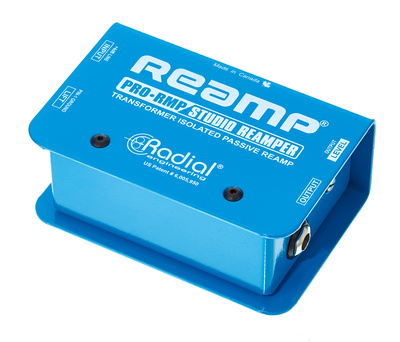
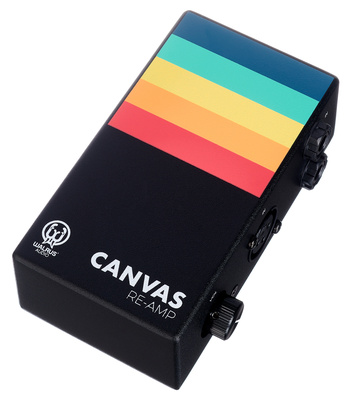
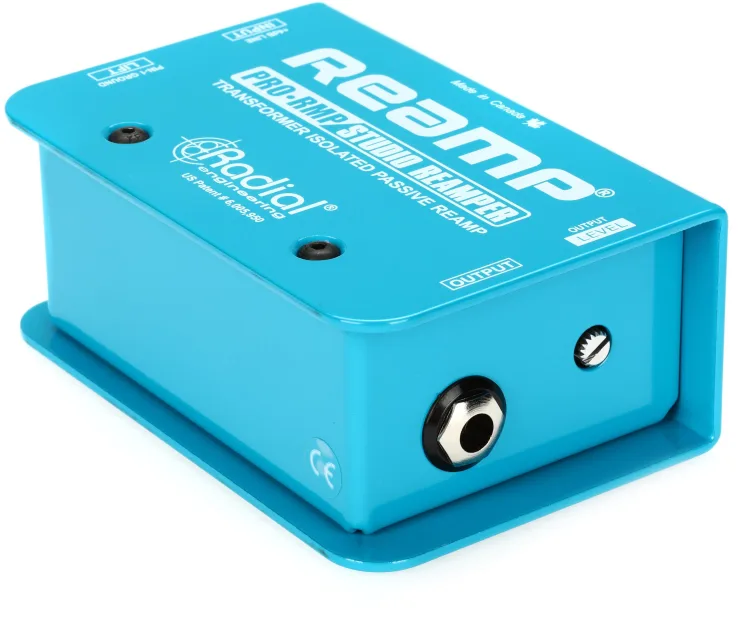
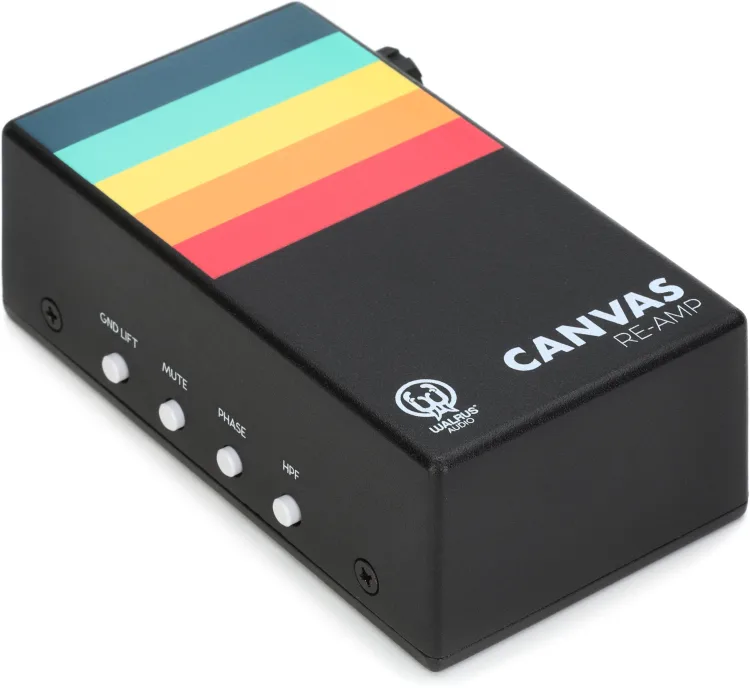
The Radial ProRMP is a rugged, passive reamper that performs flawlessly. For a sleeker footprint with variable impedance controls, check out the Walrus Audio Canvas Re-Amp.
Radial ProRMP at Thomann
Walrus Audio Canvas Re-Amp at Thomann
Radial ProRMP at Sweetwater
Walrus Audio Canvas Re-Amp at Sweetwater


Make Recording Fun
Recording guitars at home doesn’t mean abandoning the physical gear you love in favour of endless software plugins. This curated list of gear is based on the equipment I have used in recording sessions and found to be perfect for guitarists looking to record at home.
By investing in a high-quality DI, a high-headroom interface, and a dedicated hardware amp simulator, you can make your desk an extension of your pedalboard rather than a compromise. Treat your front-end digital routing with the same respect you give your gain-staging, and your recorded tones will finally match the sound in the room.
Make your recording session fun, and not something you dread. Investing some of your money in quality recording gear will make your recording sessions flow more smoothly, giving you more time to be creative and allowing you to express yourself with your guitar.
Note: This article contains advertising links that help us pay for this site. Don’t worry: the price for you will always be the same! If you buy something through these links, we will receive a small commission. Thank you for your support!
The post How to Record Pedals Without Killing Your Tone appeared first on gearnews.com.