
Back 2 School: a solid excuse to try something new, whether that’s the start of a new school year, the upcoming semester, or just the tail end of summer. Maybe that means finally picking up DJing and putting together your first DJ setup. We’re breaking down exactly what you need. Below you’ll find a genuinely cheap beginner set for not much money at all, plus a few options that let you mix at a much more professional level already. Let’s get right into it.
What Do You Need for a First DJ Setup?
There’s really no single right way to build a first DJ setup. If you just want to dip your toes in and see if it clicks, plenty of genuinely affordable sets exist for exactly that. And even if the big ambitions never materialize, a setup like this still works great for your next house party.
Let’s run through a quick checklist of what actually matters for a first DJ setup.
- The modern way to mix audio files (like MP3 or WAV) is through DJ controllers with built-in media playback (from USB sticks, for example) or a computer connection.
- DJ controllers, and plenty of modern DJ mixers too, offer play/stop sections, cue buttons for locking in the first beat, pitch controls for speed, and jog wheels for controlling the track (nudging, slowing down, or even scratching). Line faders and crossfaders handle volume between channels, with crossfaders blending from one channel to another. EQs and filters handle tone shaping. Effects are usually built in too. Performance pads control various functions, like triggering loops or jumping to different points in a track.
- Ideally, the music should come out through speakers, since headphones alone never give you that real DJ feeling and make it genuinely hard to learn how to mix. Active studio monitors work great for this alongside regular hi-fi speakers, since they don’t need a separate amp.
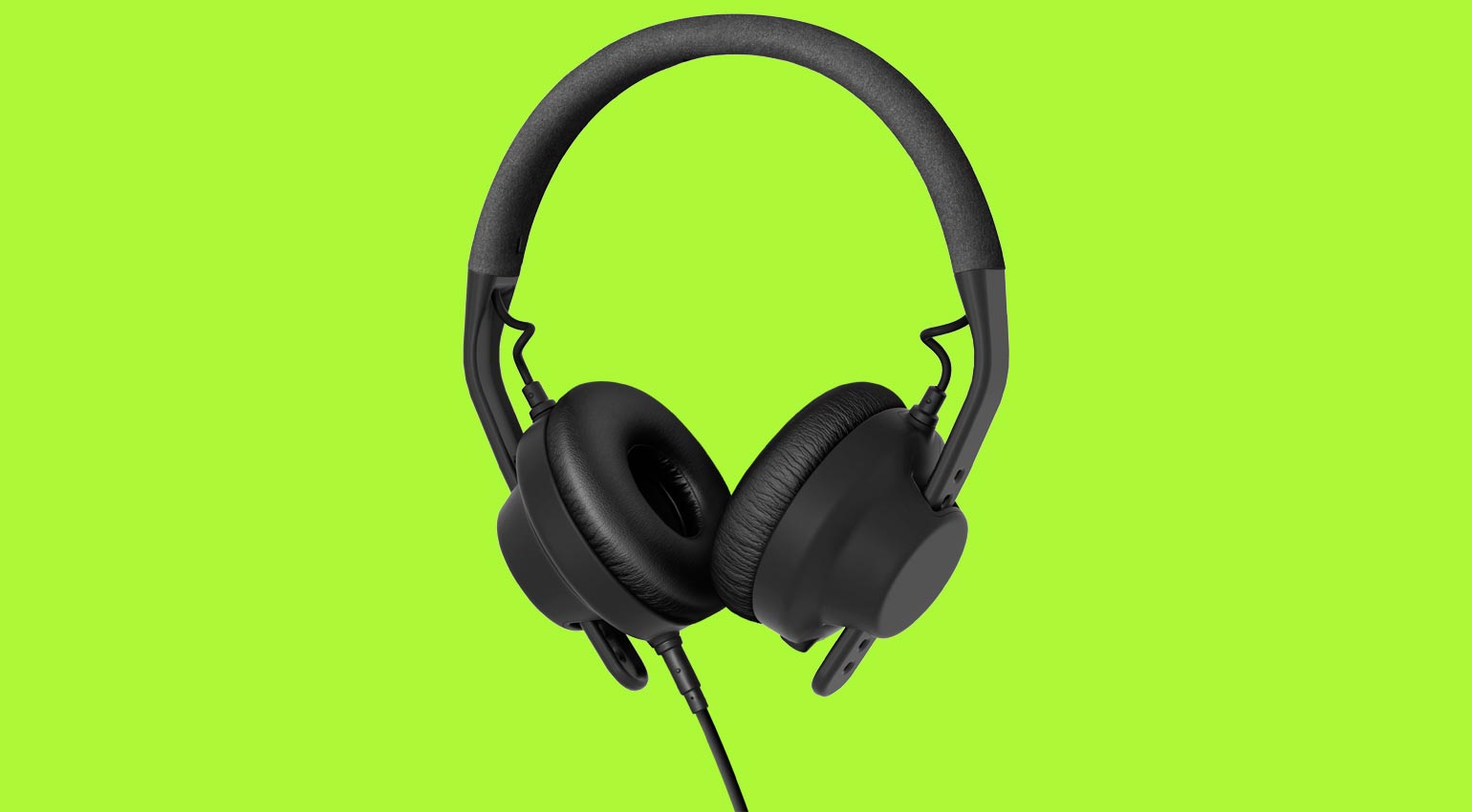
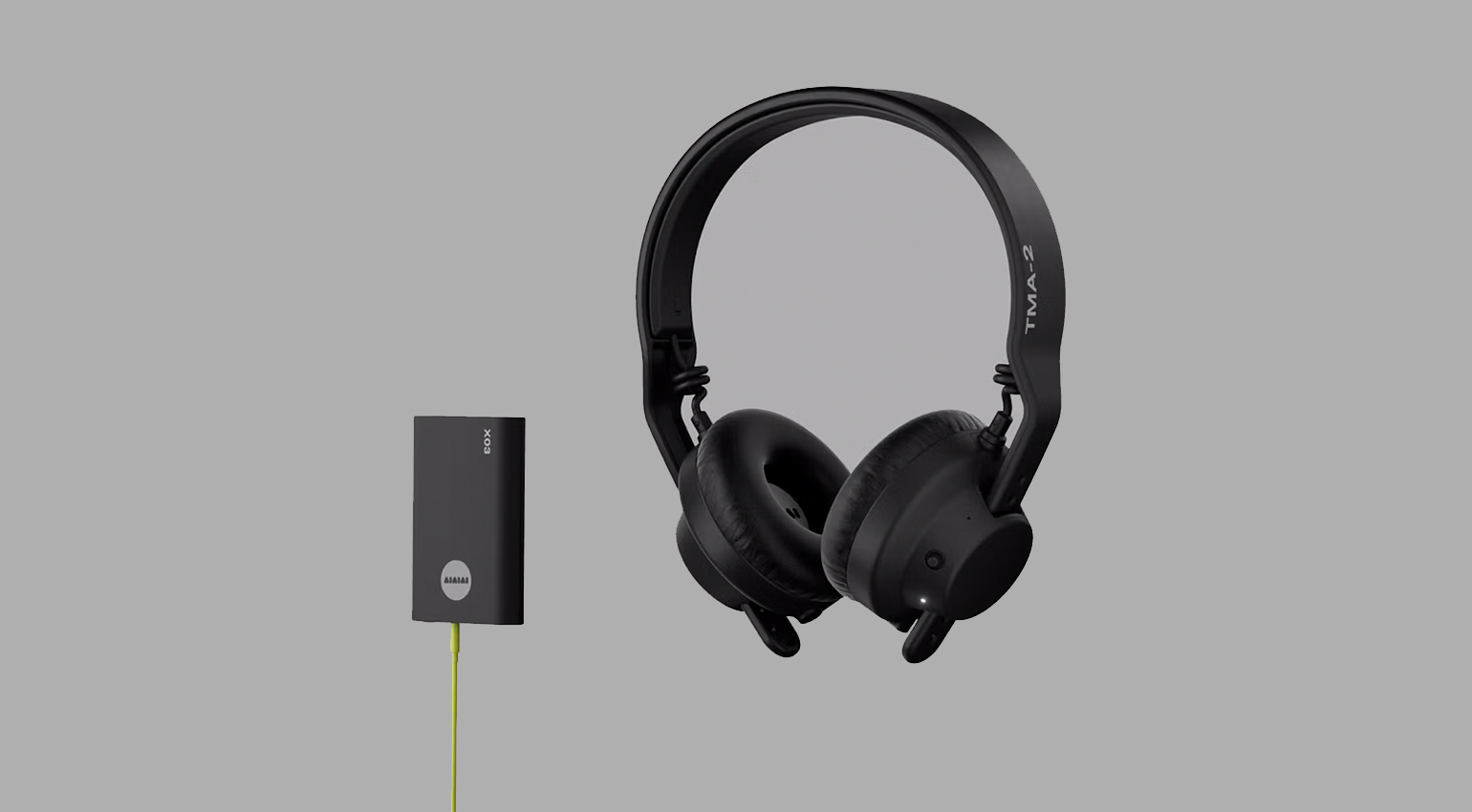
- A pair of headphones is non-negotiable, and ideally one built specifically for DJ use. Comfortable handling, decent isolation, enough volume headroom, and solid bass response all matter here.
- If you’re into vinyl, a more classic setup with two turntables and a mixer is worth considering. There are relatively affordable options here too these days, letting you build a first DJ setup on a manageable budget.
- Extra accessories are worth considering too, like dedicated DJ furniture, which can make setting everything up a lot more practical.
Your First DJ Setup: Everything You Need for Back 2 School, From Budget to Pro
Complete Set for €179: Hercules DJ Learning Kit MK2 as a Budget Entry
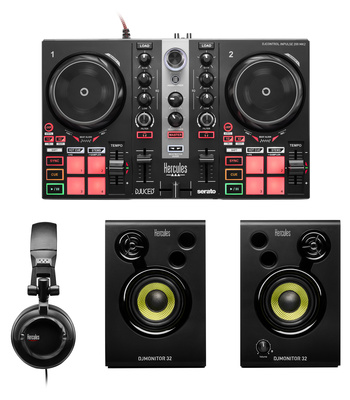
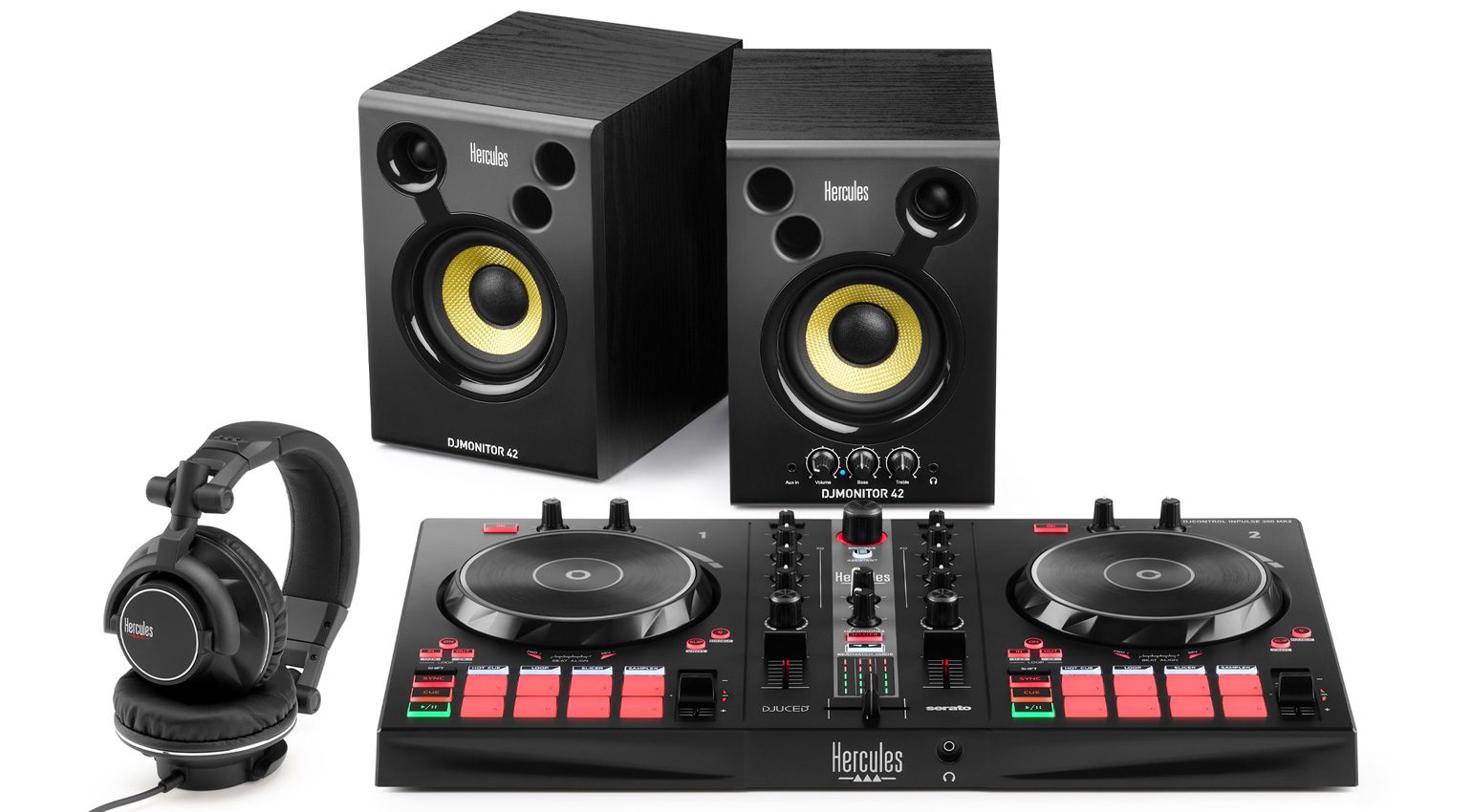
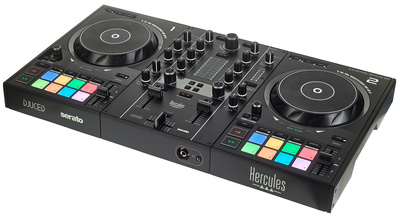
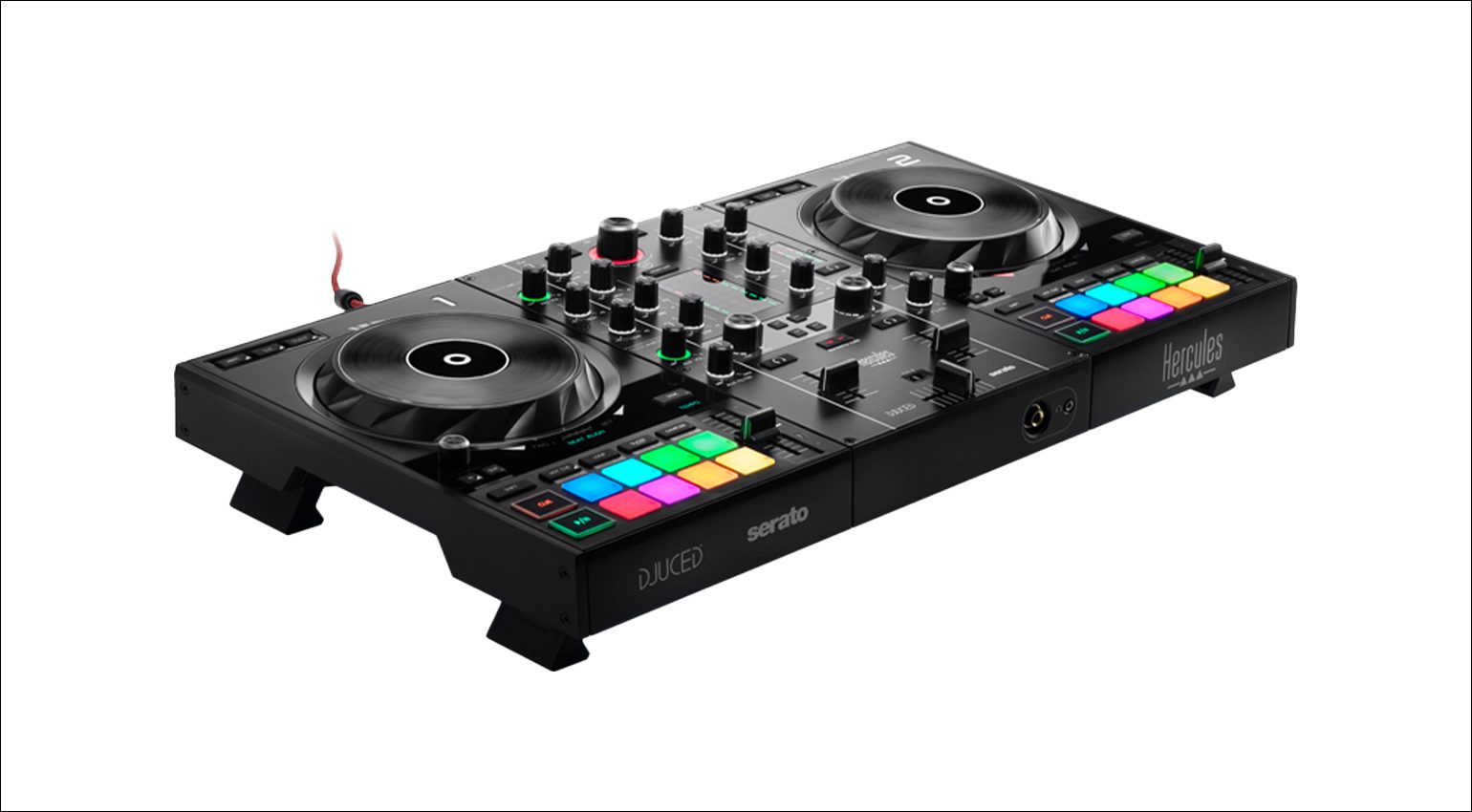
Honestly almost hard to believe, but for around €179 you get the Hercules DJ Learning Kit MK2, and that basically covers everything you need for your DJ Setup to get a real feel for the whole thing. The complete package includes the DJ Control Inpulse 200 MK2 controller, a small pair of speakers (DJ Monitor 32), and the HDP DJ45 headphones.
The controller does most of the heavy lifting here, offering two decks and a 2-channel mixer, the basics you need for a mix. Two touch-sensitive 90mm jog wheels handle deck control and give you a little bit of that vinyl feeling. Four pads cover key functions like hot cue, roll, FX, or sampler, backed up by loop in and loop out buttons. That covers the essential functions right there.
The controller connects to your computer over USB 2.0, with music coming from either Serato DJ Lite or DJUCED software. Sound comes out through the controller’s built-in audio interface, that’s where you’d plug in speakers or a party PA.
Headphones (like the included pair) plug into the dedicated jack. And that’s really it, you’re ready to go.
Even though this set is on the cheaper side, kids and beginners alike can genuinely get into it and pick up the fundamentals of modern DJ tech. Bigger, pricier gear ultimately runs on the same core principles anyway. The package also comes with a “DJ Academy,” full video tutorials plus built-in interactive help.
For a first DJ setup, the Hercules DJ Learning Kit MK2 is a genuine budget pick. Go ahead and check the reviews at Thomann* / Sweetwater*.



A Few Recommendations for Your First DJ Setup
Now let’s look at a few DJ controllers and basic sets that step things up a notch while staying reasonably priced.
The established way to DJ these days is mixing digital audio files. The music comes either from USB sticks or a computer, and with the right hardware or software support, sometimes directly from popular streaming services. CDs and DVDs are basically obsolete at this point, and gear built around them is really only available used.
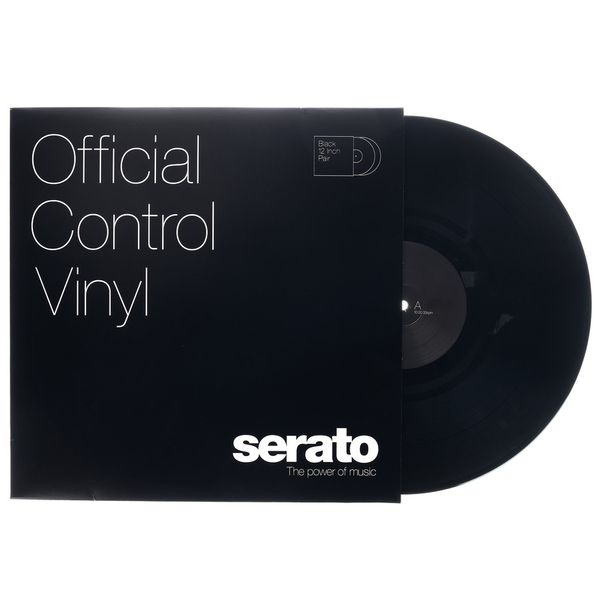
If you’re more of a traditionalist, turntables are still an option, and you can even play digital files like MP3 or WAV through so-called DVS systems. That requires an interface that syncs a control signal coming from special control vinyl records with your DJ software (like Serato DJ), enabling precisely timed digital playback. Some controllers or DJ mixers already have this interface built in. Turntables probably only appeal to a smaller crowd of vinyl fans as a first DJ setup, but here are two sets with turntables anyway.
Native Instruments Traktor MX2, Hercules DJControl Impulse 500, Roland DJ-202
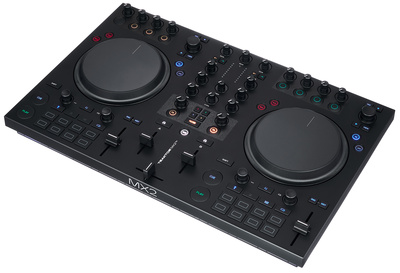
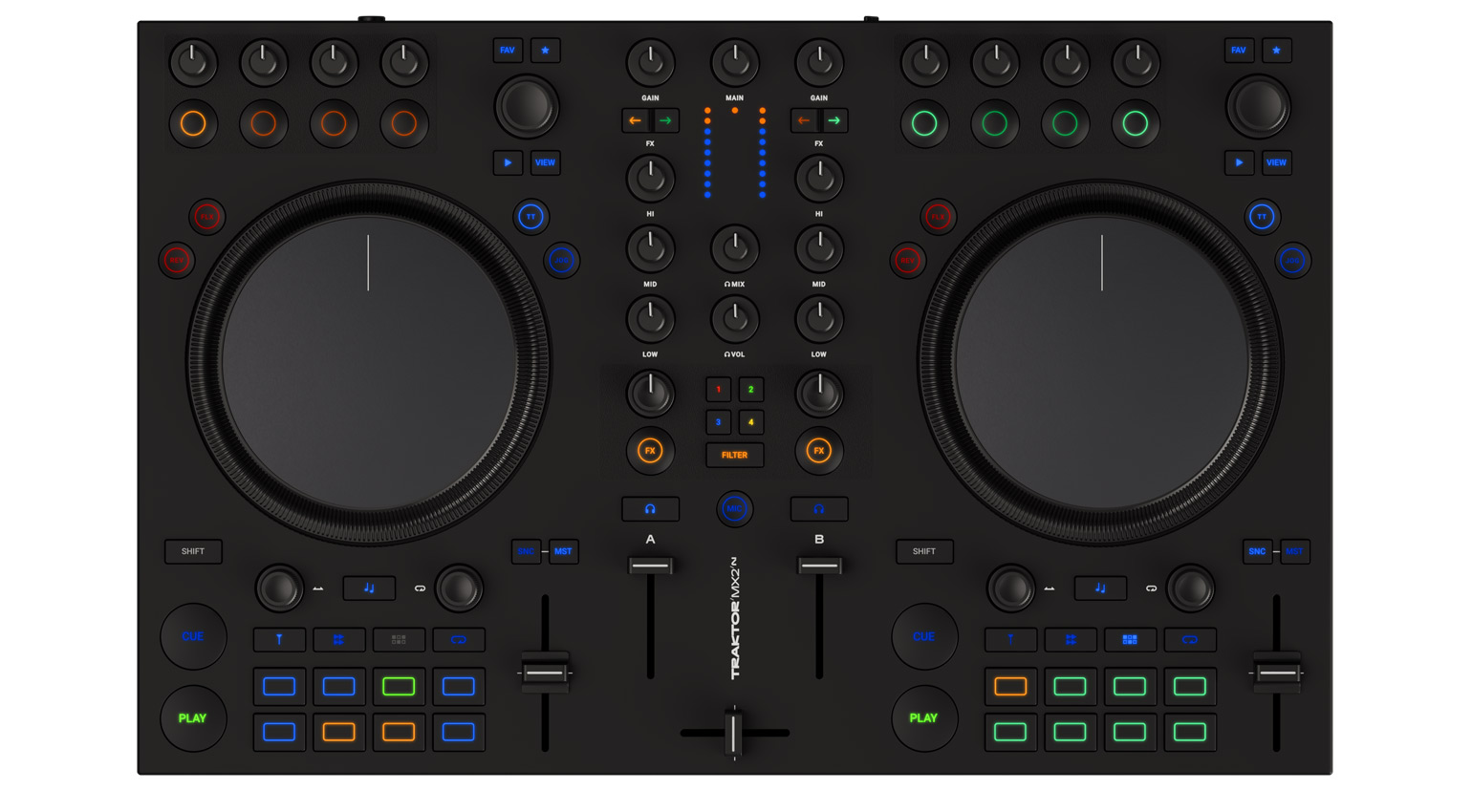
A compact and affordable entry point is Native Instruments Traktor MX2* (Sweetwater*), a DJ controller that works alongside your computer and the included Traktor Pro 4 software. The controller itself has two RCA outputs built right in for outputting your mix.
This two-deck controller packs a bunch of popular features, including stem mixing, isolating parts like vocals from a track on the fly. Its compact size also makes it easy to just toss in a bag and bring to a party.

The Hercules DJControl Inpulse 500* (Sweetwater*) offers comparable features, except it runs on the popular Serato DJ software instead (both Serato DJ Lite and DJUCED are included). It also adds a master output not just via RCA but also as a big 1/4″ jack, plus an aux input for easily bringing in an external signal.
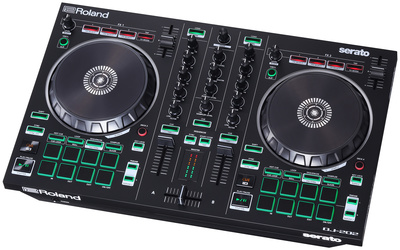
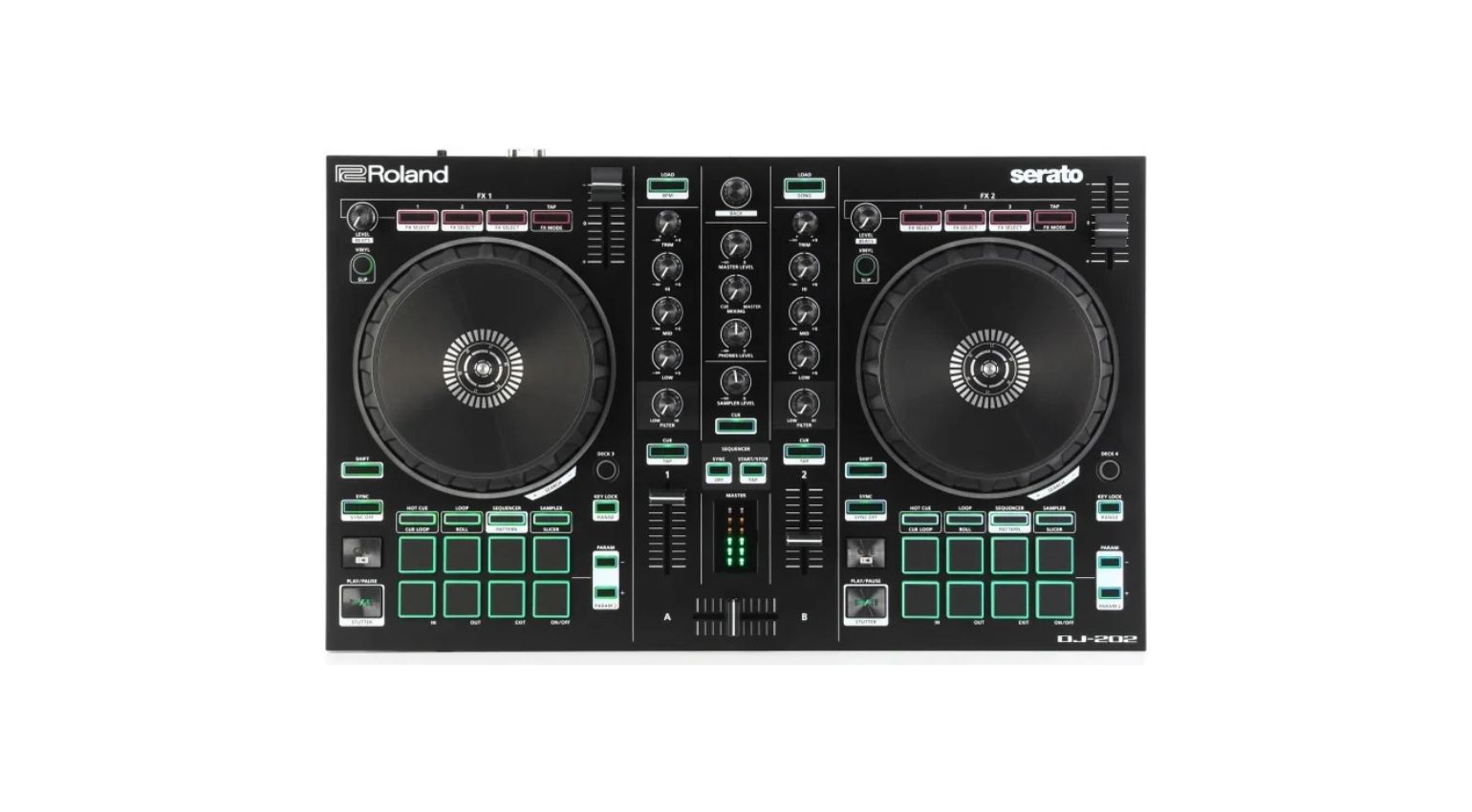
The Roland DJ-202* (Sweetwater*) is another affordable 2-channel DJ controller, built for Serato Intro and supporting 4-deck mixing. What’s genuinely interesting here are the built-in drum kits, loaded with sounds from the company’s own classic drum machines (TR-808, TR-909, TR-606, TR-707), plus a MIDI output for syncing external gear with your audio tracks, features that aren’t typical for DJ controllers at all.

Denon DJ Prime GO+ and Numark Mixstream Pro GO: Battery-Powered Controllers
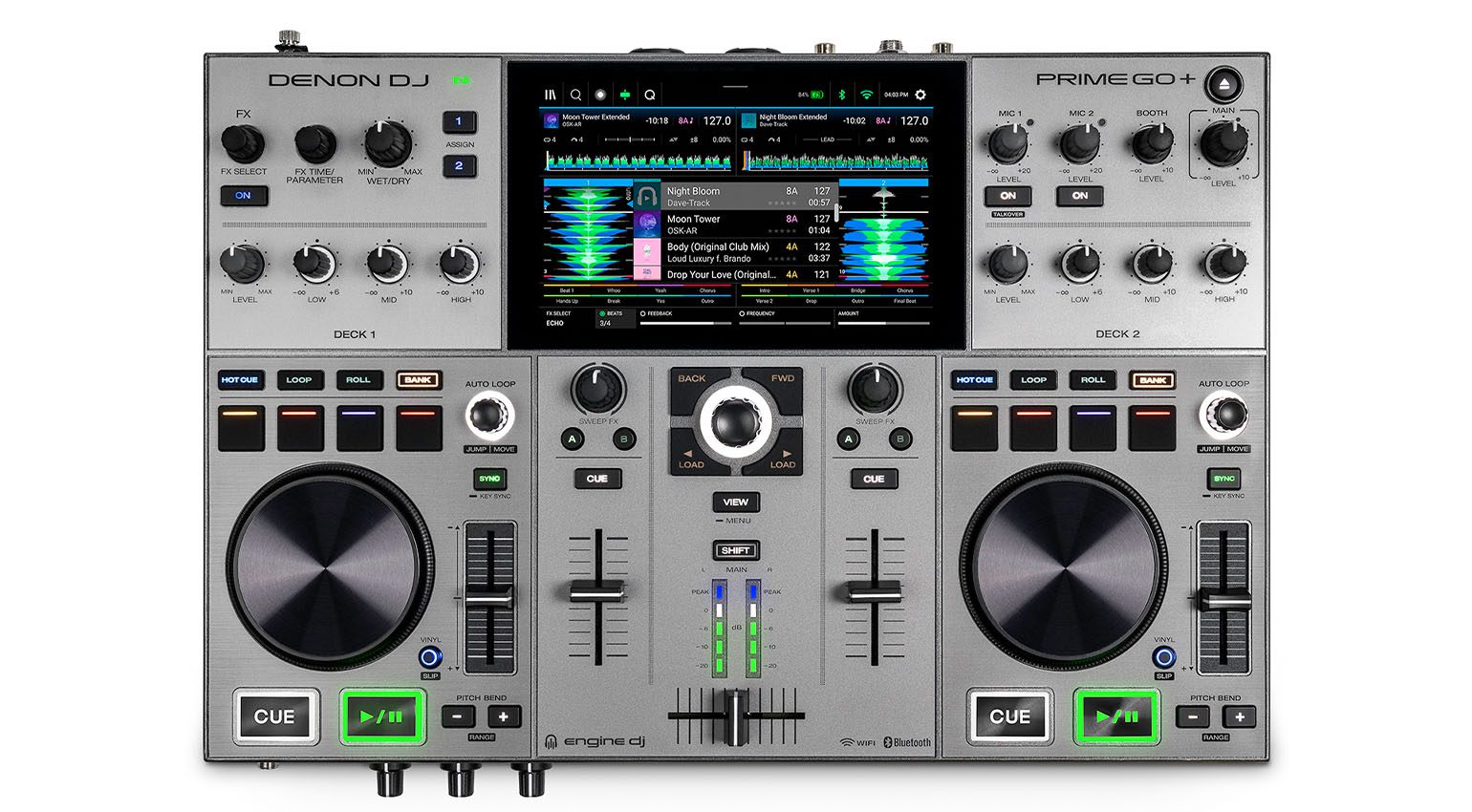
An interesting standalone controller comes from Denon DJ with the Prime GO+, which packs a built-in battery so you can set it up literally anywhere. No computer required, music instead comes from USB sticks or SD cards. An aux input lets you bring in external sources, and built-in Wi-Fi plus support for the major streaming services gets you access to a massive music library with the right subscription.
With its 7-inch touchscreen and two decks, this controller already gives off some serious modern club-hardware energy, even if some folks might miss having dedicated performance pads. Prime GO+ puts mobility front and center, making it a genuinely flexible option. The case bundle available at Thomann* / Sweetwater* even throws in a matching case for transport.

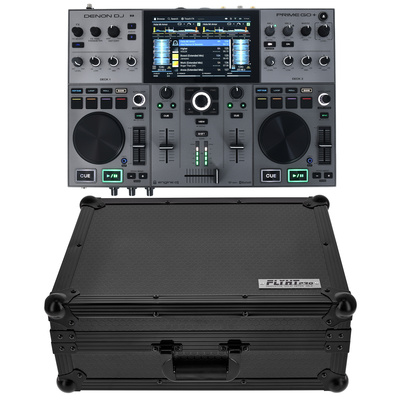
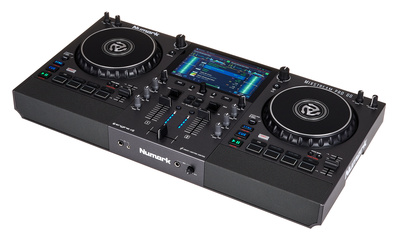
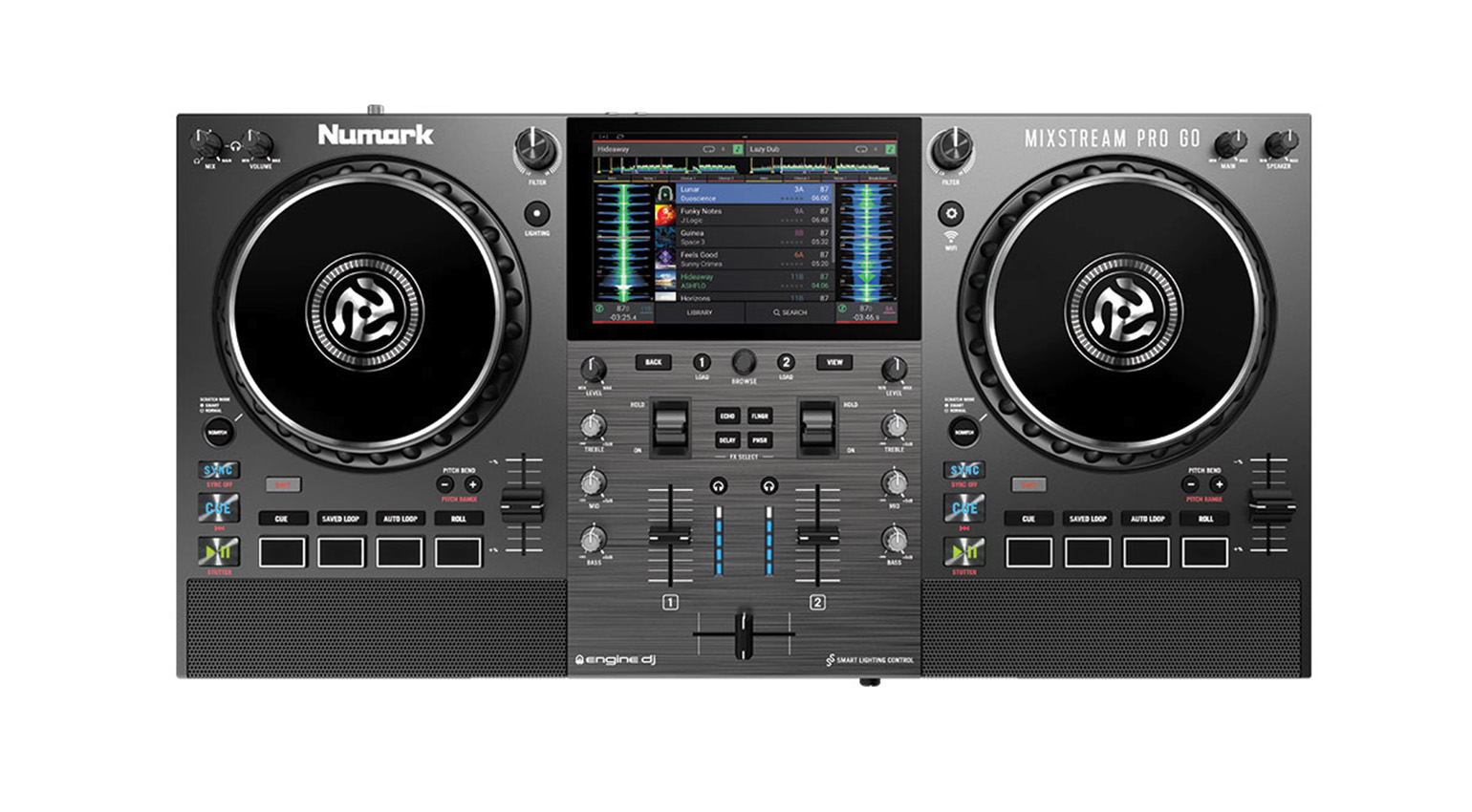
Numark takes a similar approach with the Mixstream Pro GO, which even has a built-in speaker. That’s genuinely cool if you want to learn mixing without needing to hunt down extra speakers. There’s no input for external signals here, but the output comes in two flavors, alongside RCA you also get an XLR out.
Numark Mixstream Pro GO also works great as a first DJ setup that still hits a fairly professional standard and gets ready to roll at any party in minutes. Grab the controller here at Thomann* / Sweetwater*.

Numark Scratch LP140 Black Bundle for Aspiring Vinyl Battle DJs
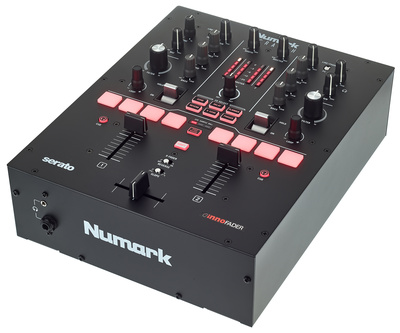
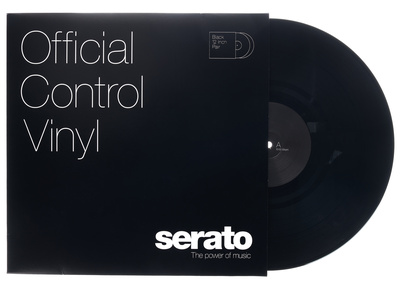
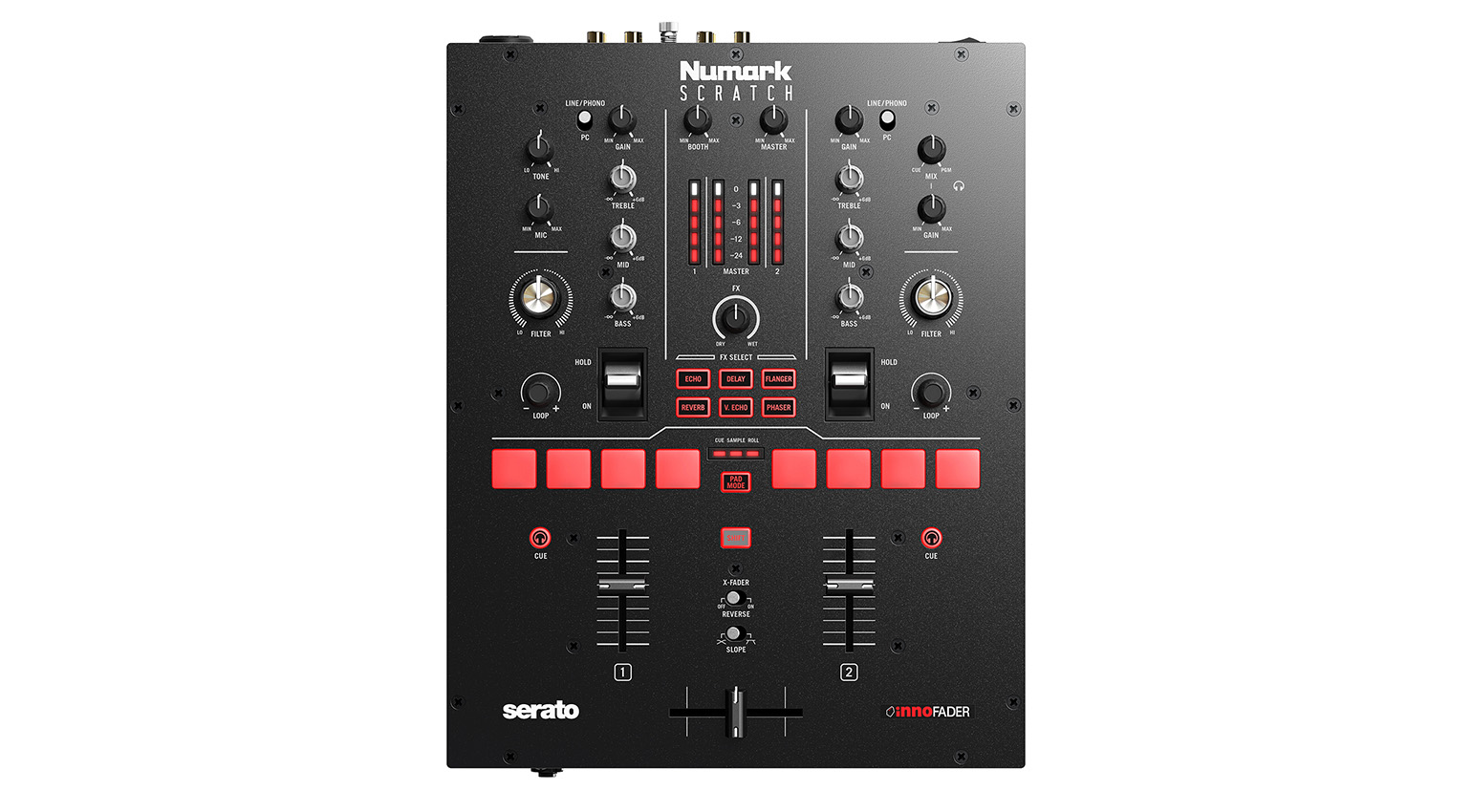
For a first DJ setup with turntables, the Numark Scratch LP140 Black Bundle packs a lot into a relatively small price tag. The Numark Scratch 2-channel battle mixer is built for Serato DJ Pro with DVS license, so you can play digital tracks alongside vinyl with separately available control vinyl records. The mixer itself gives you access to hotcue, sample, and loop control, all tied into Serato DJ Pro, which comes included.
For control via the separately purchased timecode vinyl, an audio interface is already built in. So you just hook up the turntables, connect your laptop, fire up Serato DJ Pro, and you’re off.
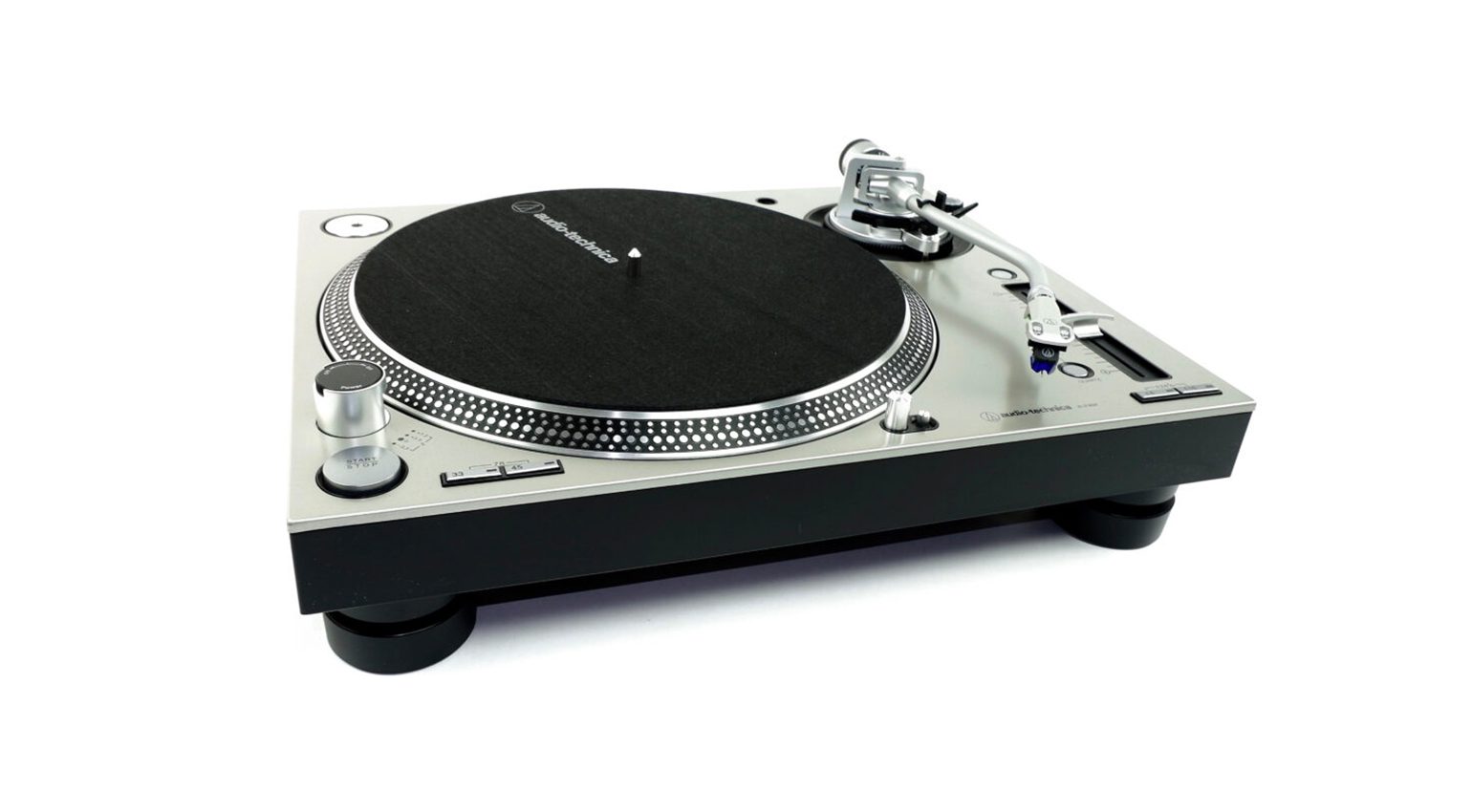
The two Audio-Technica AT-LP140XP Black turntables included in the bundle are a budget-friendly alternative to the more established and considerably pricier models from Technics or Pioneer DJ, but deliver a genuinely comparable feel already. Because the overall price stays reasonable while still packing real performance, the Numark Scratch LP140 Black Bundle is a solid pick as a first DJ setup for beginners who’ve got a heart for vinyl and scratching. Available here at Thomann*, you’ll just need to grab the control vinyl separately here at Thomann* / Sweetwater* too.

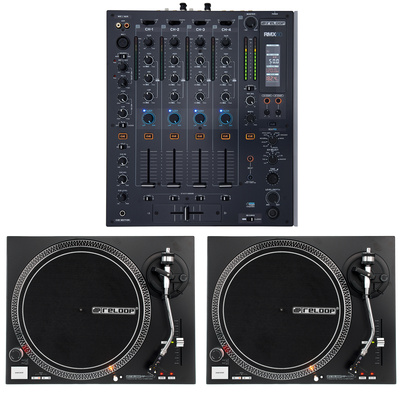
Reloop RMX-60 RP5000 Bundle: Club Feeling With Vinyl
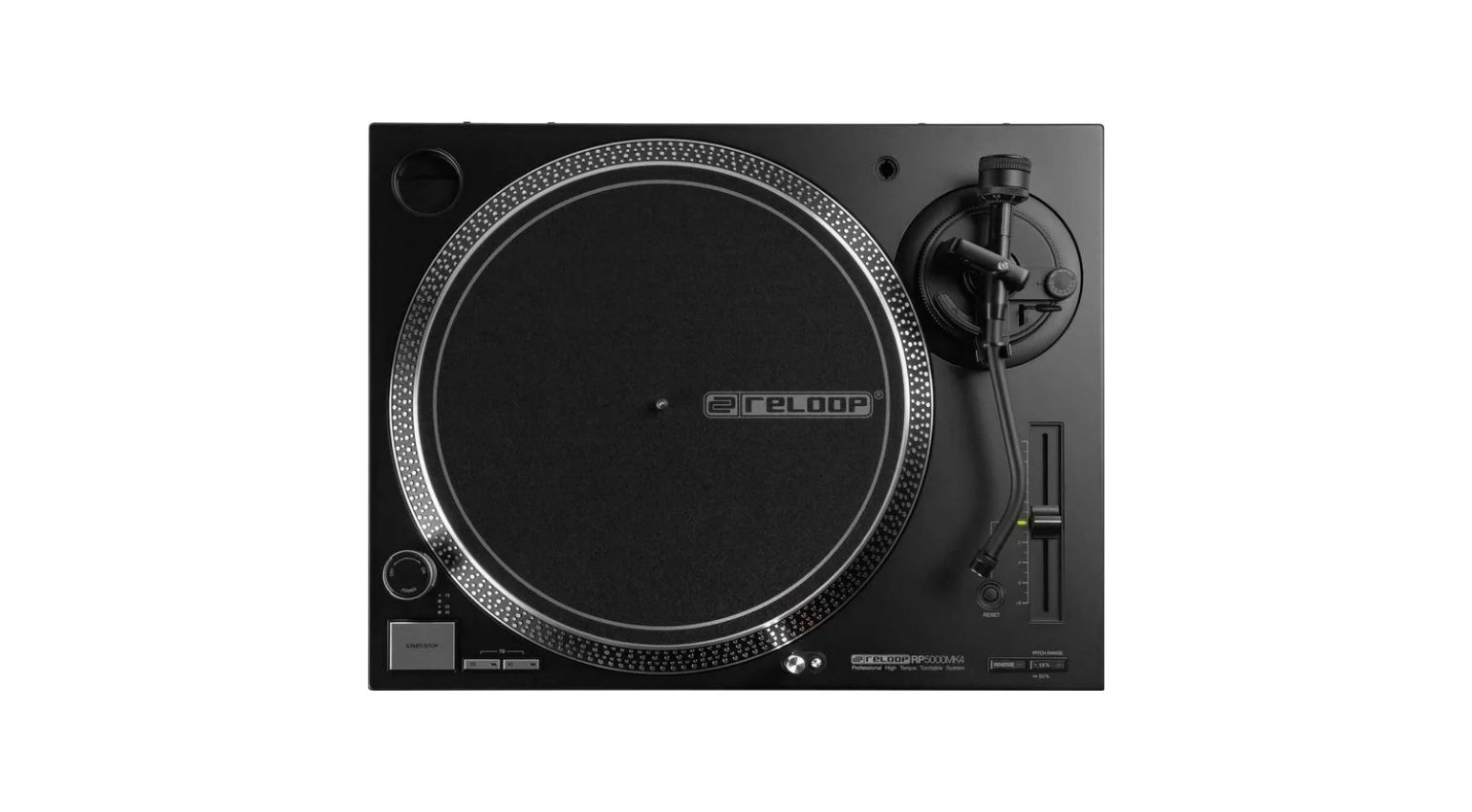
If you love vinyl but aren’t really into battle-style scratching and cutting, the Reloop RMX-60 RP5000 Bundle gives you a great setup built more around classic club-style mixing. Worth noting here too, the overall price for a DJ setup with two turntables stays pretty reasonable.
The 4+1-channel mixer runs on digital tech, which means clean sound and plenty of flexibility. Feature-wise, it covers pretty much everything you’d find on far more expensive DJ mixers. Channel strips, crossfader, EQs, filters, effects, all there. Inputs handle CD and line signals, and two channels get phono inputs for turntables, exactly where the bundled turntables plug in.
The Reloop RP5000 MK4 is a quartz-controlled turntable that’s essentially an affordable take on the legendary Technics SL-1200, and actually offers a wider pitch range in comparison, plus the ability to play vinyl in reverse. That gives aspiring vinyl DJs the chance to practice every technique that matters for playing with records. Grab the set here at Thomann* / Sweetwater*.

Headphones Are Essential Tools for DJs
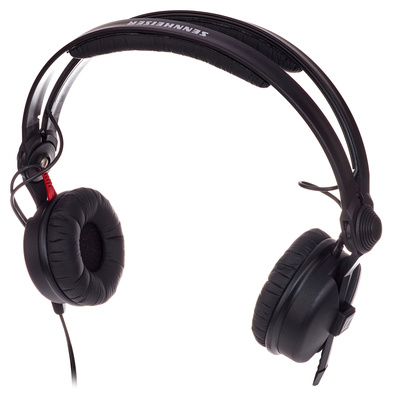
Even though a lot of today’s DJ controllers and media players come with features like tempo displays or auto-sync that make mixing easier to pick up, a proper pair of DJ headphones is still one of the most essential tools any DJ owns. Cueing up the next track is a big part of why.
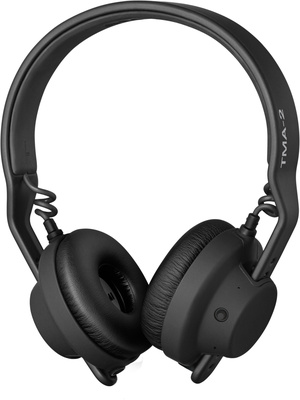
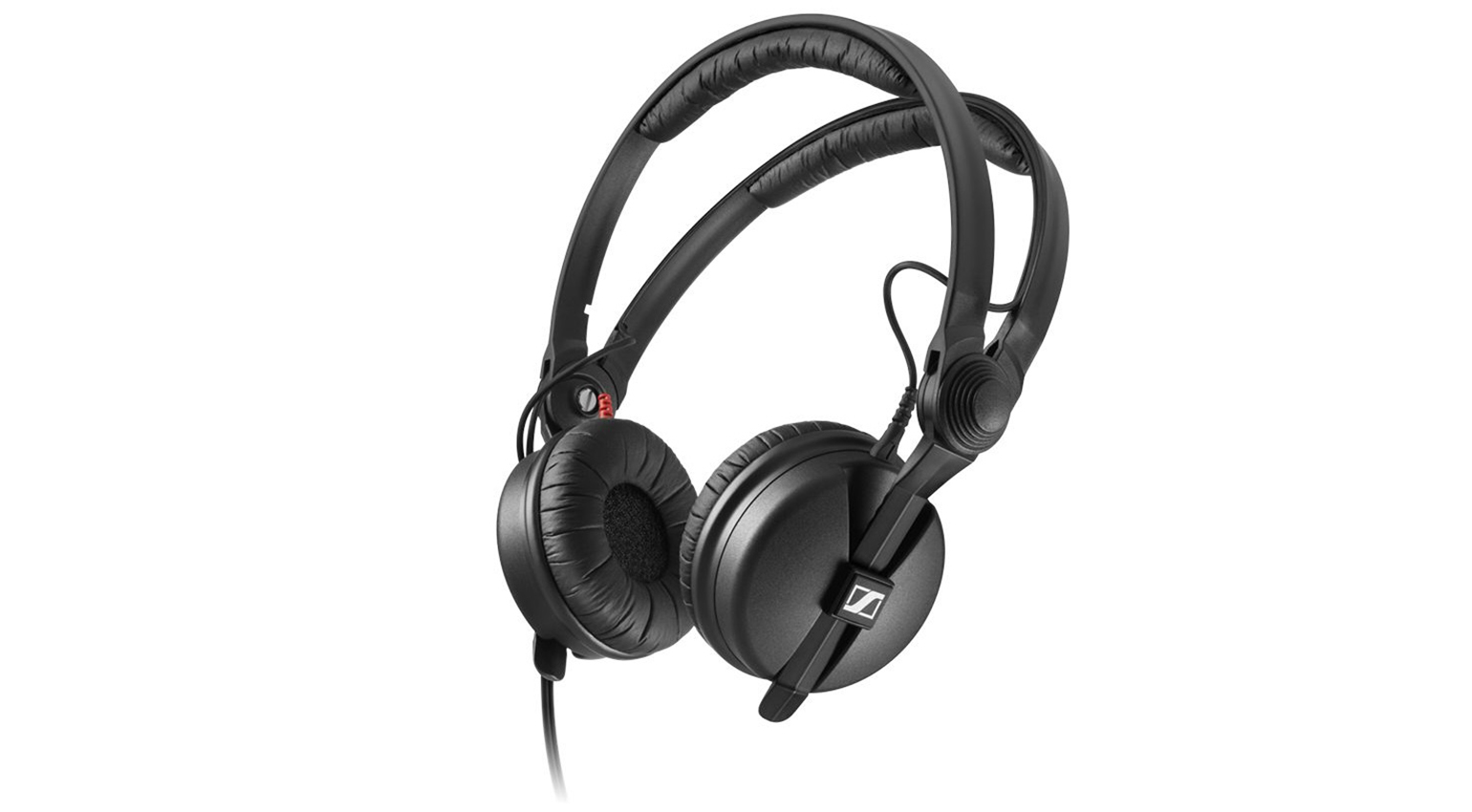
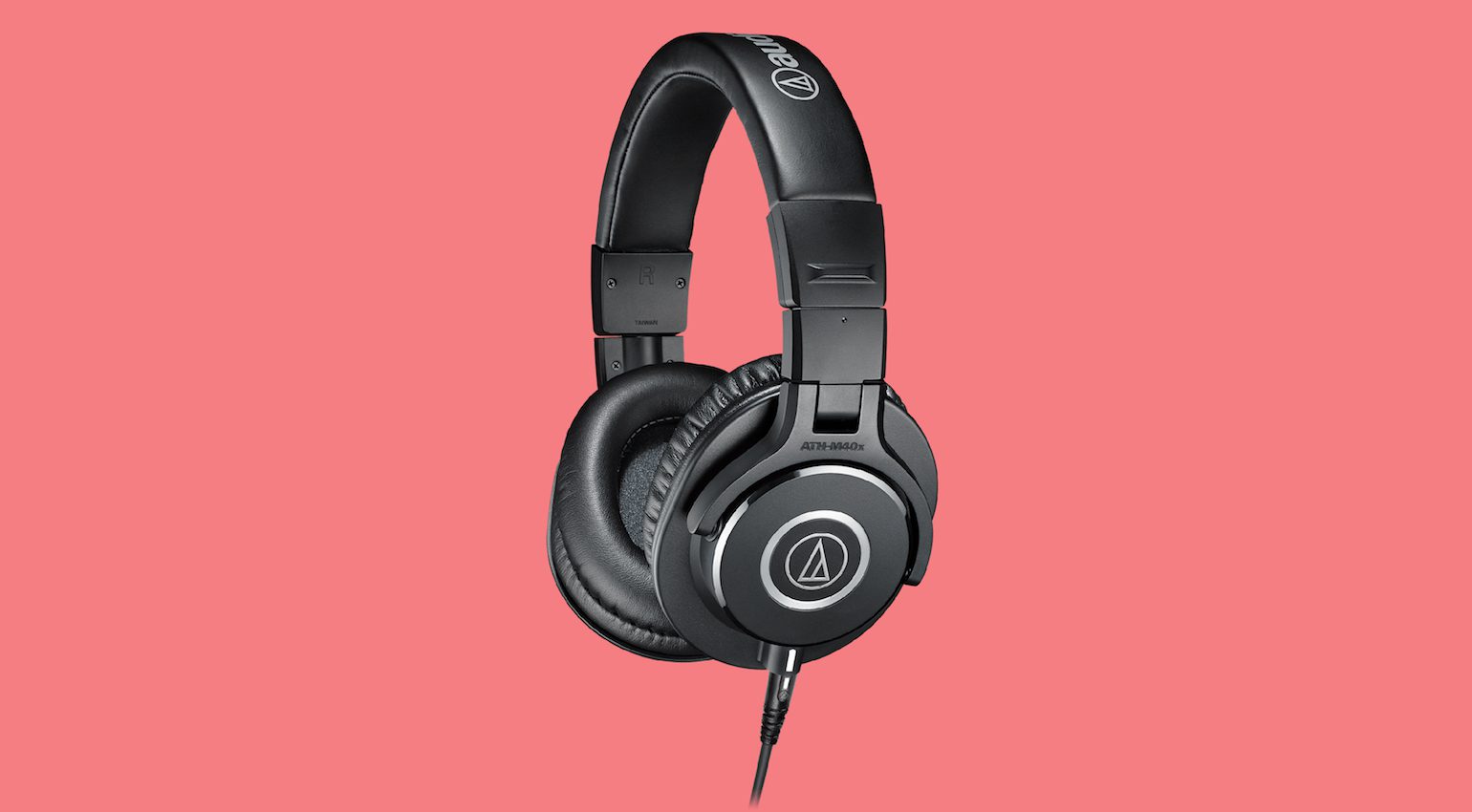
And for more traditional mixing, manually matching tempo and starting the next track at exactly the right moment, DJ headphones are simply mandatory. A good pair should represent the low end well, since that’s what helps DJs lock onto the beat. Enough volume headroom matters too, especially for club, stage, or party use. Solid isolation from outside noise is another important trait, and comfort obviously plays a role too.
There are even wireless DJ headphones on the market these days. They don’t rely on Bluetooth, which would be far too slow, but on a dedicated wireless connection instead. That said, the standard, tried-and-true way to connect DJ headphones is still a cable.
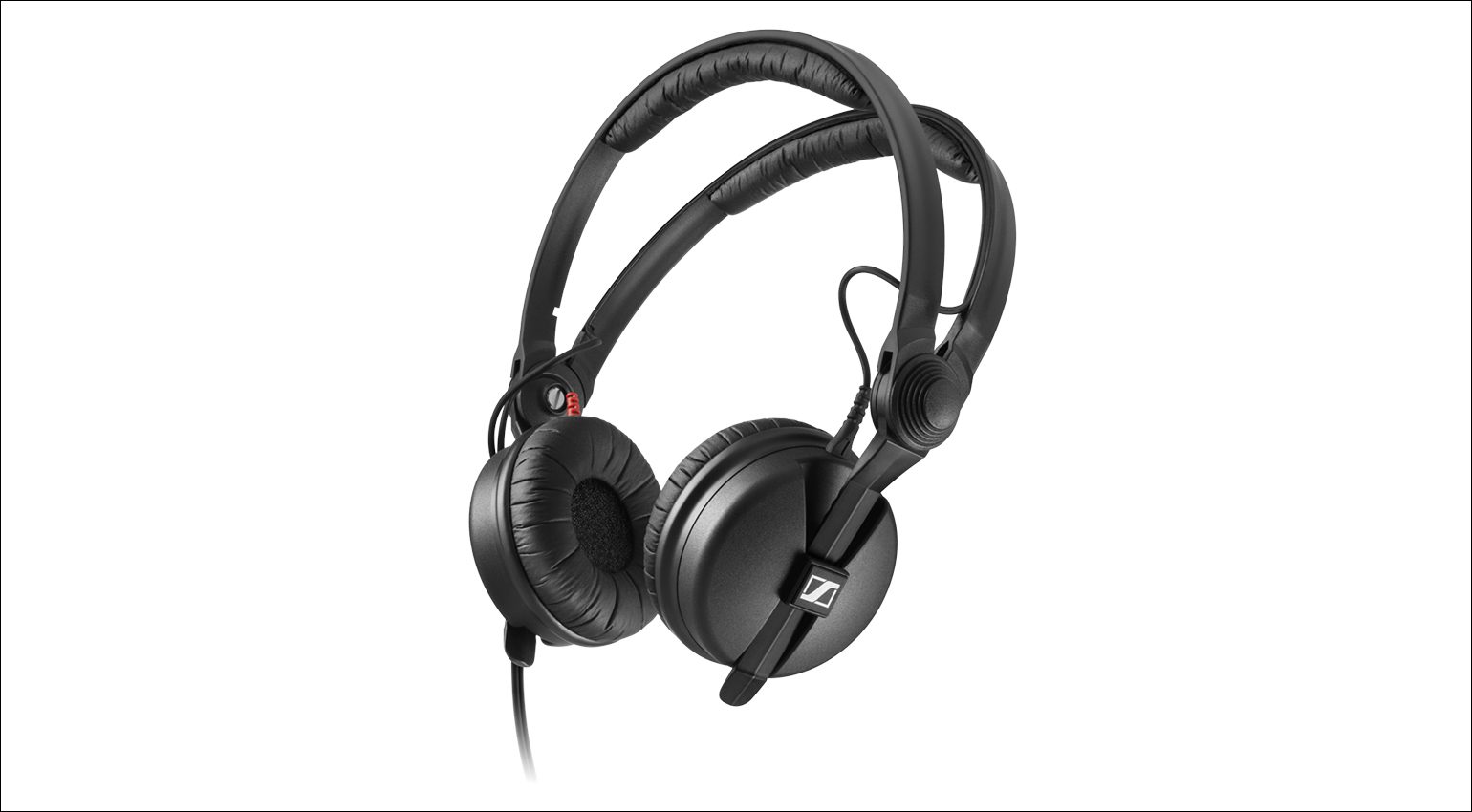
Here’s a quick overview from Thomann* (Sweetwater*) of DJ headphones we’d recommend for a first DJ setup, and you’ll find even more picks in this buying guide.

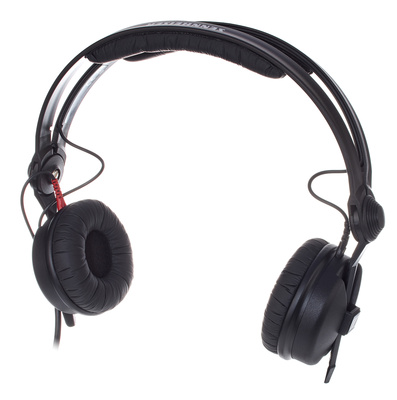

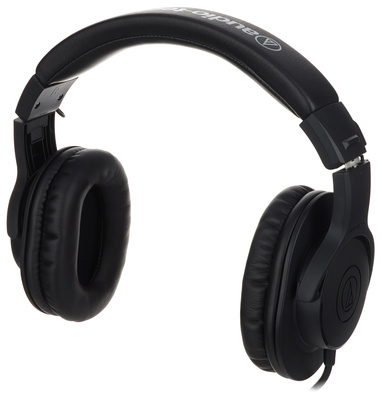
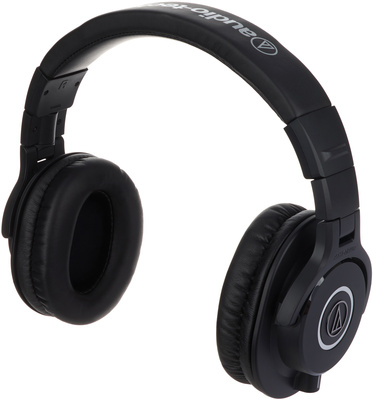

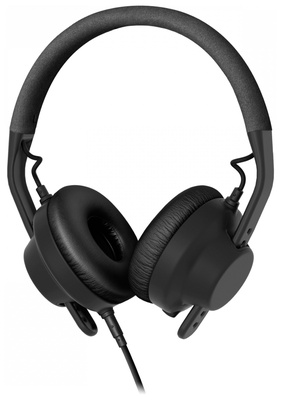

Active Studio Monitors as Speakers for a First DJ Setup
Speakers are essentially non-negotiable for a DJ setup. And this isn’t about annoying your neighbors, it’s about actually being in control of your mix. While headphones handle cueing and prepping the next track, the speakers are where you actually hear the mix itself.
In a club, there’s usually at least one monitor speaker dedicated to this job, while the crowd hears everything through the PA. Speakers aimed directly at the DJ serve a genuinely important function.
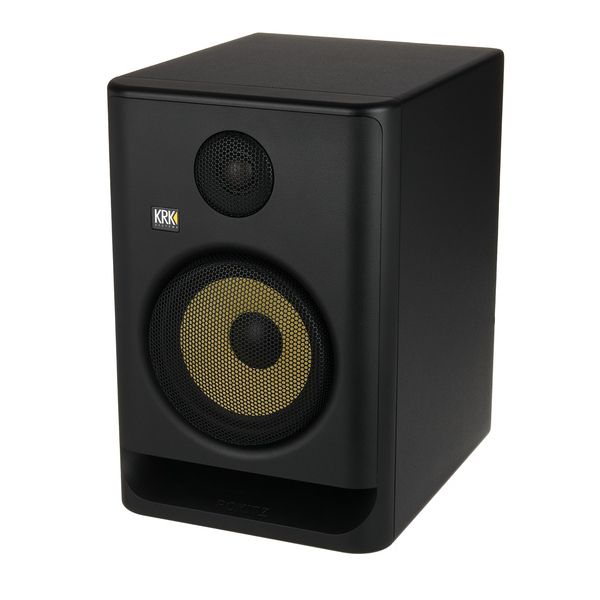
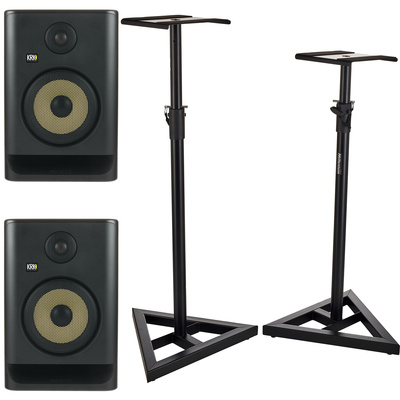
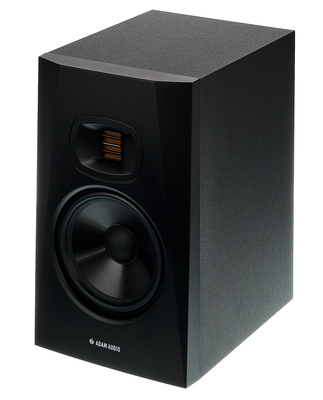
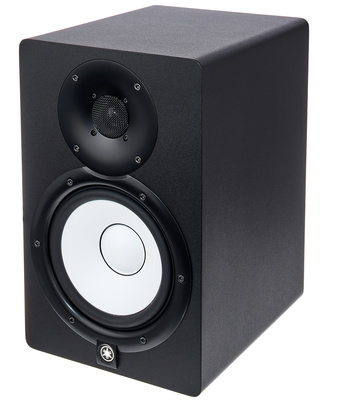
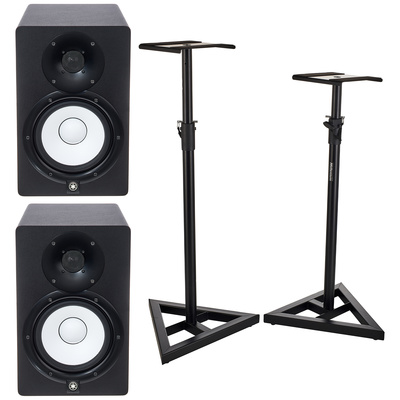
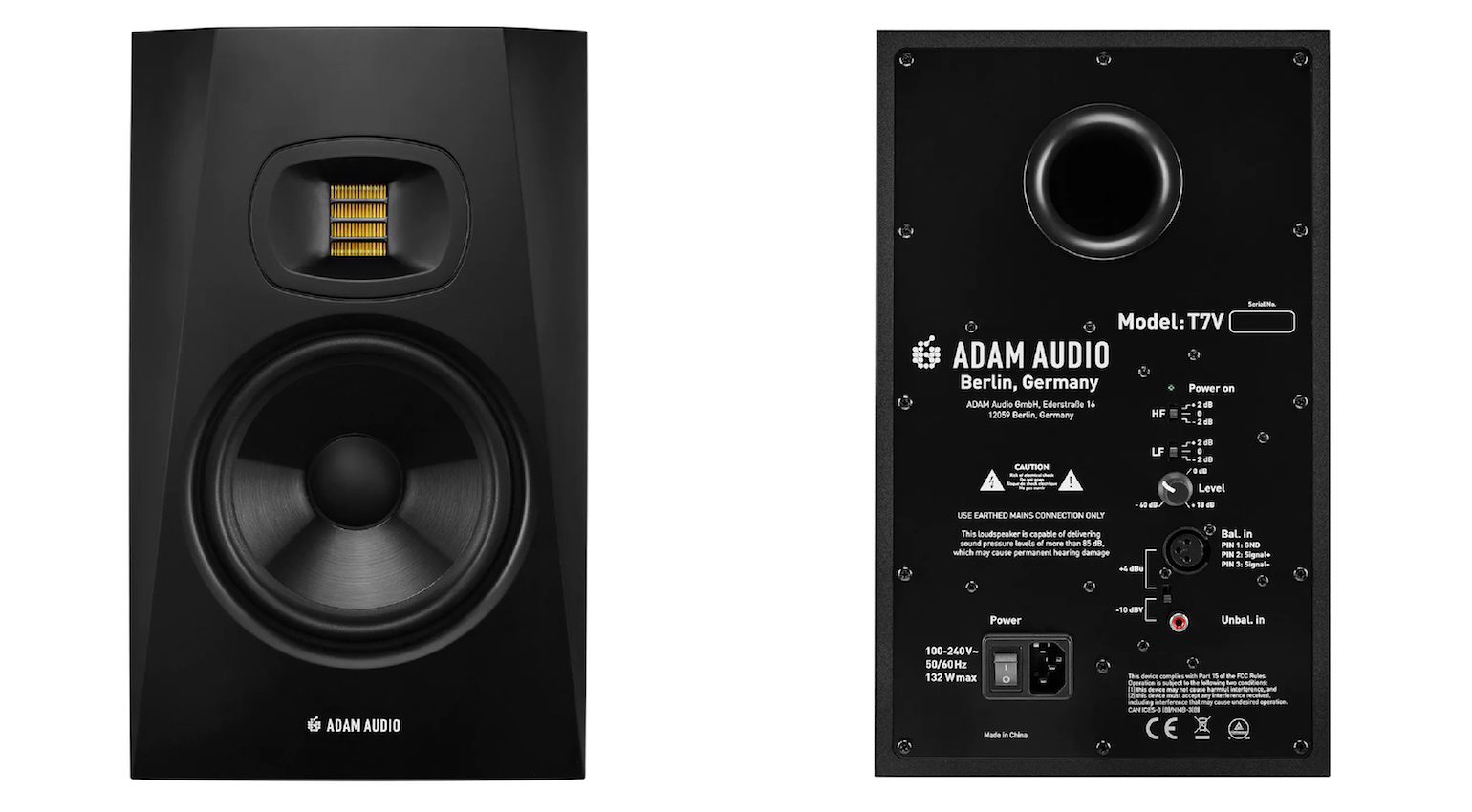
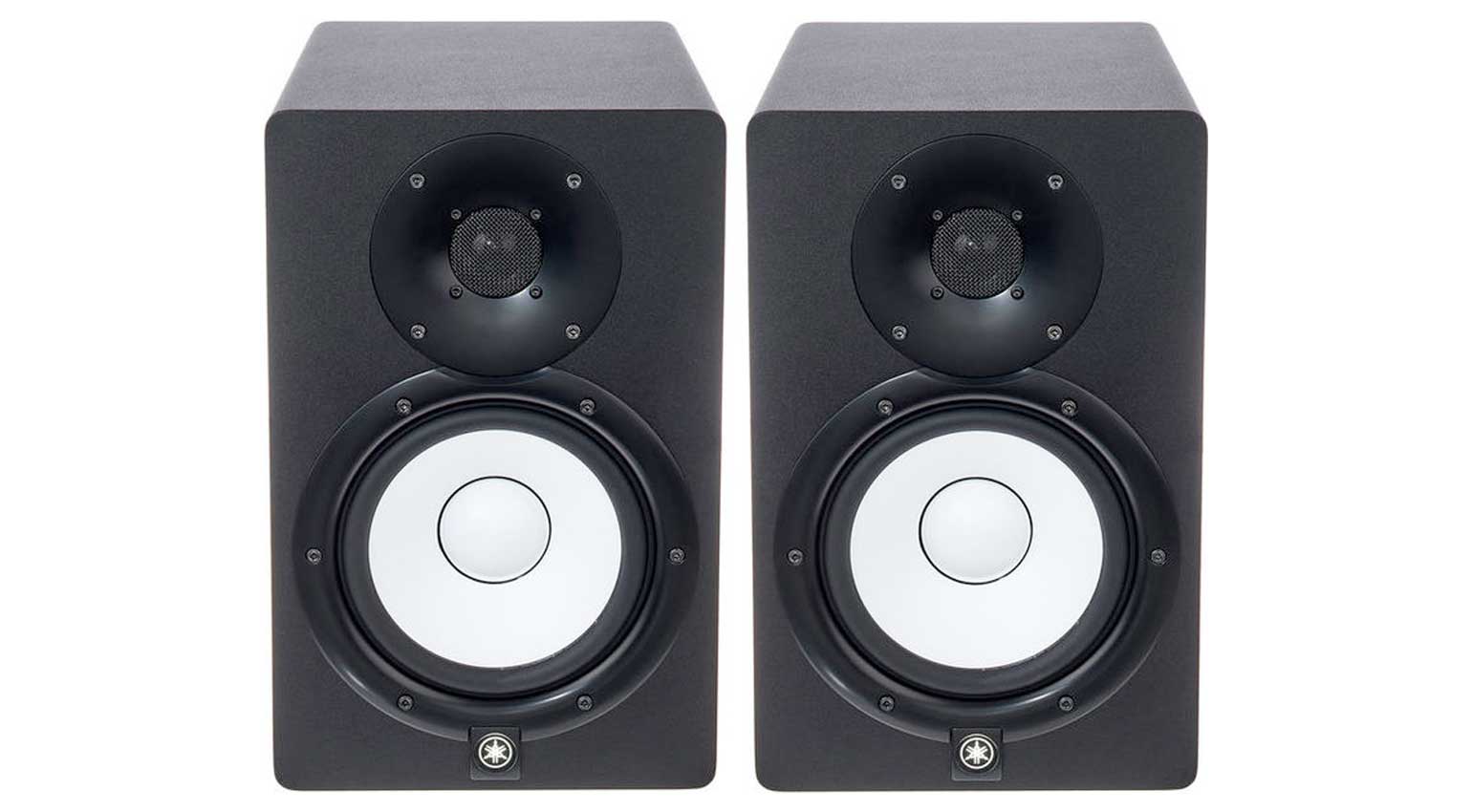
Here are a few studio monitors that, in our experience, work great for mixing at home and therefore for a first DJ setup. You don’t need a separate amp for these, you can go straight from your DJ controller or mixer into the speakers. You might need extra cables depending on the outputs on your DJ gear and inputs on the speakers, usually either RCA or 1/4″ cables. Thomann* / Sweetwater* has a massive selection, and you can filter specifically by length and connector type.
Active near-field monitors tend to have a more neutral tonal character. That’s genuinely useful for keeping a mix sounding balanced for a recording. On top of that, monitors like these also work great for music production or building remixes and edits, since a lot of DJs these days are producers too.
When picking studio monitors for a DJ setup, make sure the bass comes through properly. Woofers starting at 5 inches are a decent baseline, 7 inches is even better. Having tone-shaping options on the speaker itself is a nice bonus too.
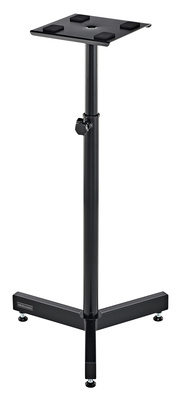
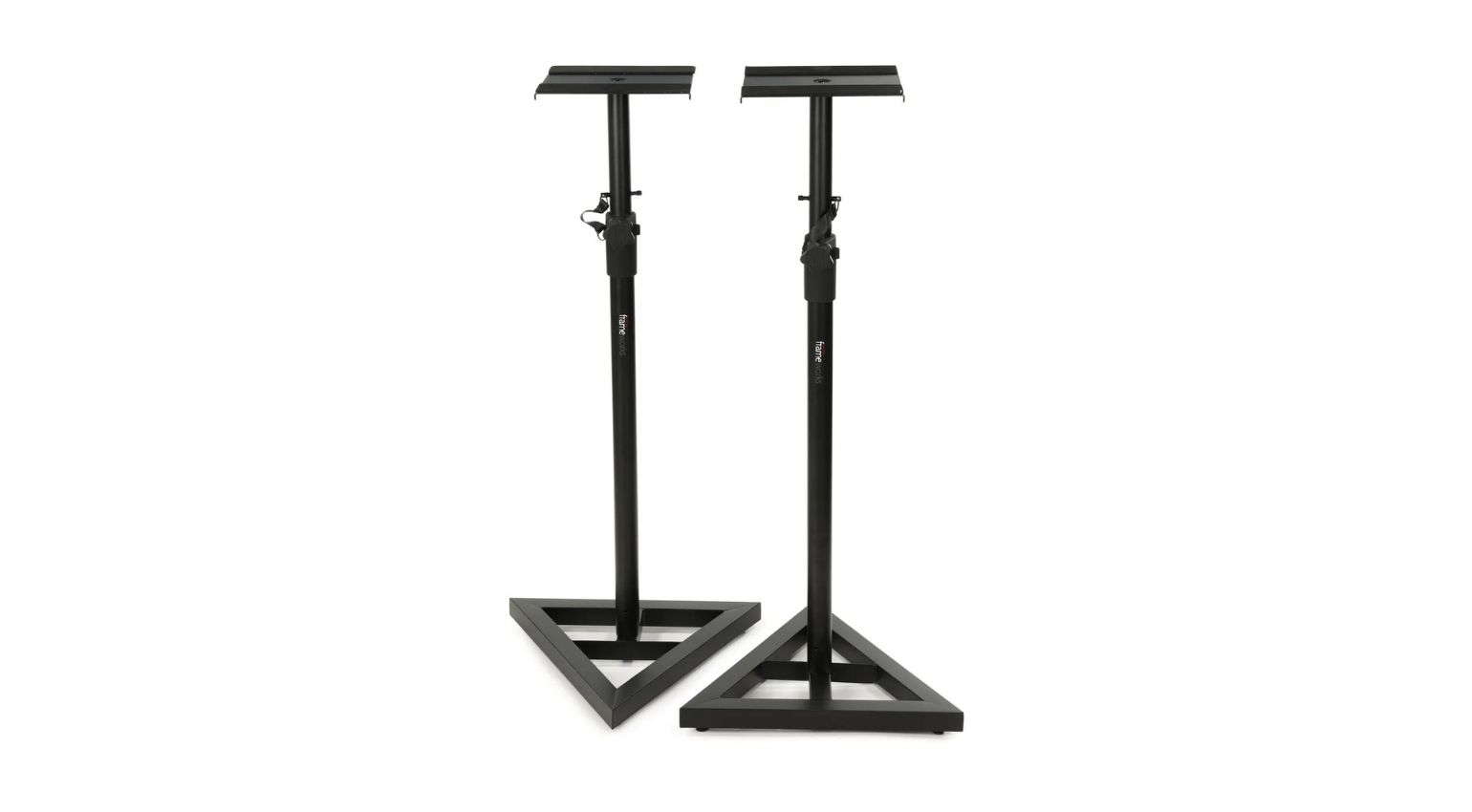
Near-field monitors are technically designed for a fairly short distance between speaker and listening position, and with most DJ setups, that’s exactly where they end up anyway, right next to the gear. Stands like the Millenium BS-1100 available at Thomann* come in handy for positioning the speakers properly.




Additional Accessories
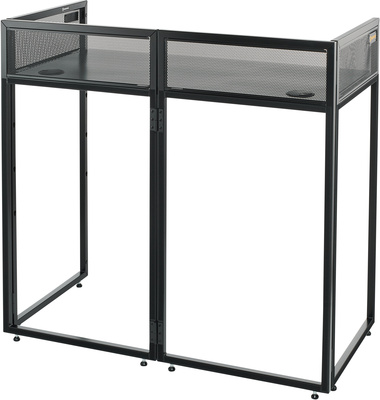
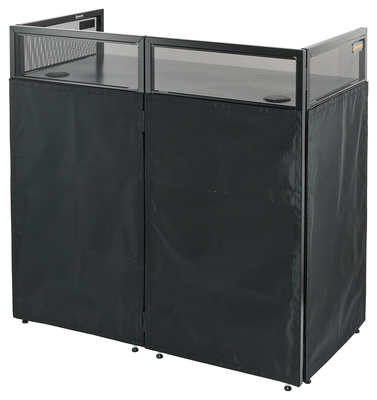
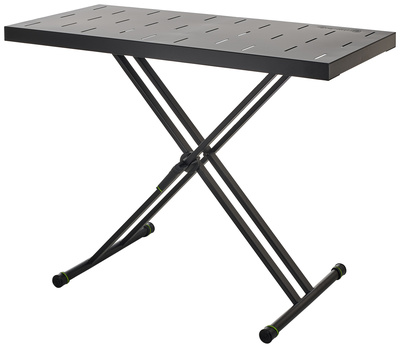
Once you’ve got a first DJ setup put together, there’s usually a few extras worth grabbing too. Dedicated furniture is probably the first thing that comes to mind for a lot of people. Unless a regular desk or a repurposed piece from Ikea is your thing, dedicated DJ furniture offers genuinely practical solutions for setting up your gear. Some products are quick to set up and break down, others work better as a permanent setup.
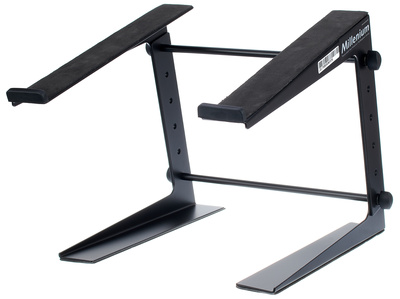
Laptop stands can be handy too, keeping your computer close to your controller or mixer without eating up much space. Protective covers for your controller or mixer are worth the investment as well. There are also plenty of cases available for records, CDs, and other media, along with cases for transporting controllers and mixers. Thomann* / Sweetwater* has a huge selection of DJ accessories.


More Links to Thomann and More on Gearnews
- DJ Controllers Thomann* / Sweetwater*
- DJ Mixers Thomann* / Sweetwater*
- DJ Headphones Thomann* / Sweetwater*
- Turntables Thomann* / Sweetwater*
- DJ Accessories Thomann* / Sweetwater*
- DJ Equipment Thomann* / Sweetwater*
- Active Near-Field Monitors Thomann* / Sweetwater*
- More From the DJ Zone
- The Best DJ Headphones
*Note: This article contains affiliate links that help us keep Gearnews running. The price for you always stays the same! If you buy something through these links, we receive a small commission. Thanks for your support!
The post Back 2 School: Your First DJ Setup, From Budget to Pro appeared first on gearnews.com.