With AudioRoute, you can insert your system audio into a DAW channel via a plugin, assign a virtual input in any audio app, or capture as a .WAV file.
For the most part, we are limited to the routing flexibility of our audio interface when it comes to capturing and routing audio internally from one side of our system to the other. This is where AudioRoute comes in, as it functions completely independently of your audio interface.
AudioRoute
Amazingly, the software doesn’t need to use aggregate devices, so there’s no need to reconfigure your Audio MIDI Setup or combine different device drivers. The app works by discretely listening to your system playback, outside of what your audio interface I/O is doing. In addition, DAW playback is automatically detected and excluded from the capture stream to avoid feedback.
Your audio interface sample rate and buffer size remain the same, as the app harnesses the audio directly from your system’s software layer. This means your audio interface functions as it usually would, taking care of your mics and studio monitors, while your system audio is captured discretely in the background.
The workflow operates in three distinctive ways. The first option is to open the AudioRoute plugin in your DAW of choice and then capture its input on an audio track. Next, you can use the AudioRoute Input as a virtual device which is assignable in any audio app, including recording or streaming software.
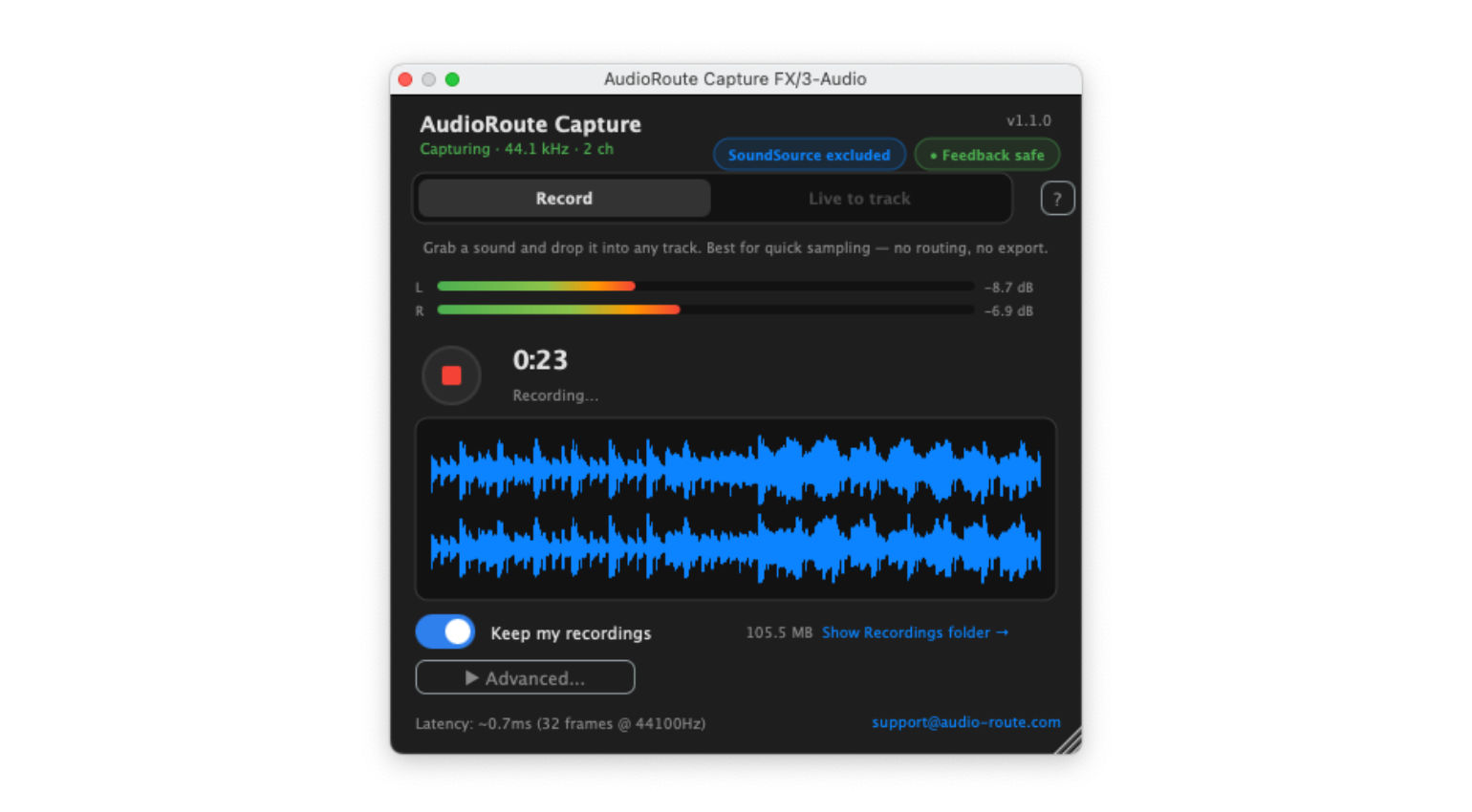
Finally, you can use the software’s Bit-perfect capture system on macOS to create a .WAV file without any sample-rate or bit-depth conversion, and digital processing of any kind, ideal for capturing online interviews and content for editing at a later stage. Overall, this is a useful tool for musicians collaborating online, live streamers, and content creators.
Pricing and Availability:
AudioRoute is available directly from the official website for €29.
More about AudioRoute:
The post AudioRoute: Flexibly Re-Route and Capture Your System Audio appeared first on gearnews.com.